

Film Emulation
For Lightroom
HIGHLIGHTS



MOTIVATION
ACCURATE COLOR FROM FILM NEGATIVES
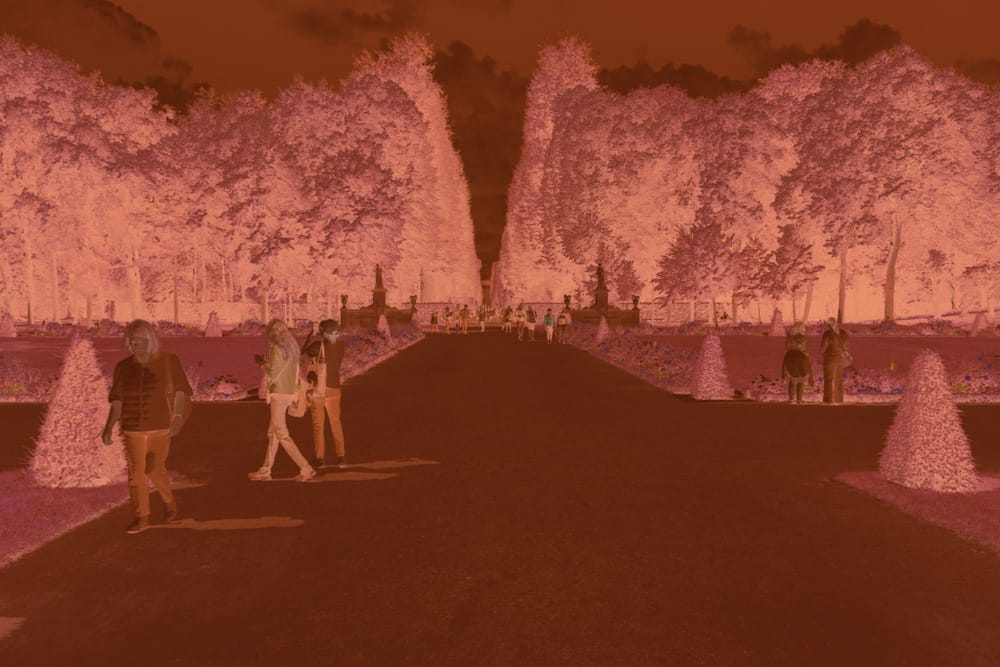
If a color negative is not optically printed onto chromogenic photographic paper, it must be digitized using a film scanner or a digital camera. This digital workflow requires software-based inversion to approximate the appearance the film would have when printed on photographic paper.
Based on this, we developed a system-agnostic workflow for high-fidelity color-negative capture and inversion. Each stage is tuned using established digital camera calibration principles to ensure accurate color and tonal reconstruction in the digital domain.

Context
NEGATIVES AS HERITAGE MEDIA IN A DIGITAL AGE

Analog to Analog
Color negatives originated during a time when the majority of photographs were printed on chemical paper.
Consequently, the inherent nature of color negatives is intrinsically linked to an optical and chemical imaging method.
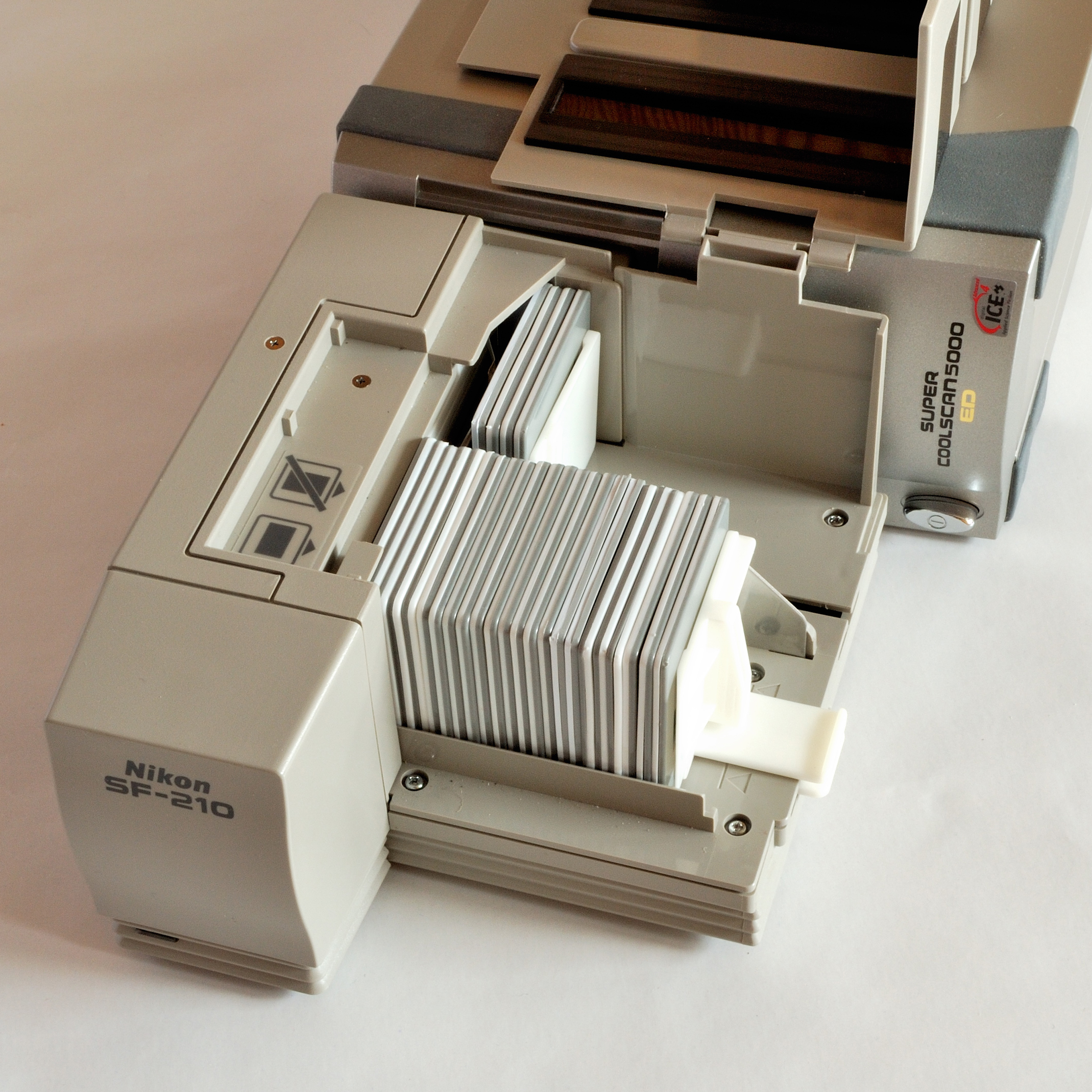
Early Digitization
Nikon introduced the COOLSCAN in 1993, a compact and affordable film scanner that democratized digital photography. It bridged the gap between digital and analog, making digital photography accessible to everyone.
Since then, film scanning hardware and software have improved in scanning speed, resolution, dynamic range, color depth, and inversion algorithms.

DIY Scanning
Digital camera scanning gained prominence in the early 2010s. While photographers could achieve satisfactory results at home, the use of various setups, cameras, processing techniques, and inversion methods added arbitrary steps to the digitization and inversion processes.
Premise
One key question remained: Is there a non-arbitrary, technically informed way to capture and invert color negatives digitally without embedding the characteristics of the reproduction system itself?
A SPECIALIZED COLOR NEGATIVESCAN AND INVERSION METHOD.
We tested multiple combinations of light sources, DNG profiles, and white balance settings until we arrived at a method that abides by our premise using a digital camera for capture. Learn about every step of the process in our video tutorial. We also created a simpler, universal method, compatible with any raw capable digital camera without DNG profile dependencies.
capture
NEGATIVE SCANNING
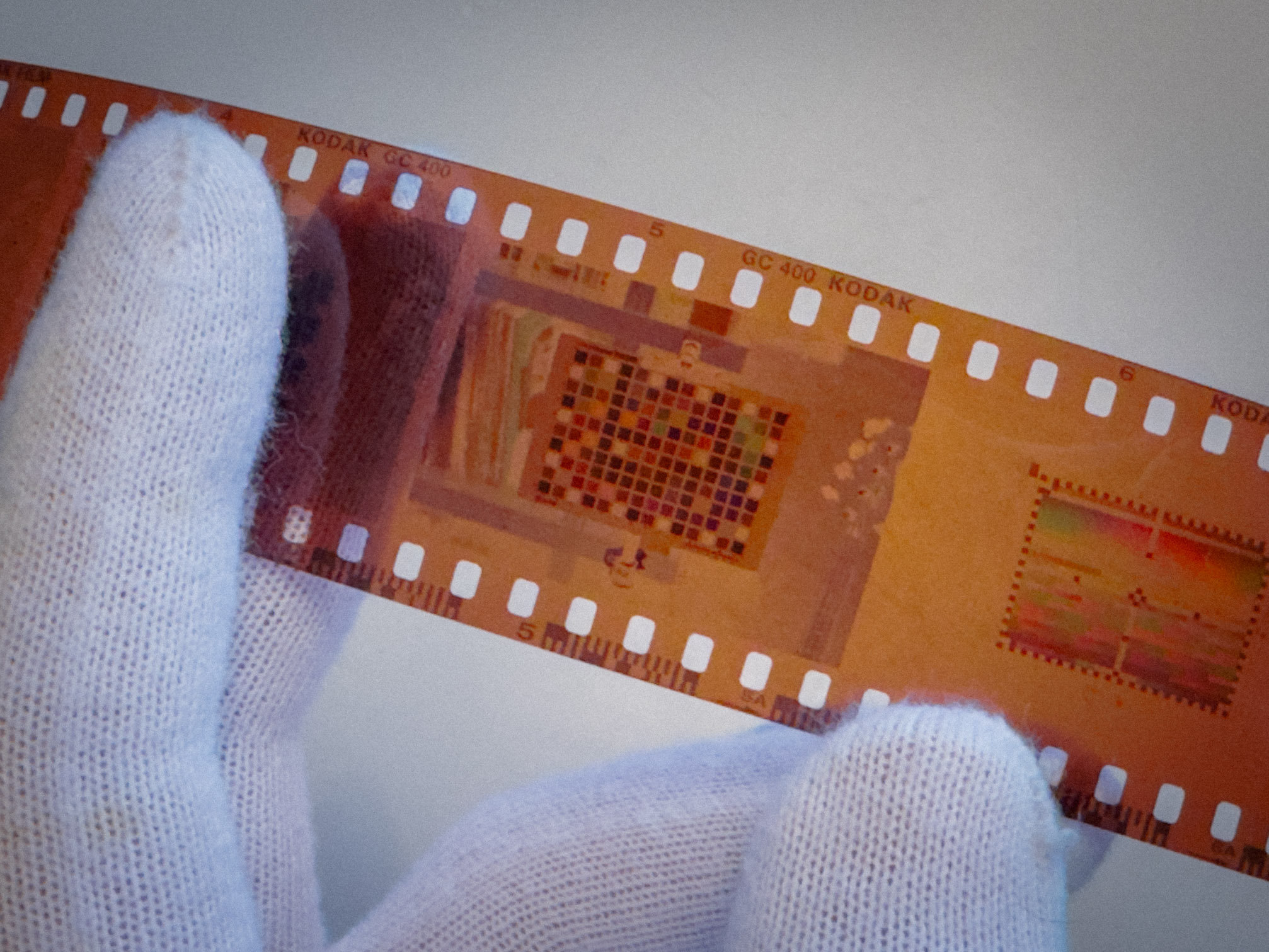
Our specialized method captures the negative under controlled circumstances, akin to artwork reproduction. Color accuracy is kept in check throughout the entire pipeline.
- Proven DSLR capture with dedicated film scanning hardware.
- Constant, uniform illumination with studio-grade wide-band LED sources.
2. Processing
CALIBRATED COLOR WORKFLOW
The resulting raw image is processed with a linear calibrated profile, specific to the camera and light sources used to photograph the negative. The resulting image is a digital facsimile of the negative’s color with uncompromised precision.
- Calibrated profile ensures accurate color reproduction.
- 2240 color patches used.
3. Inverting
ACCURATE AND FLEXIBLE INVERSION
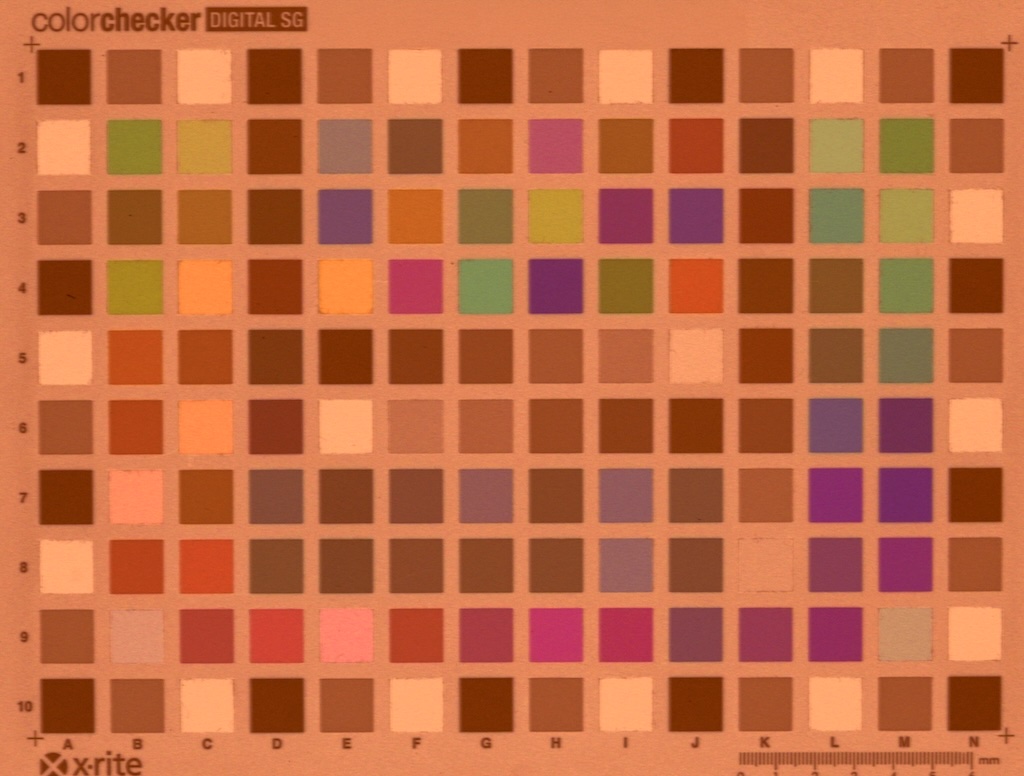
Our inversion method performs a mathematically accurate conversion from negative to positive in the digital domain. The color chart shown was exposed on Kodak Gold 200 and tone-matched to reference values, yielding an average ΔE2000 of 2.84. This result reflects both the accuracy of the inversion process and the inherent colorimetric consistency of the film.
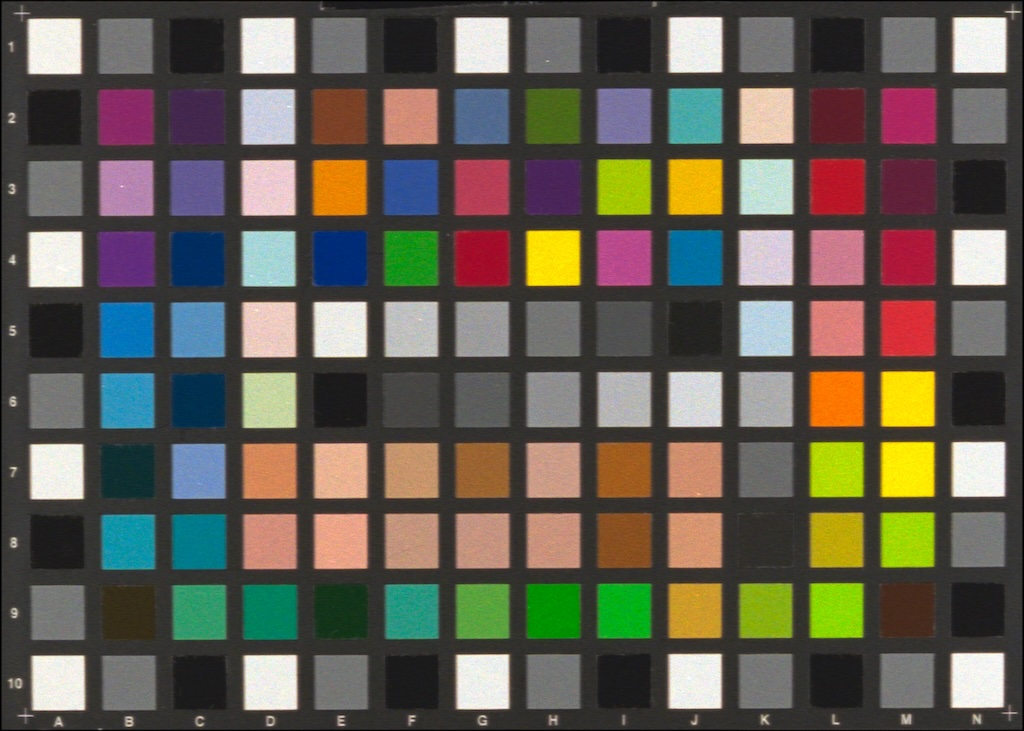
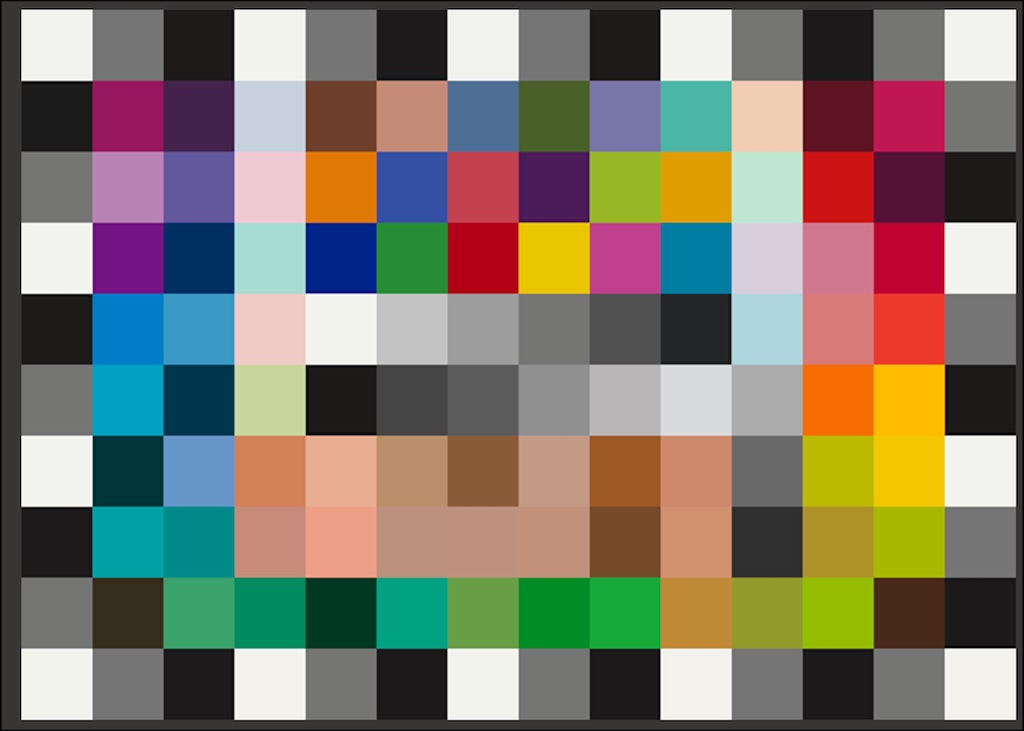
Inverted negative vs. reference values
Presenting Universal Pro Film Emulations
HIGHLIGHTS
Open Workflow
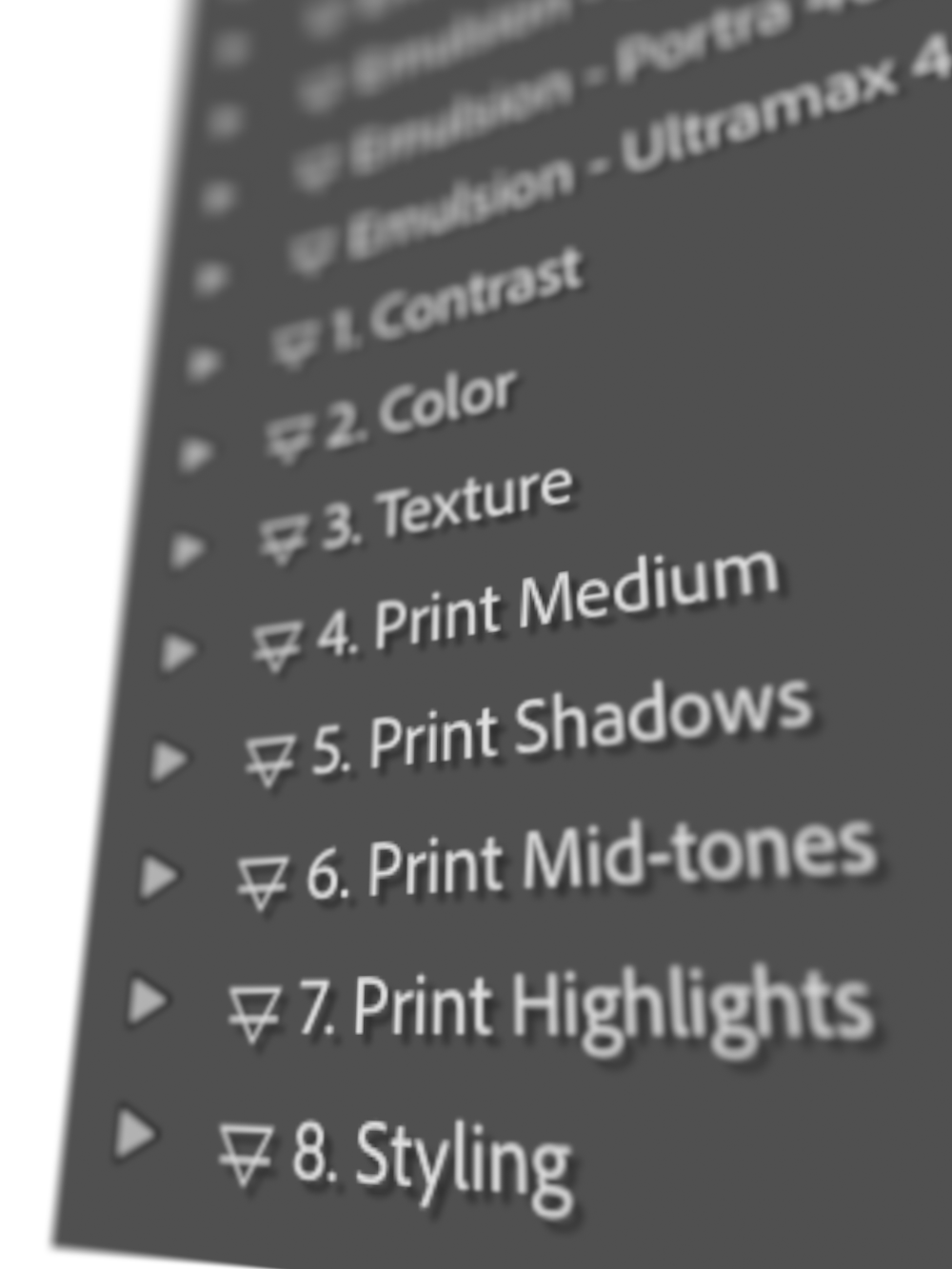
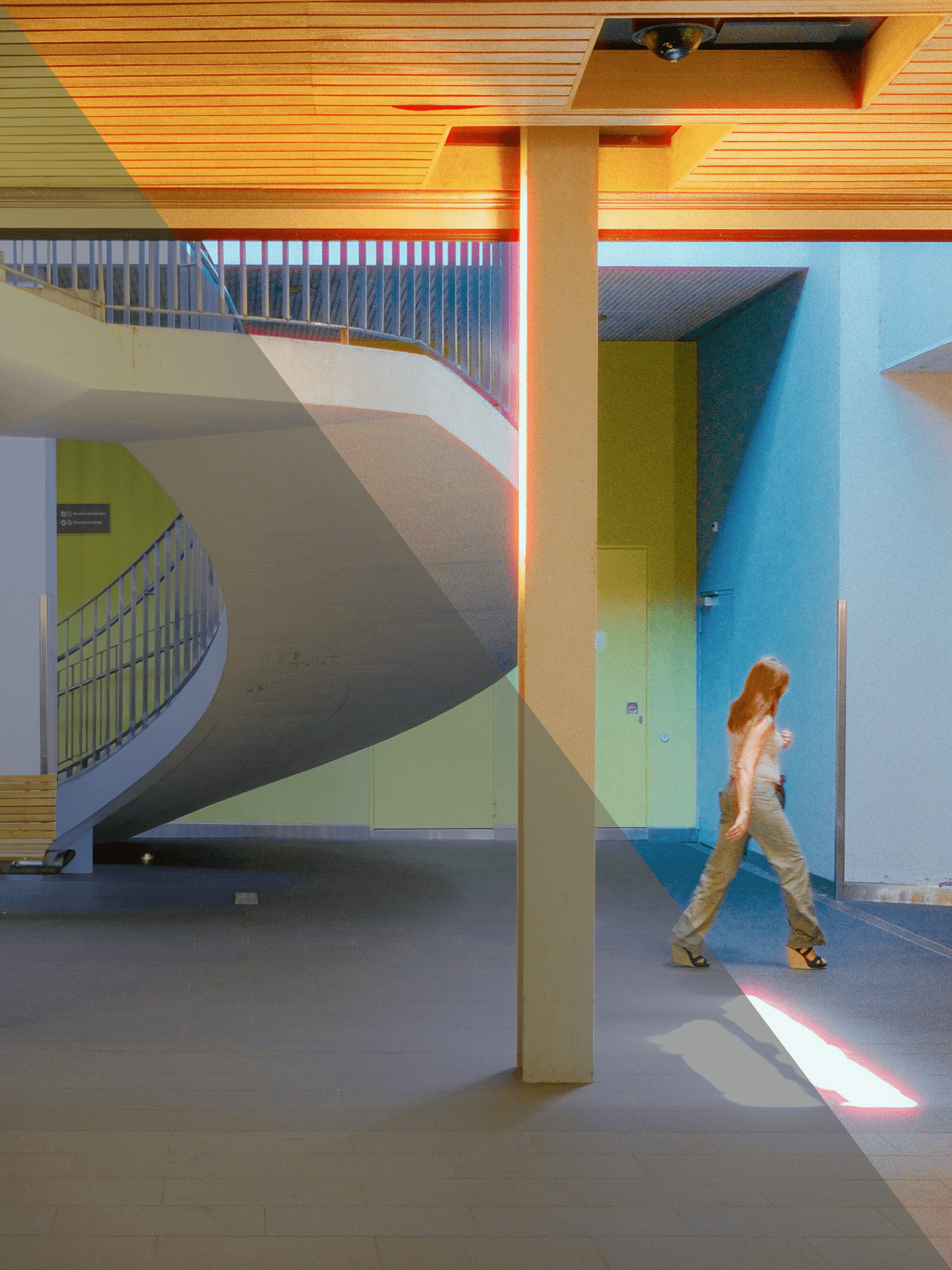
Universal Pro dissects every step of the emulation process by separating film color from contrast and tonality, as well as the print medium. Every element is accessible and modifiable.
Modular Presets
Universal Pro Emulations use a modular preset system designed around a photographic, analog-style image reproduction signal path. The system is intended to minimize decision load by constraining edits to exposure-centric and colorimetric operations typical of film workflows.
Negative Emulation
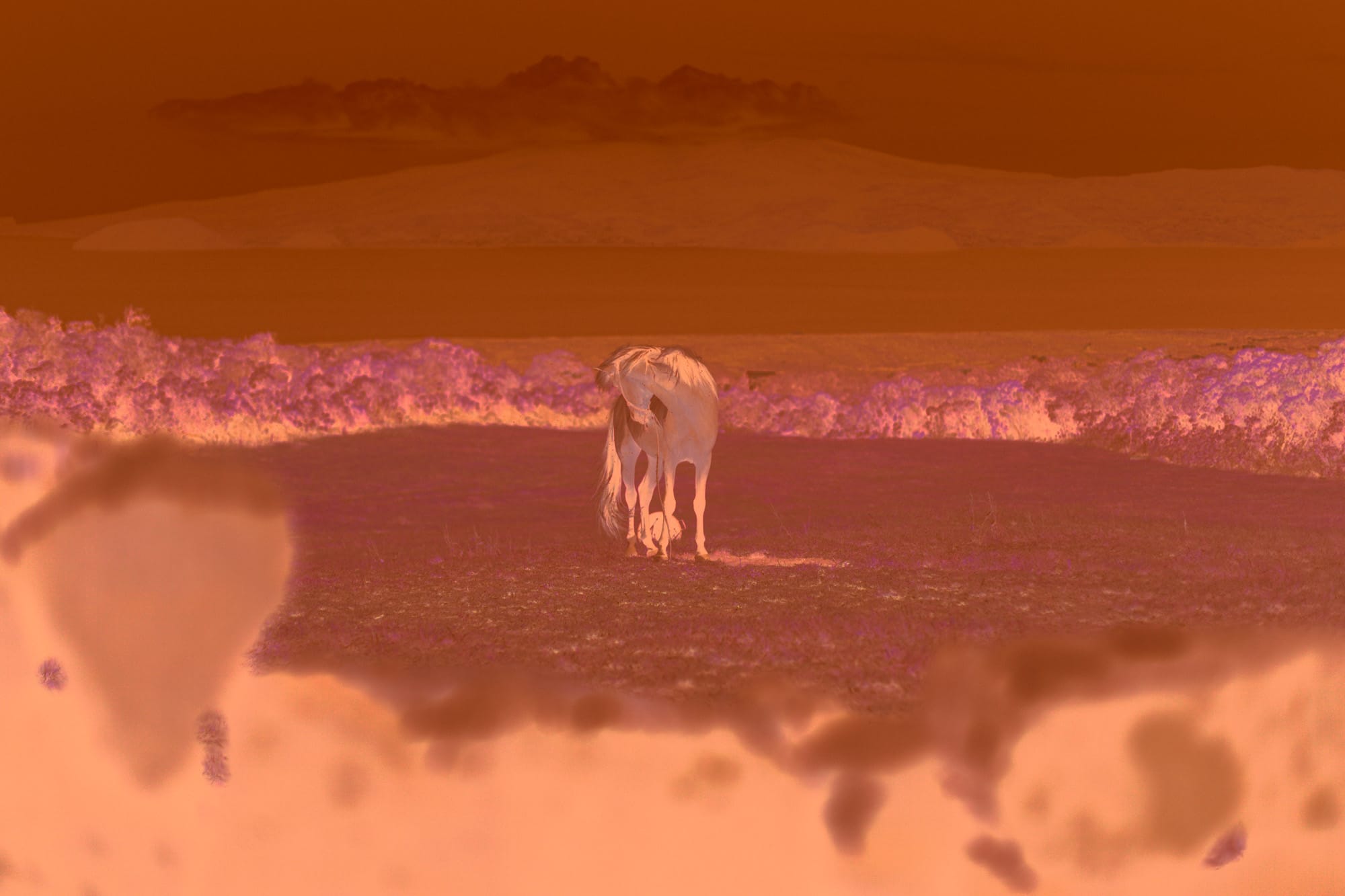
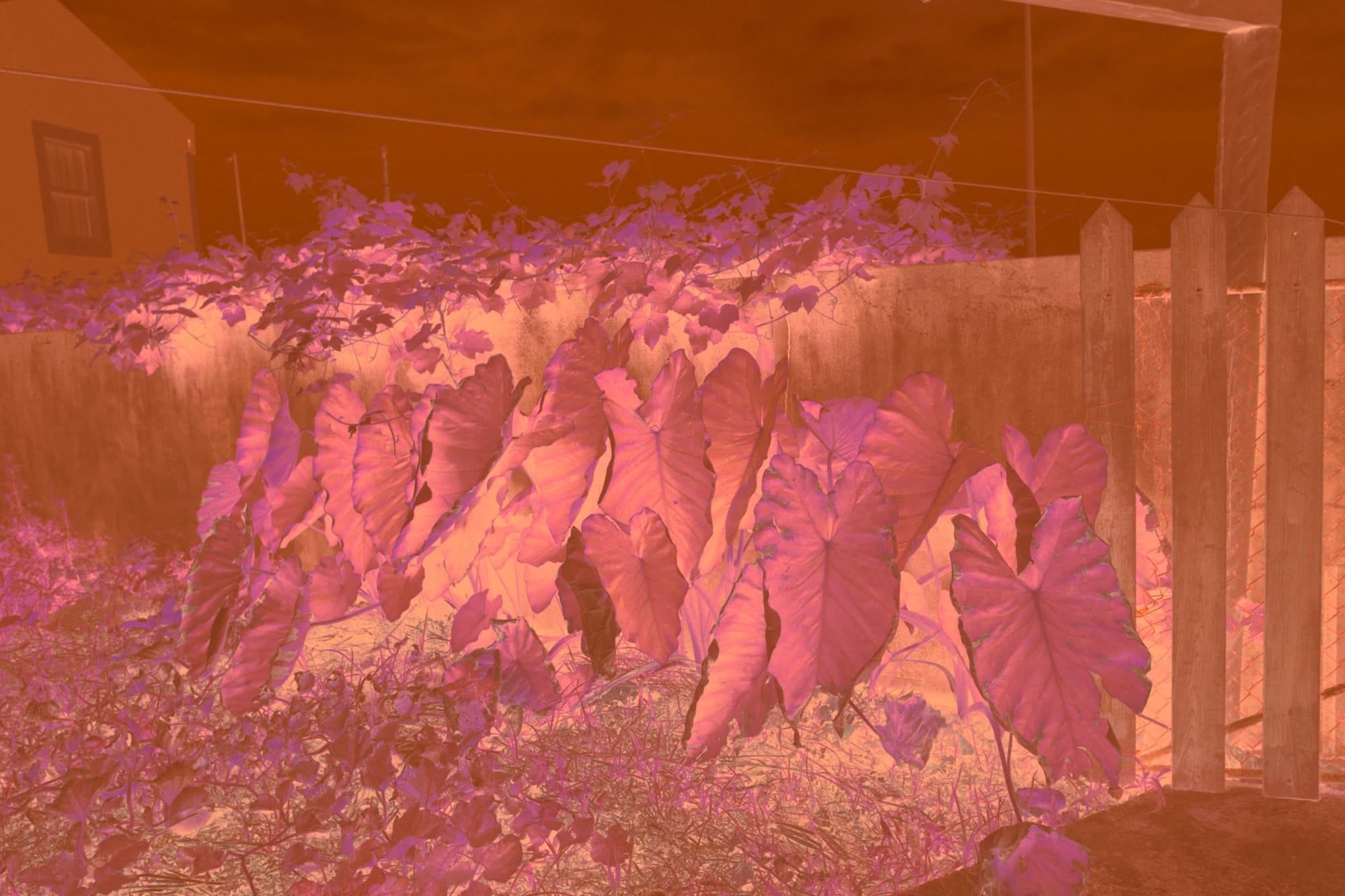
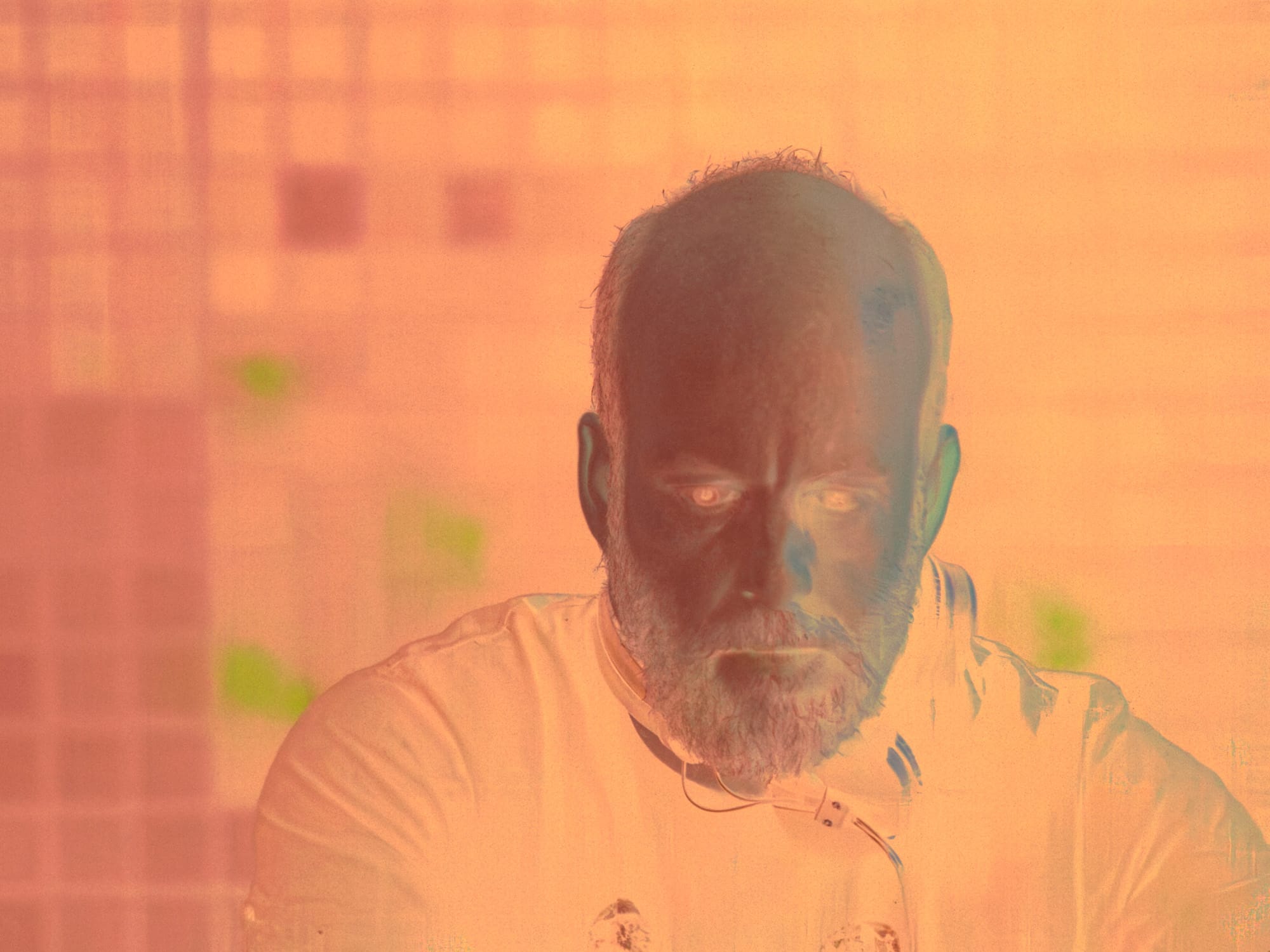
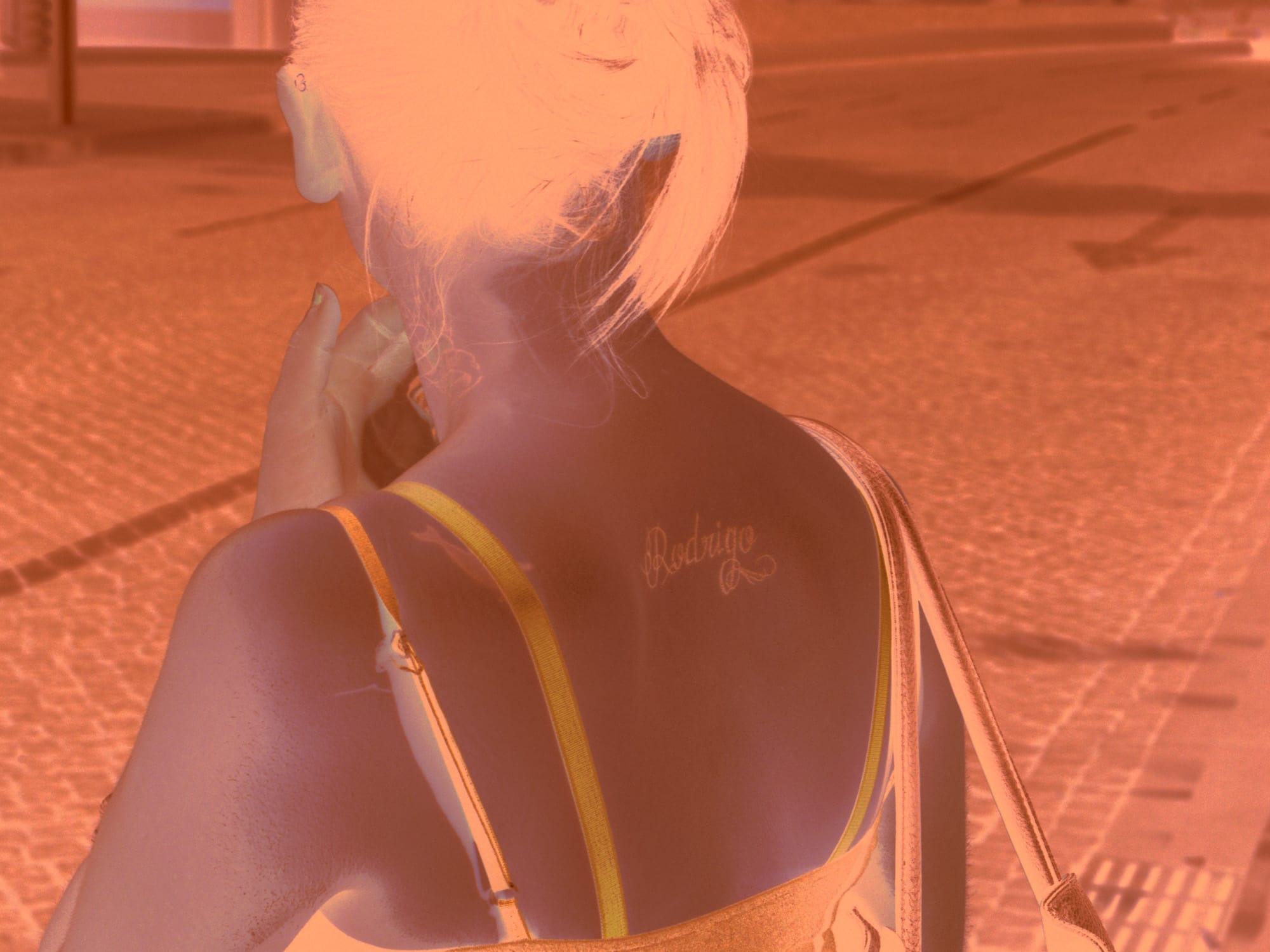
Negative emulations transform a raw image to the scanned negative. An exported TIFF file can be exported and inverted in Negative Lab Pro or FilmLab.
Positive Emulation
Positive emulations apply film color only, effectively separating film color from tonality and the print medium.
Look Presets
Look presets offers a one-click familiar film look for every film stock. Look presets are composed of a Positive emulation with selected set of Modular presets.
Cineon Log Support
Cineon log print emulation simulate a film stock scanned in Cineon log. An exported TIFF file can be processed in DaVinci Resolve with halation, advanced grain and cinema Print Film Emulation LUTs
MODULAR PRESETS
Open workflowwith modular presets
56 presets deconstruct the analog image pipeline into discrete, function-specific stages
Modular presets can be combined to complement and amplify the underlying film look profile without collapsing it into a single look
This structure enables the creation of an open-ended range of looks while maintaining technical coherence
NEGATIVE EMULATION
Digital images asscanned negatives
Convert digital captures into a scan-like representation suitable for color-negative workflows
Feed an exported TIFF file directly into Negative Lab Pro, FilmLab or other film-negative inversion plugins
SAMPLES
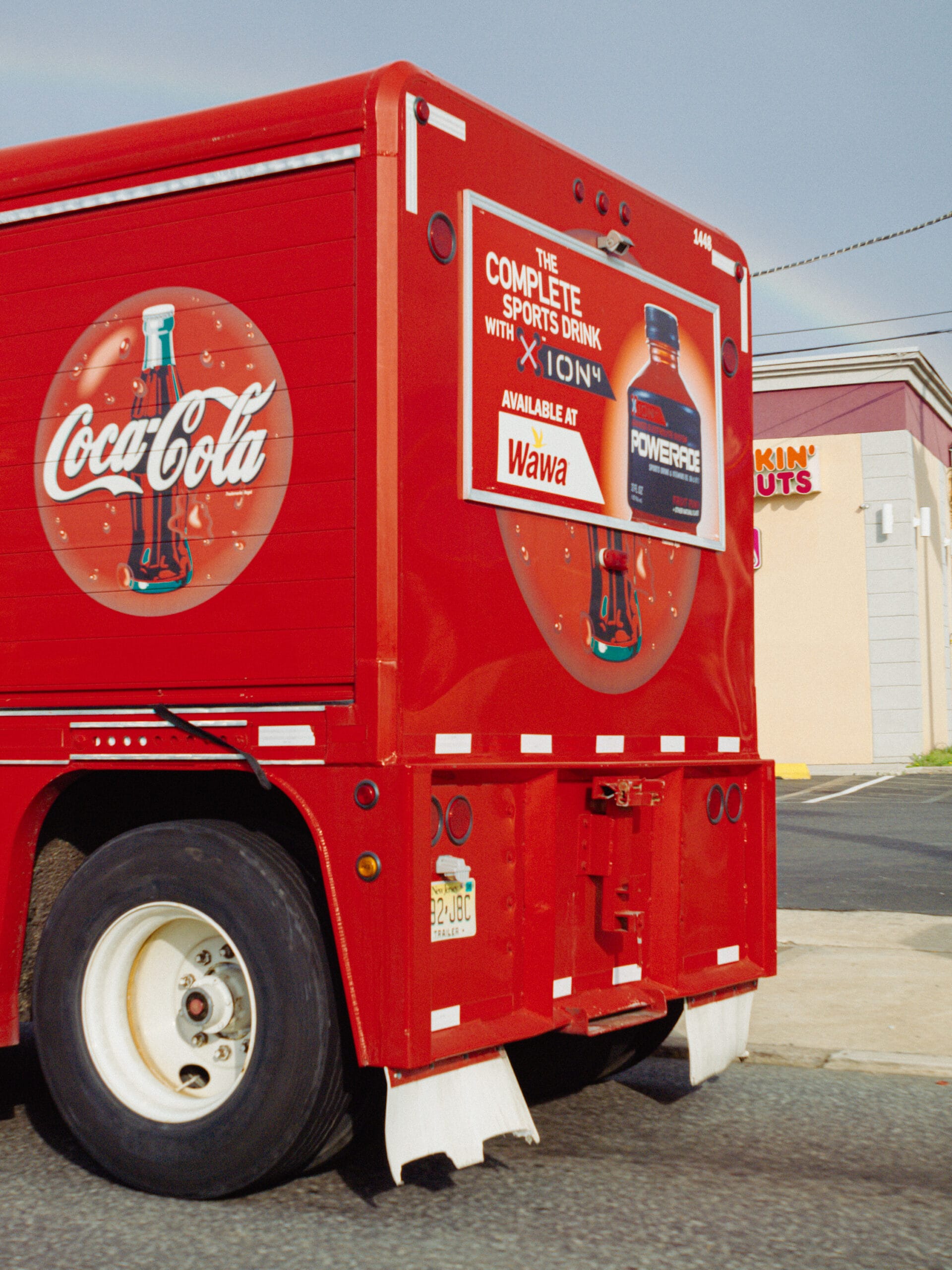
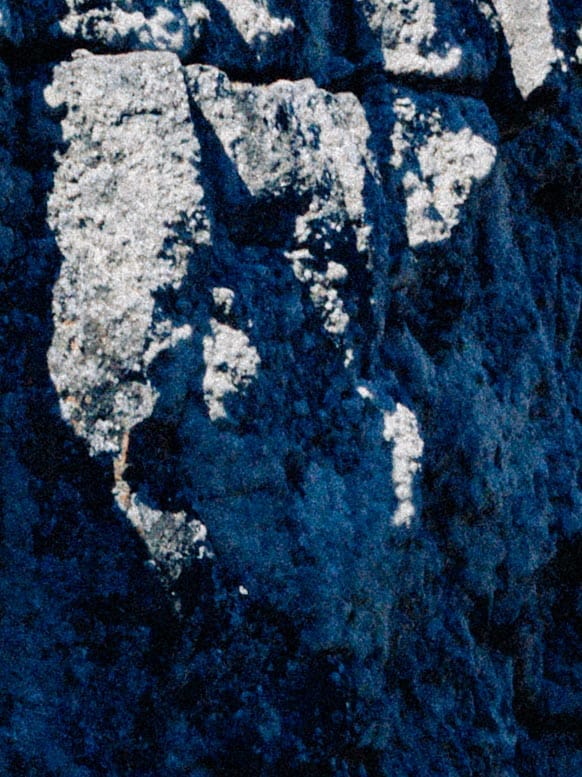
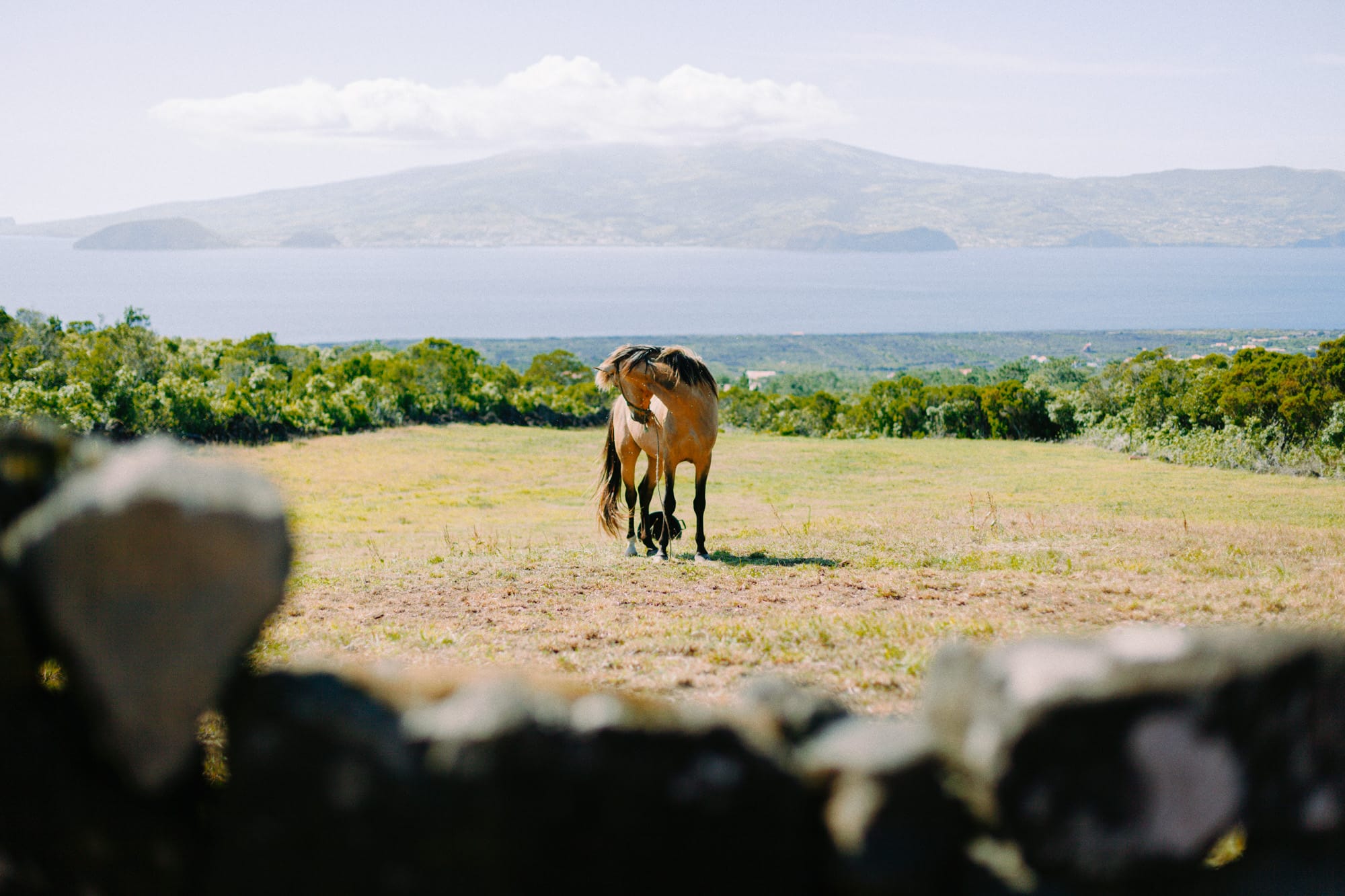
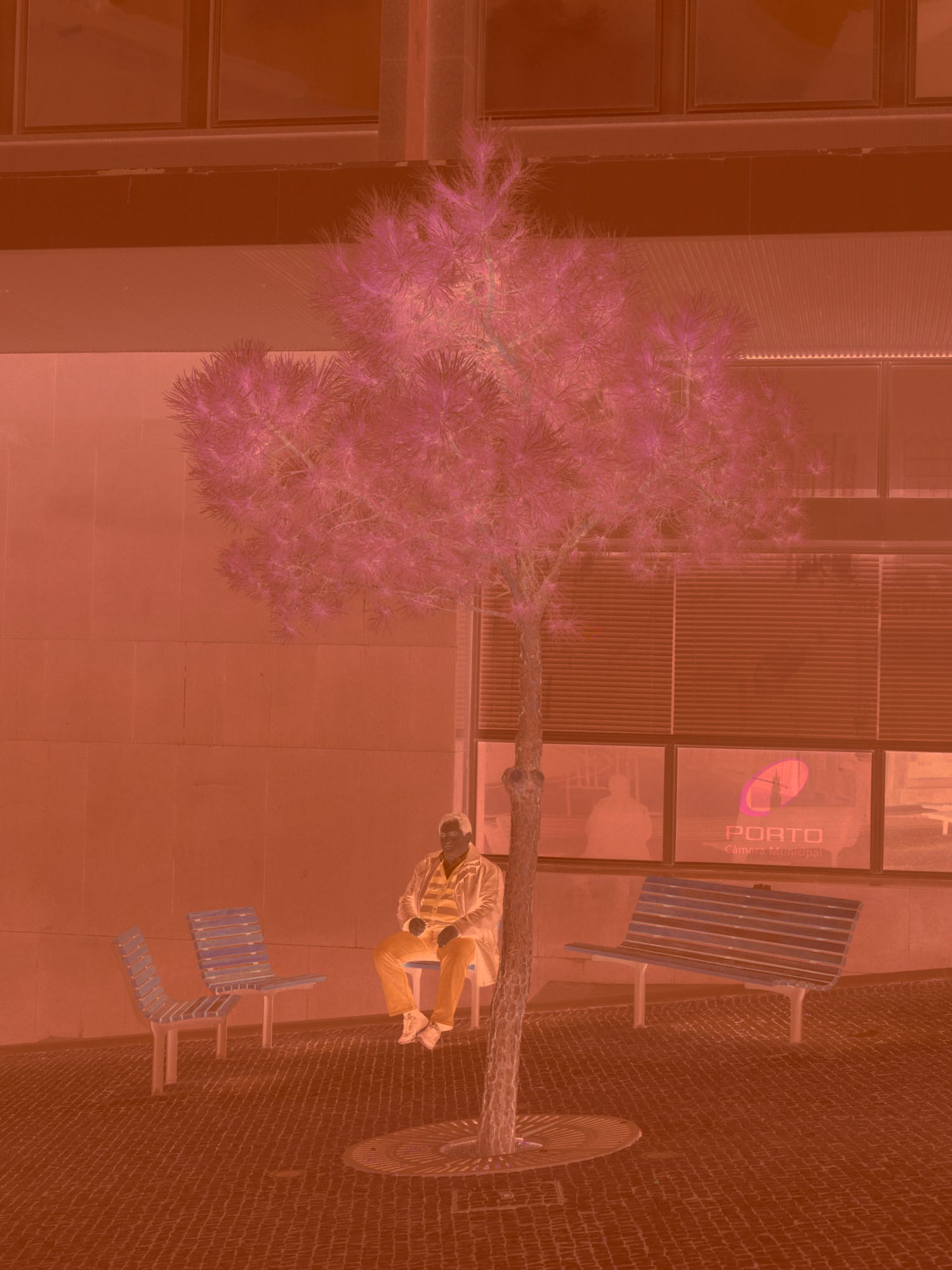
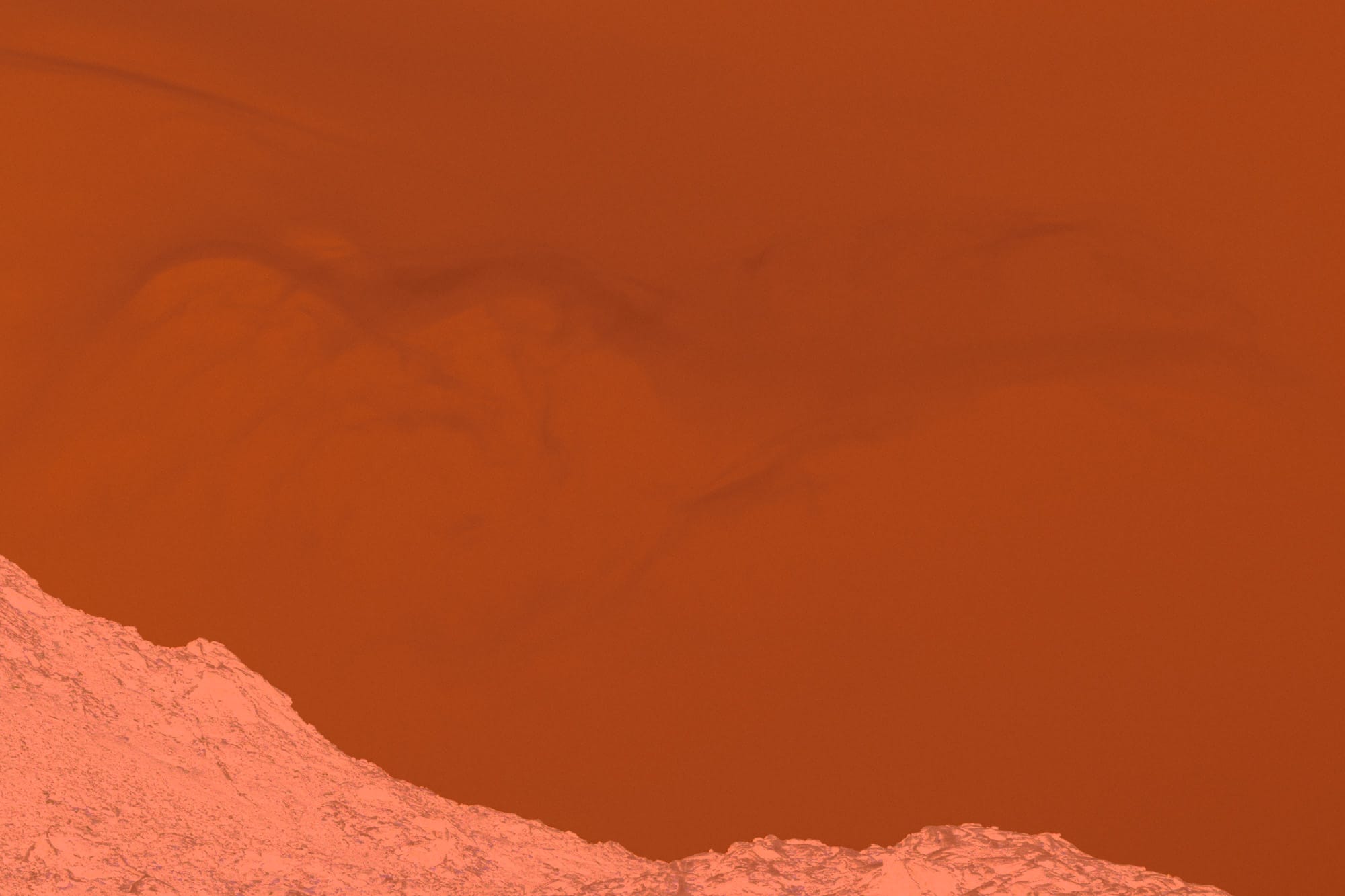
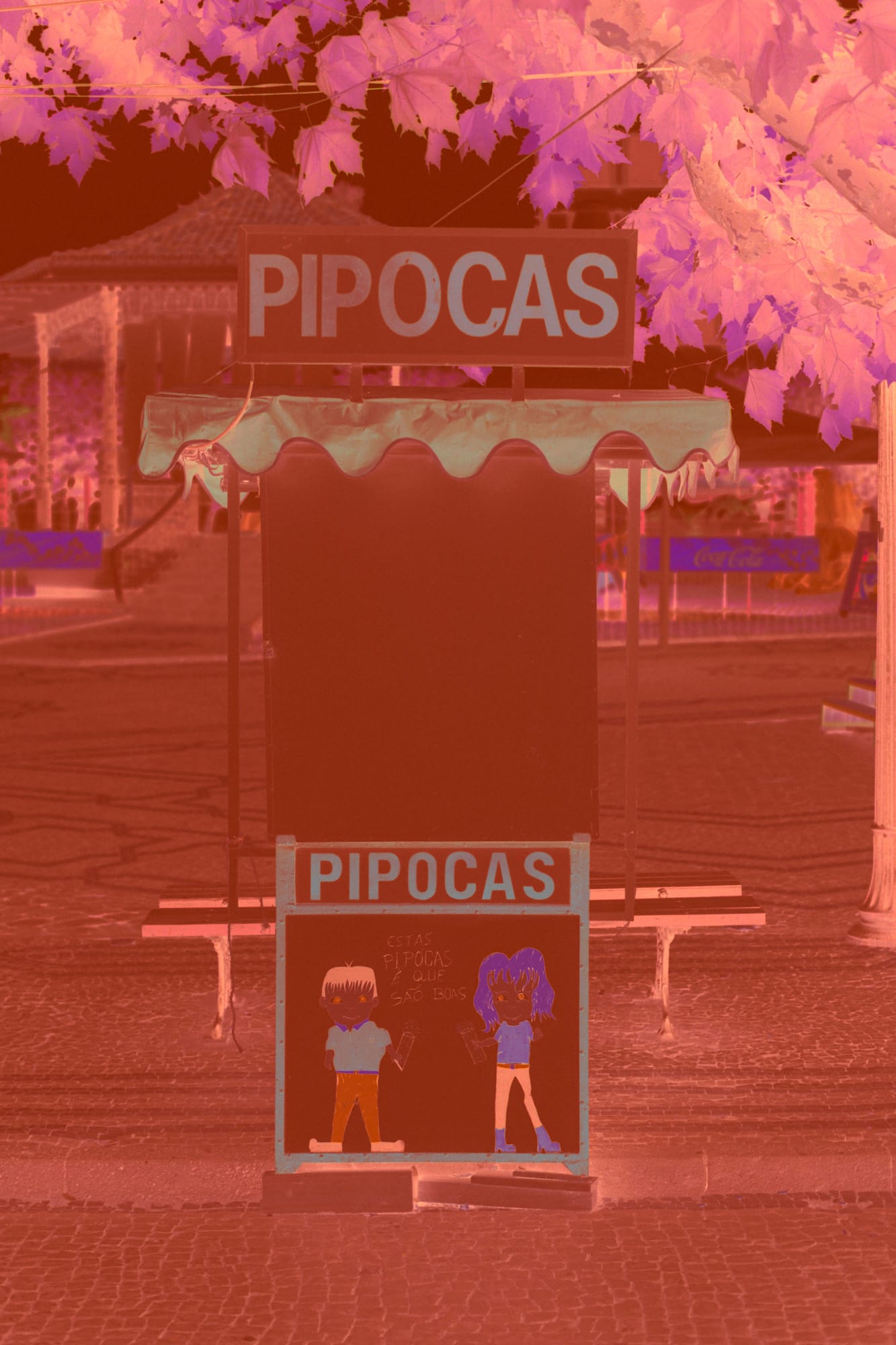
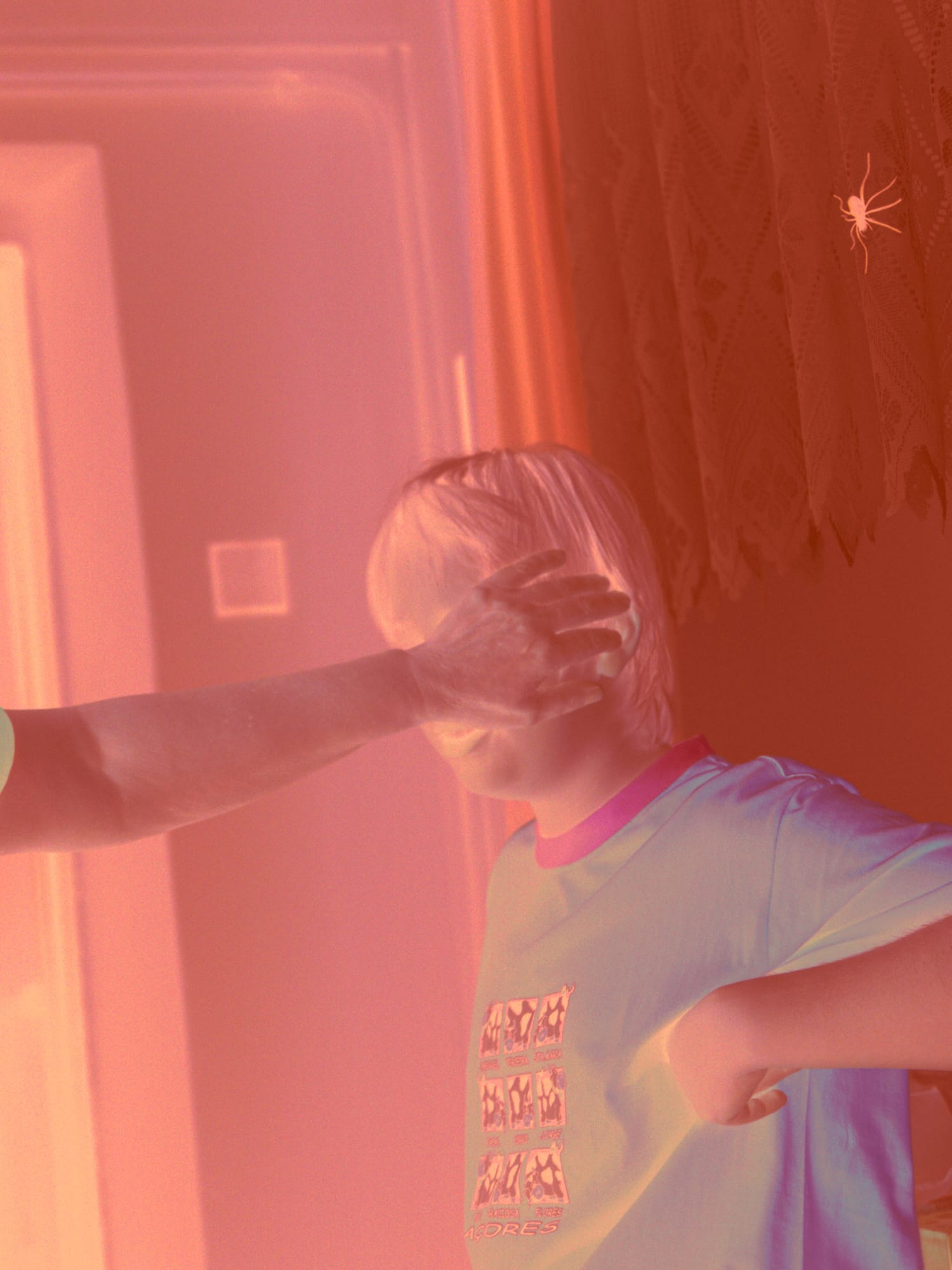
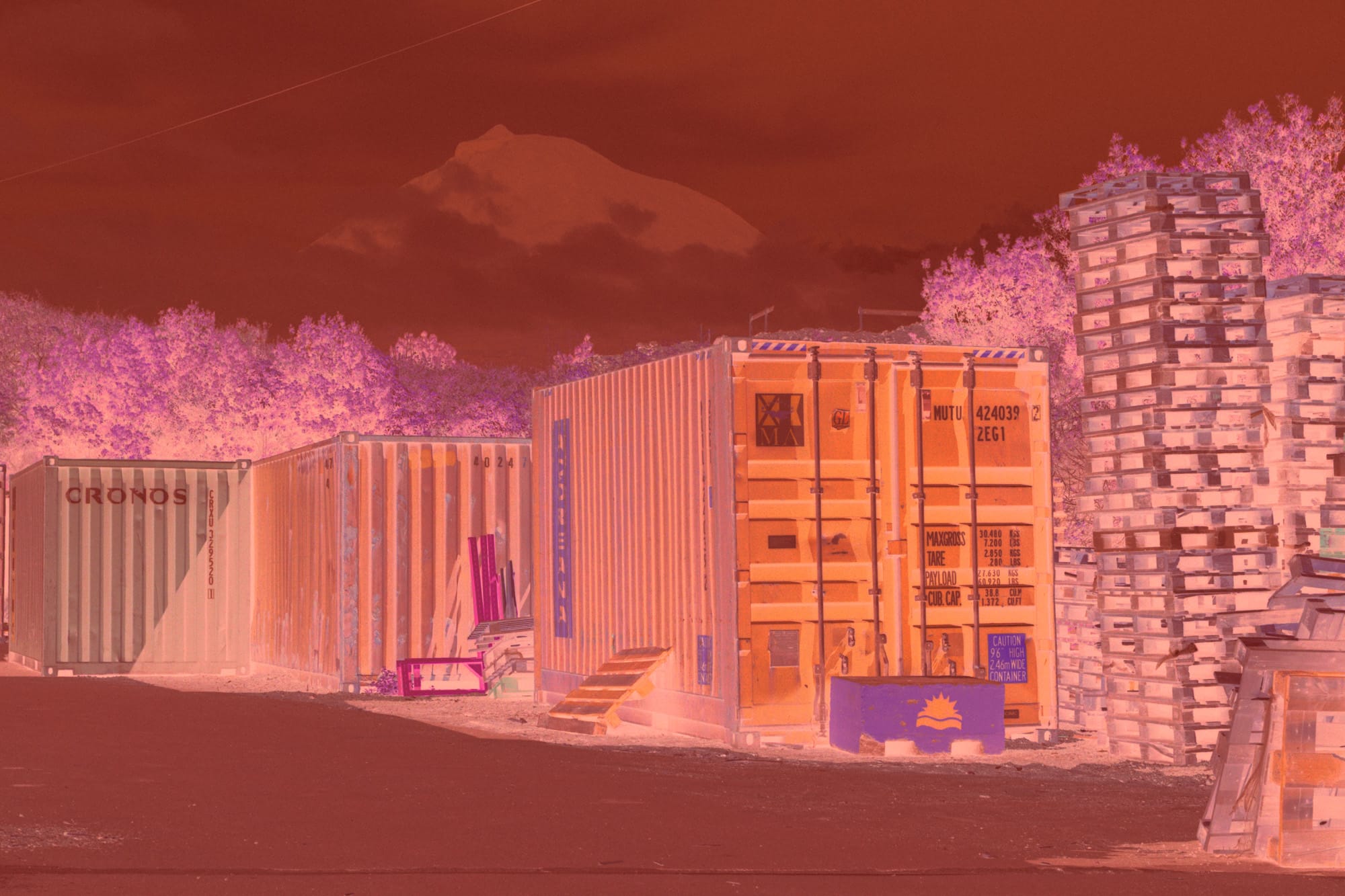
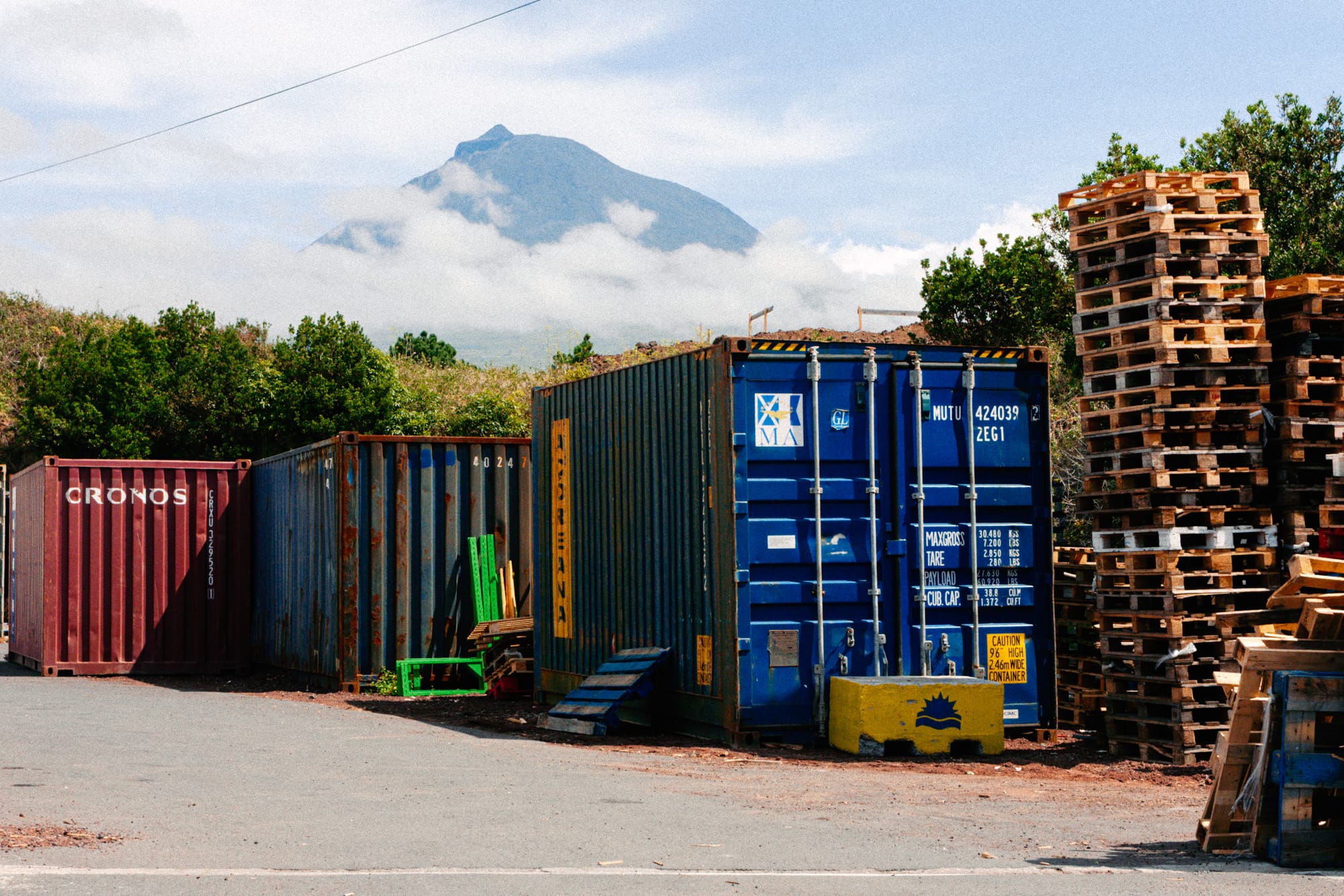
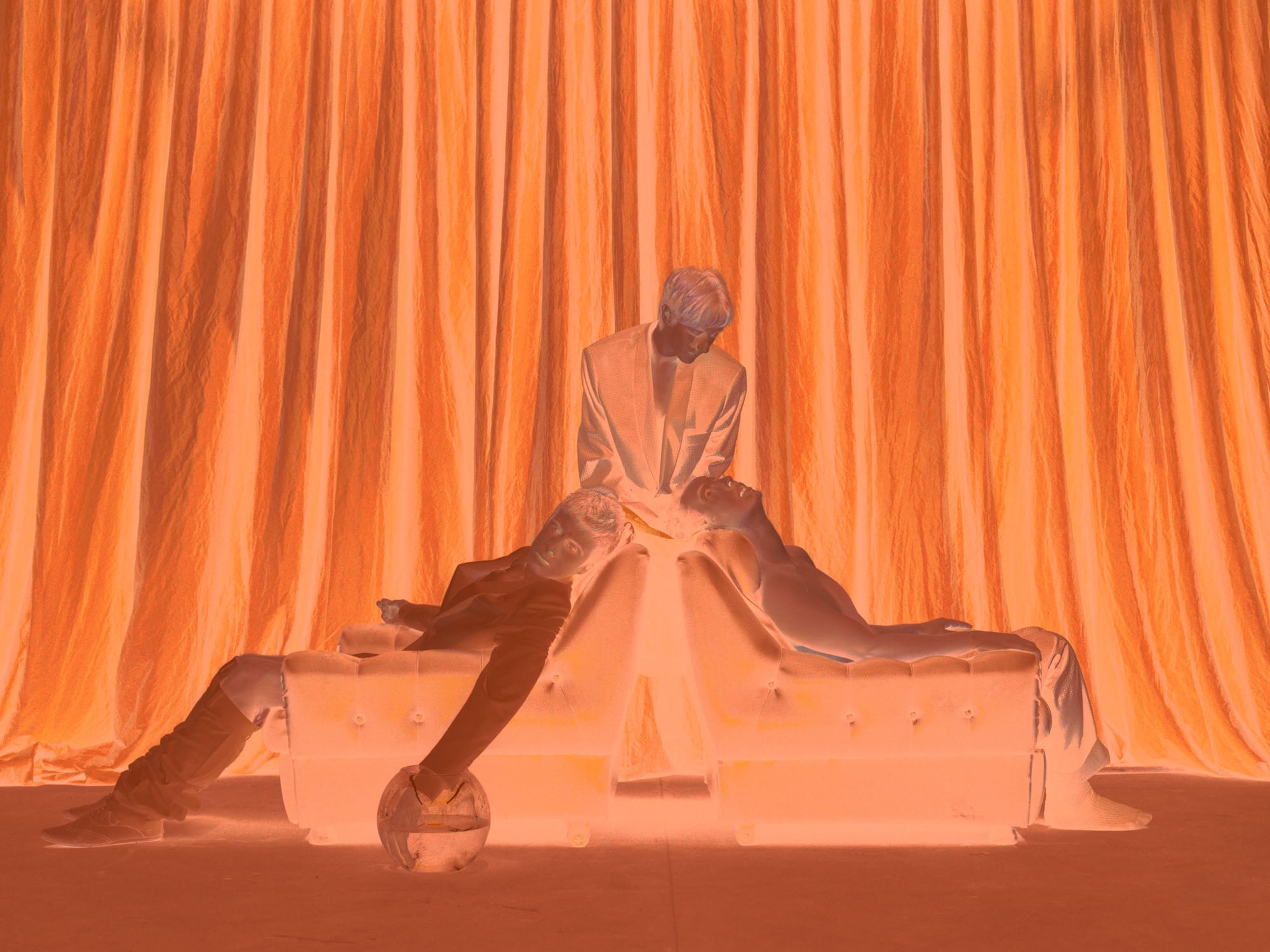
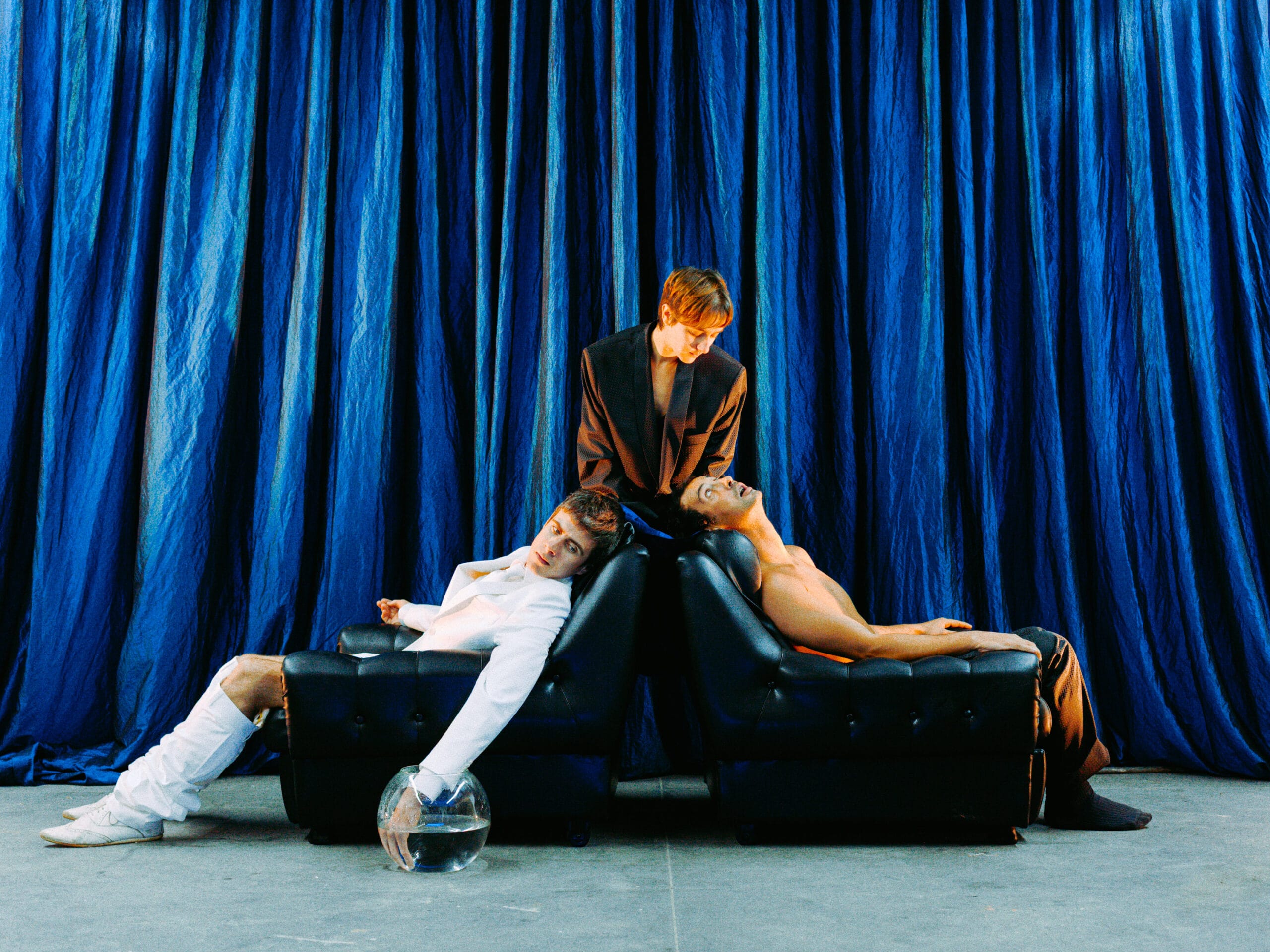
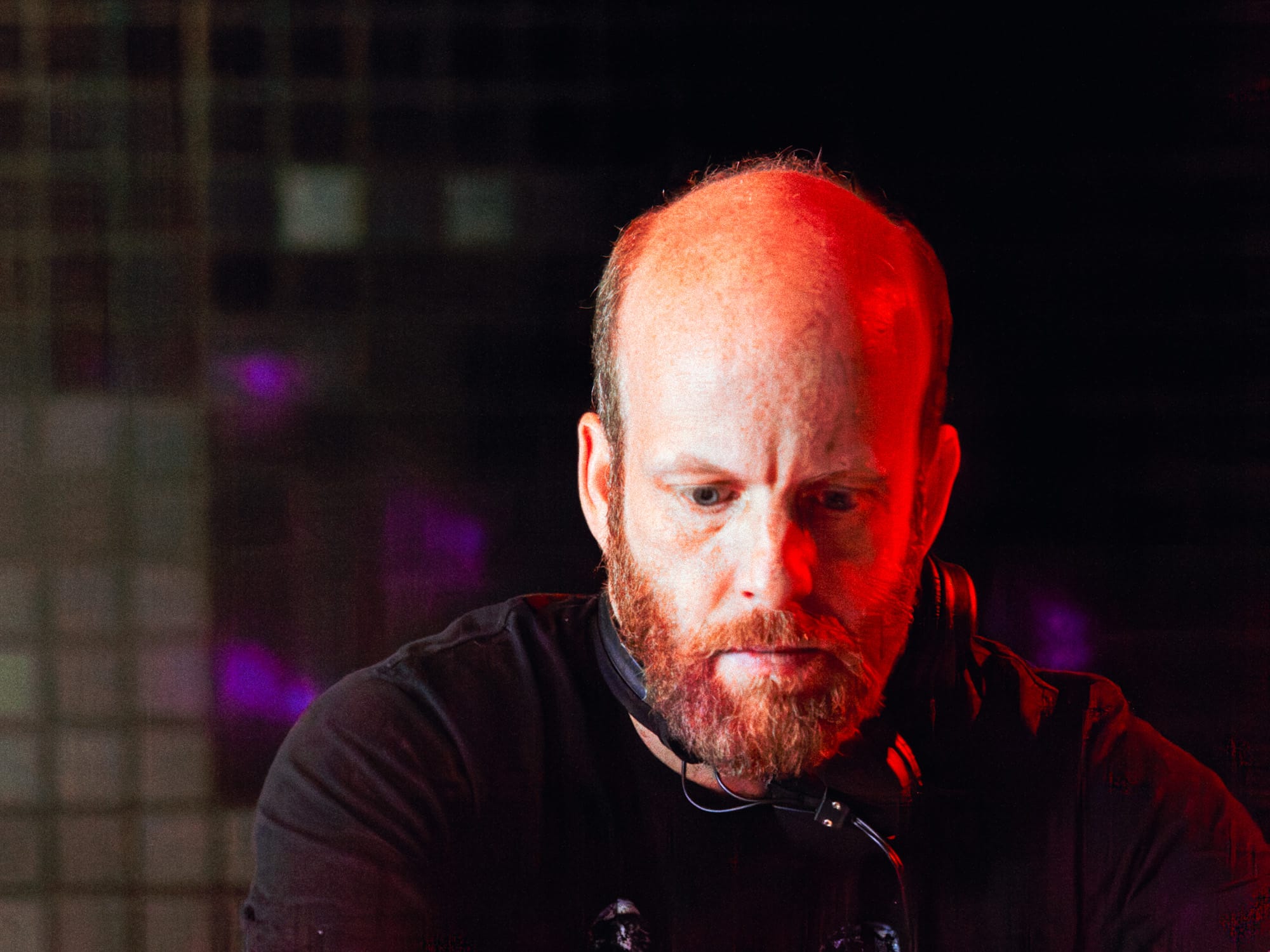
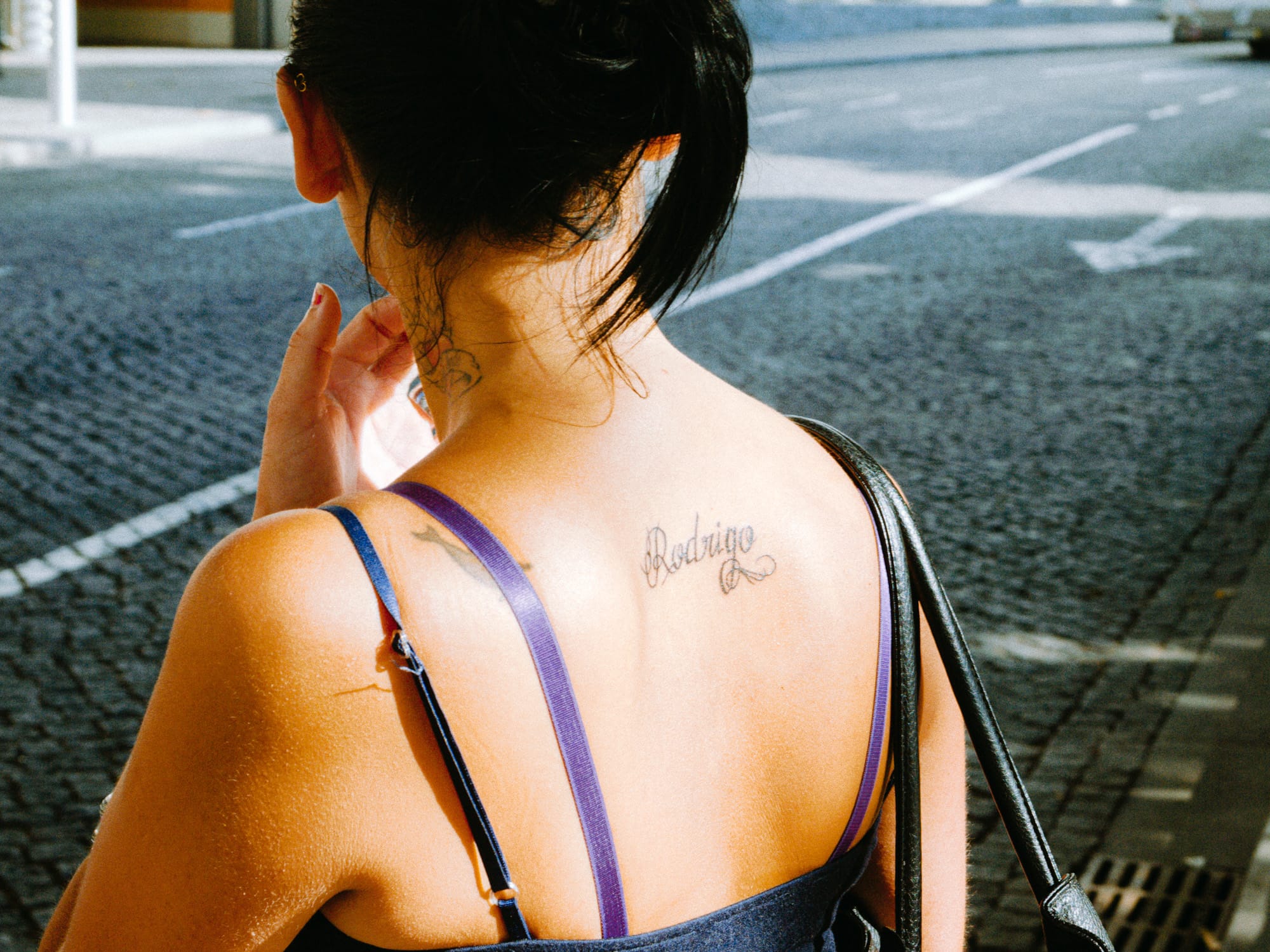
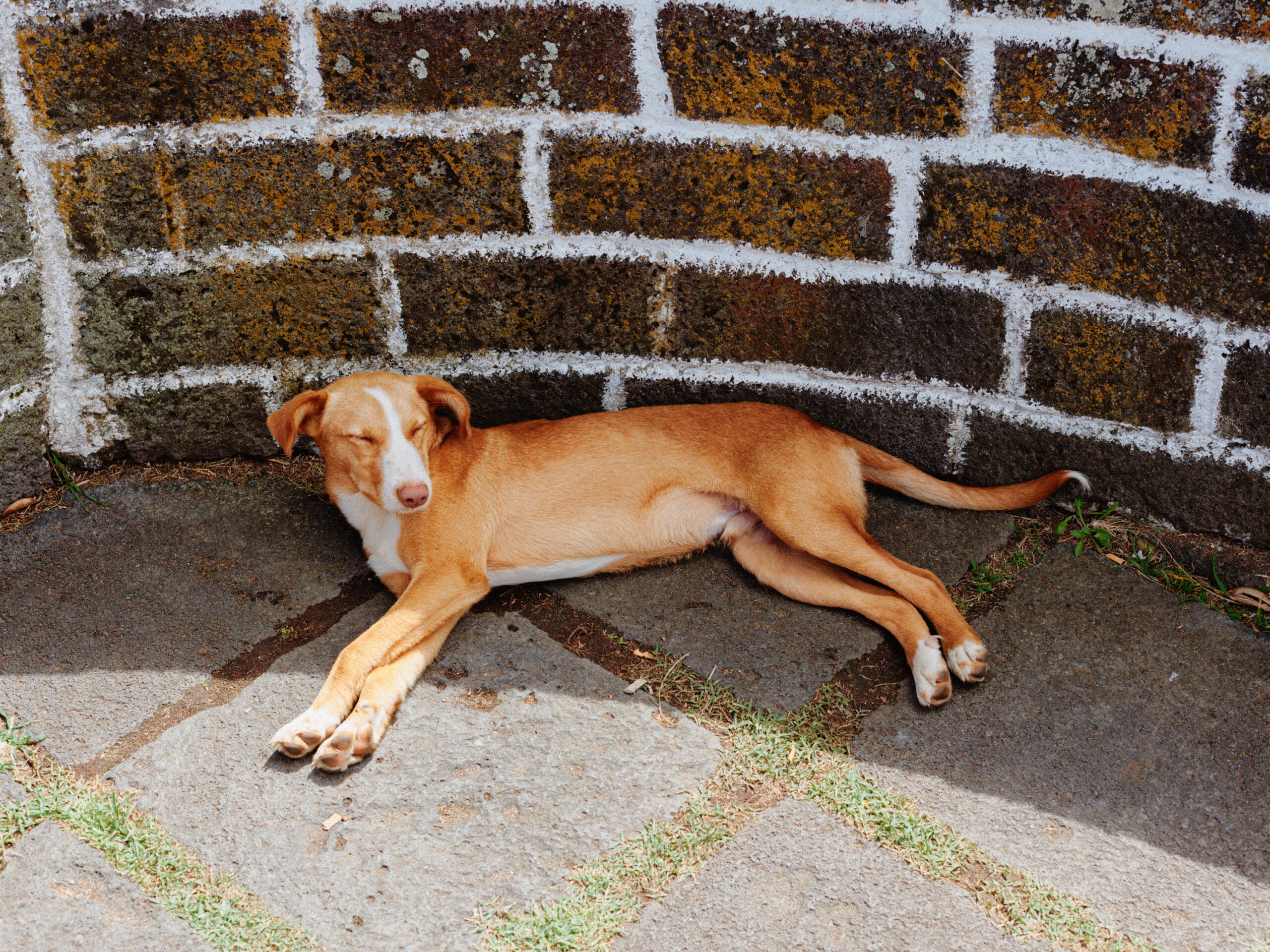
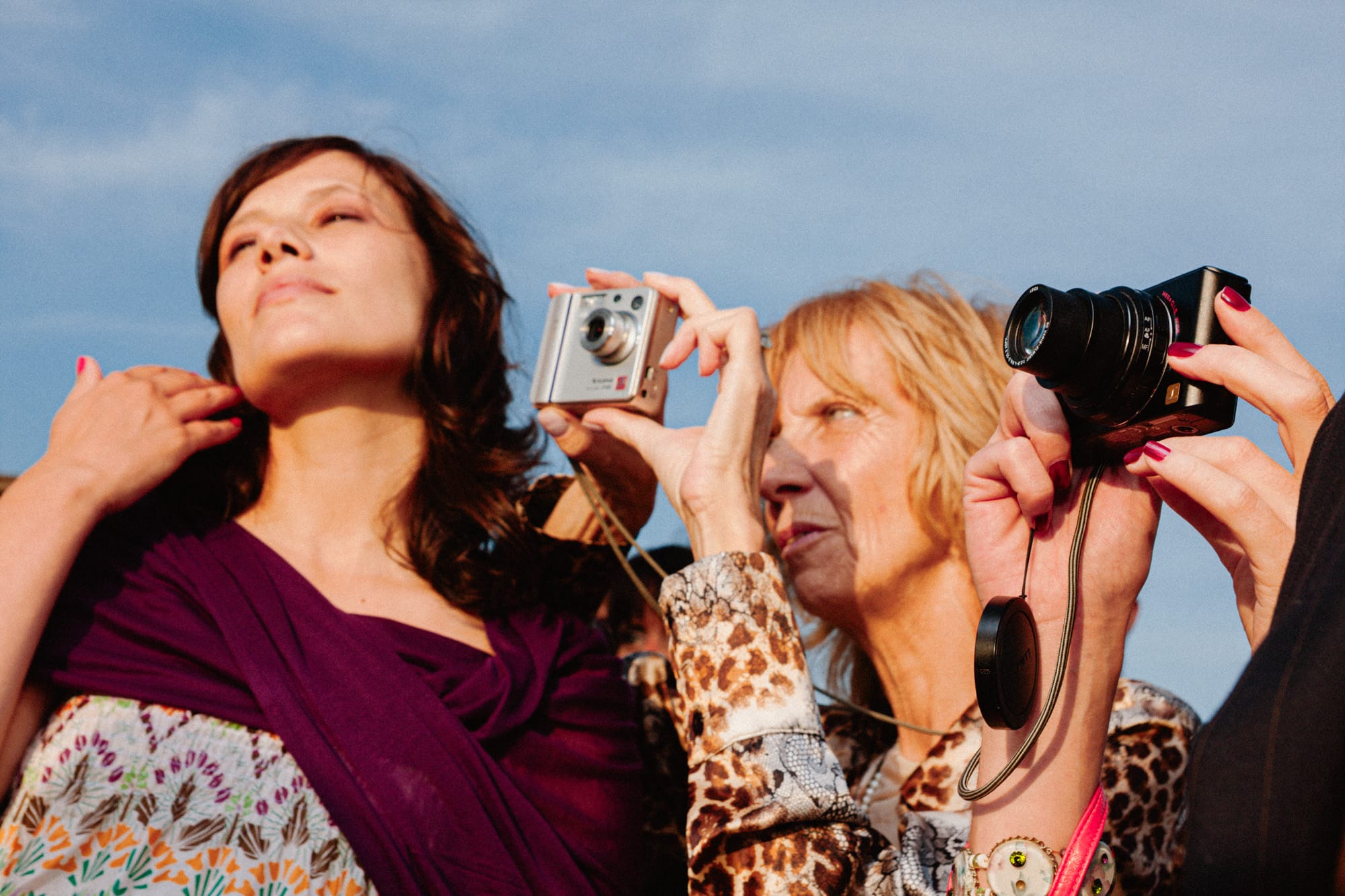
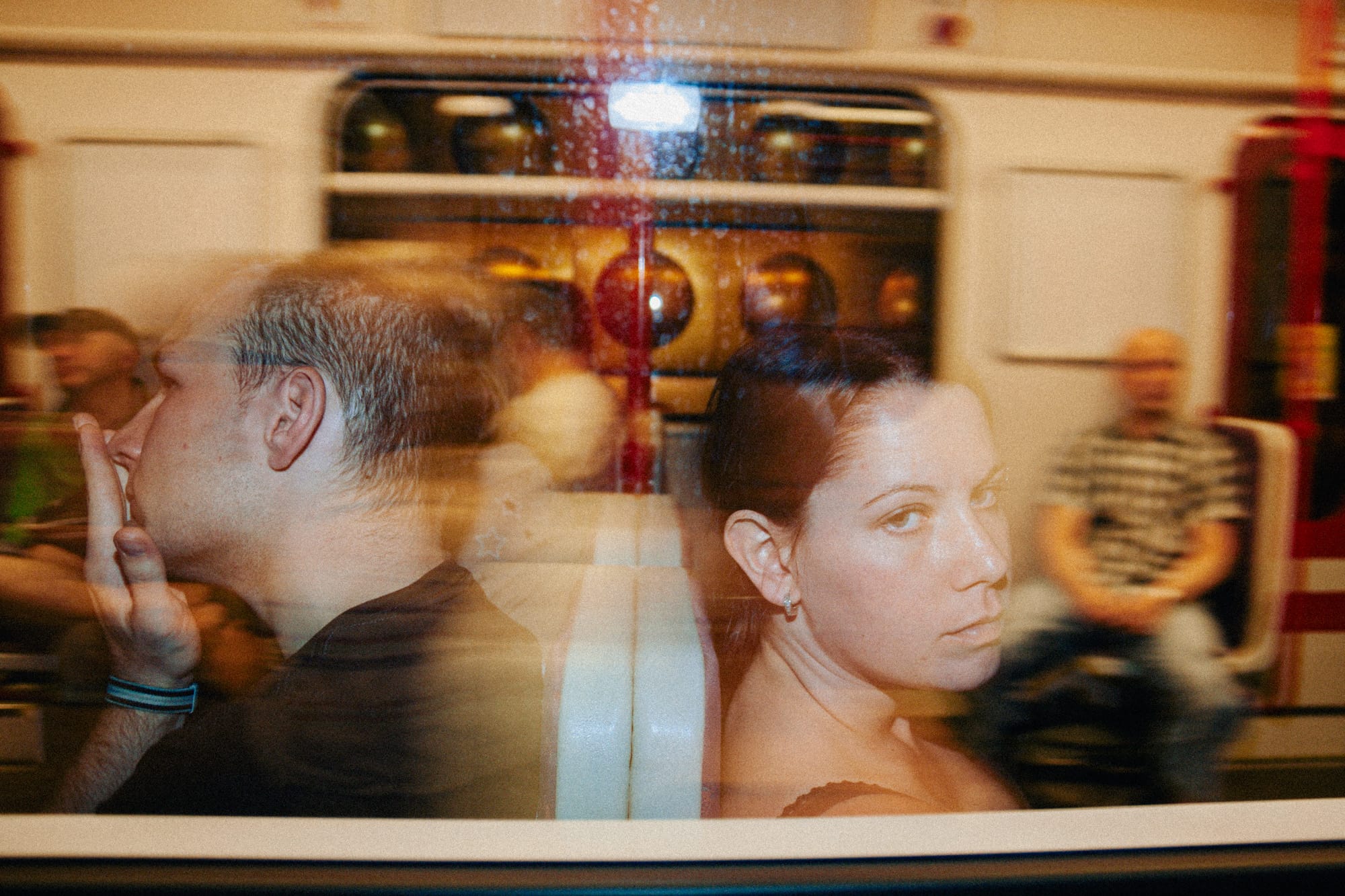
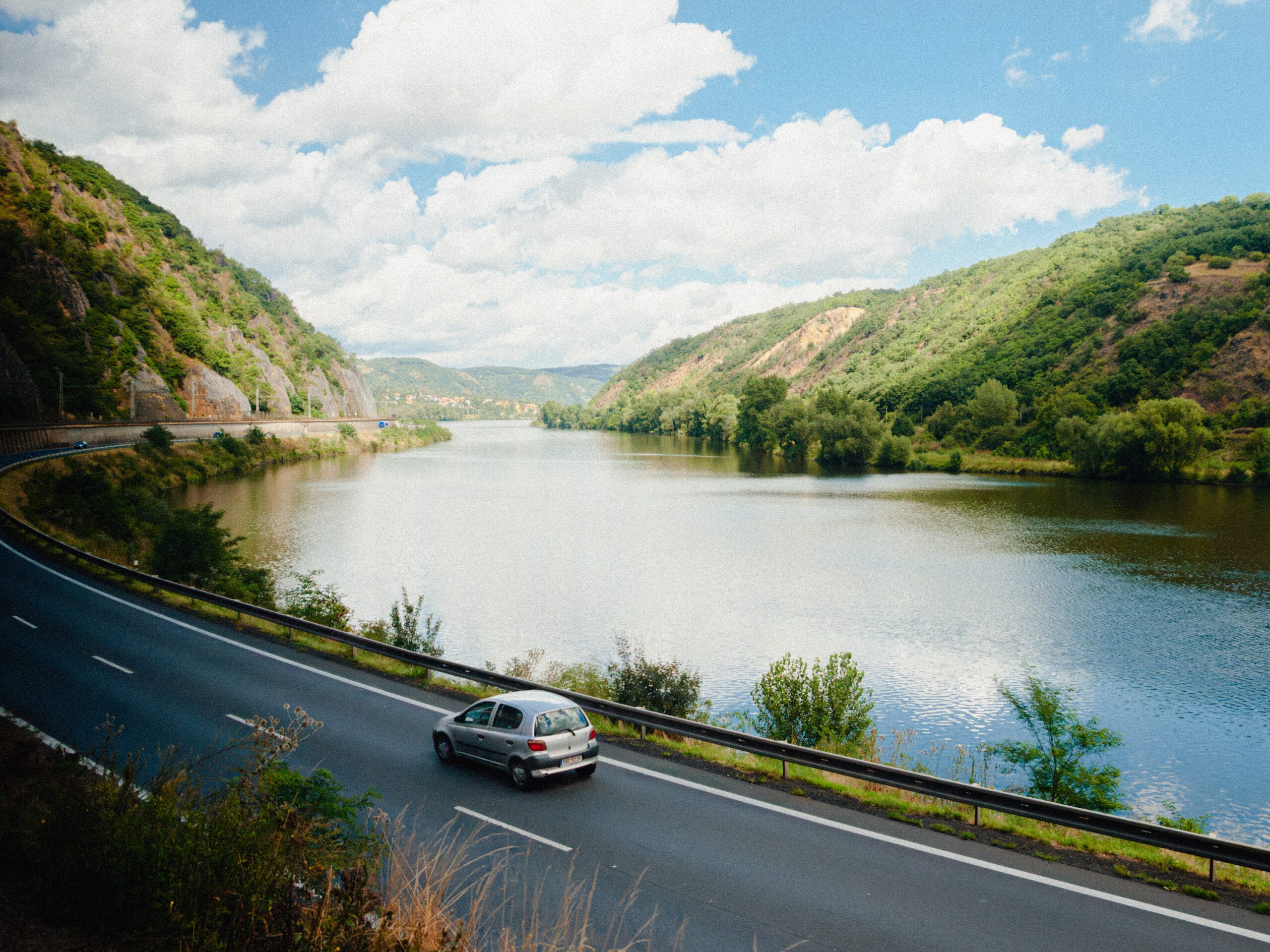
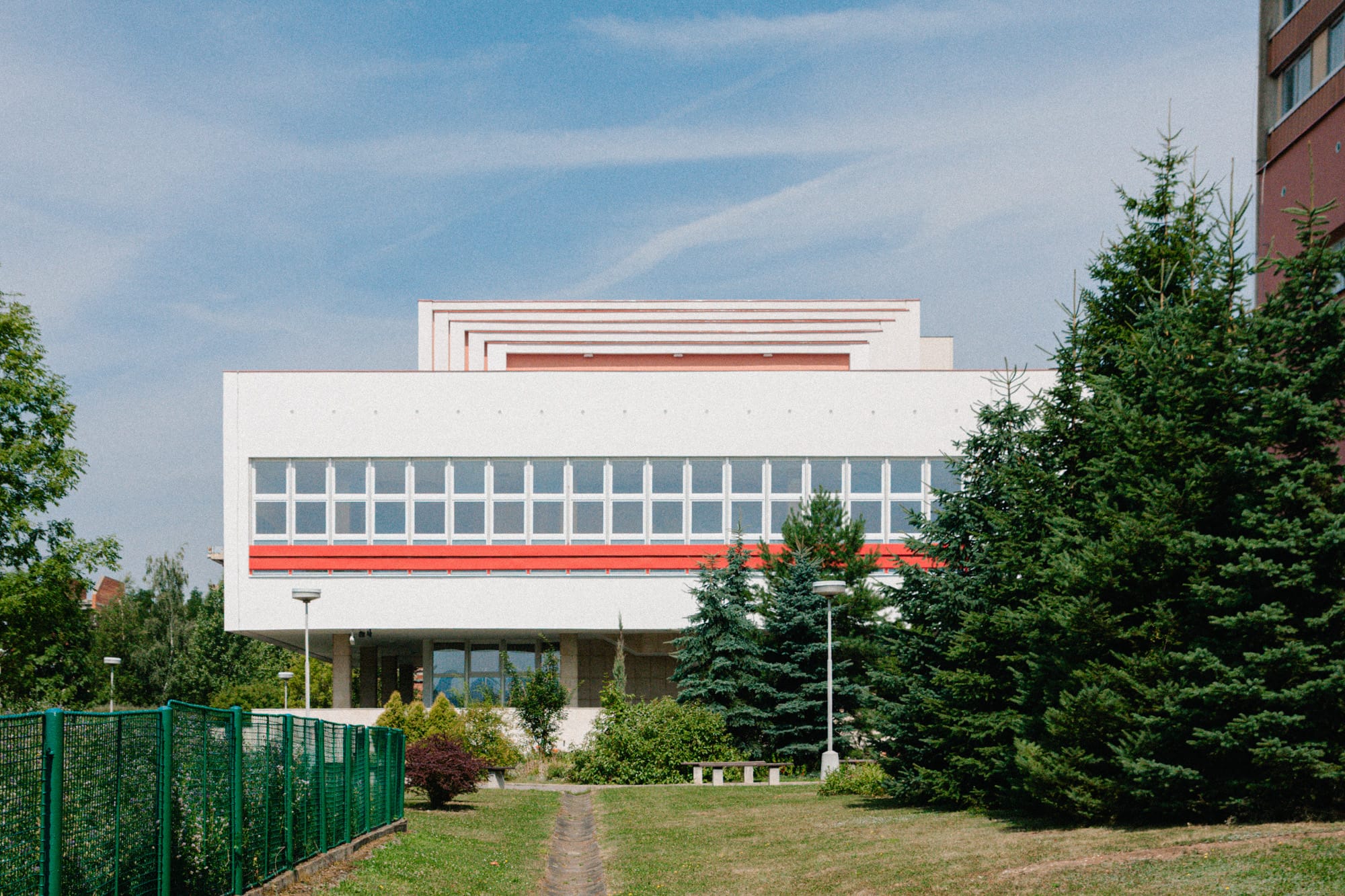
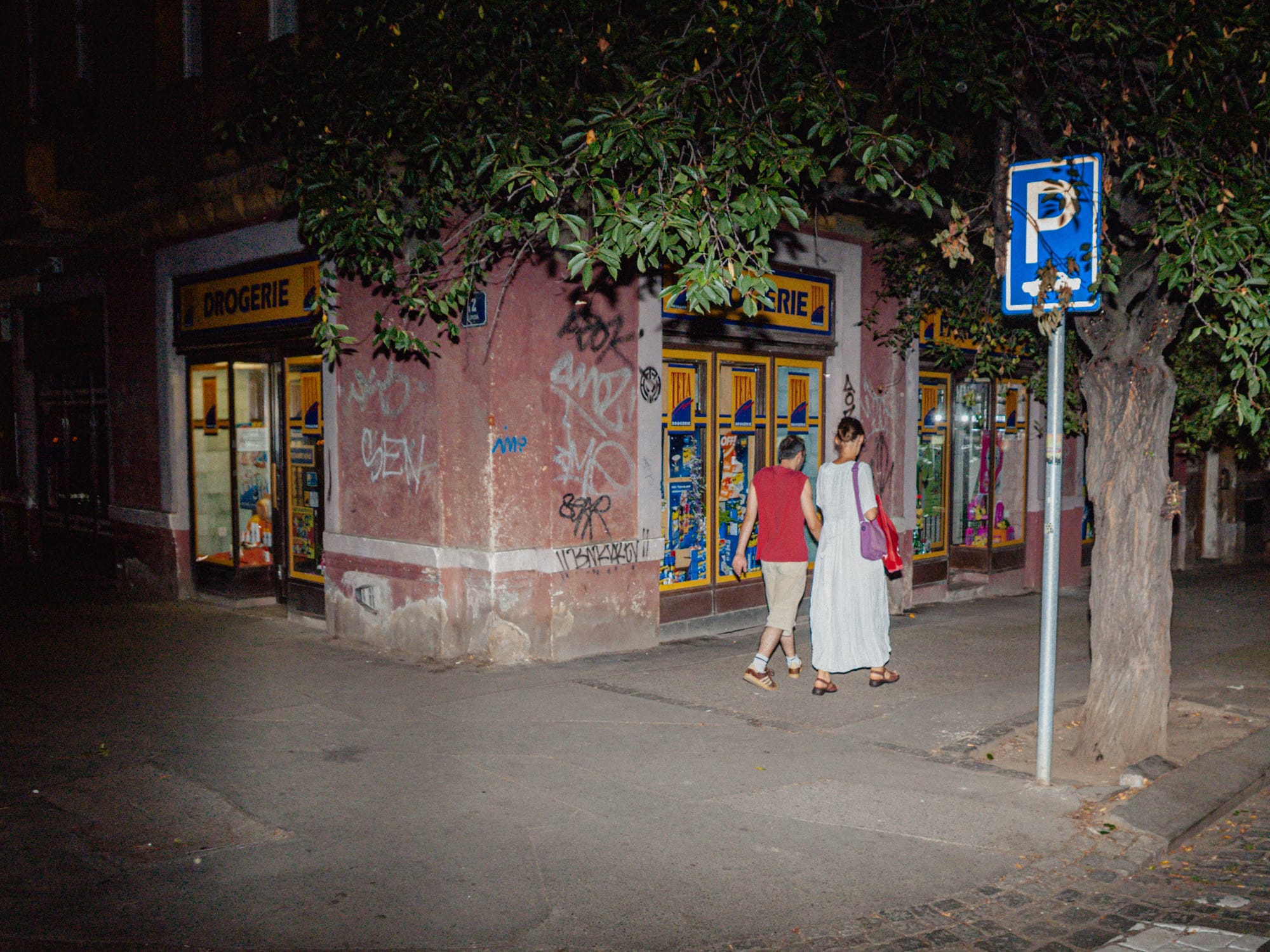
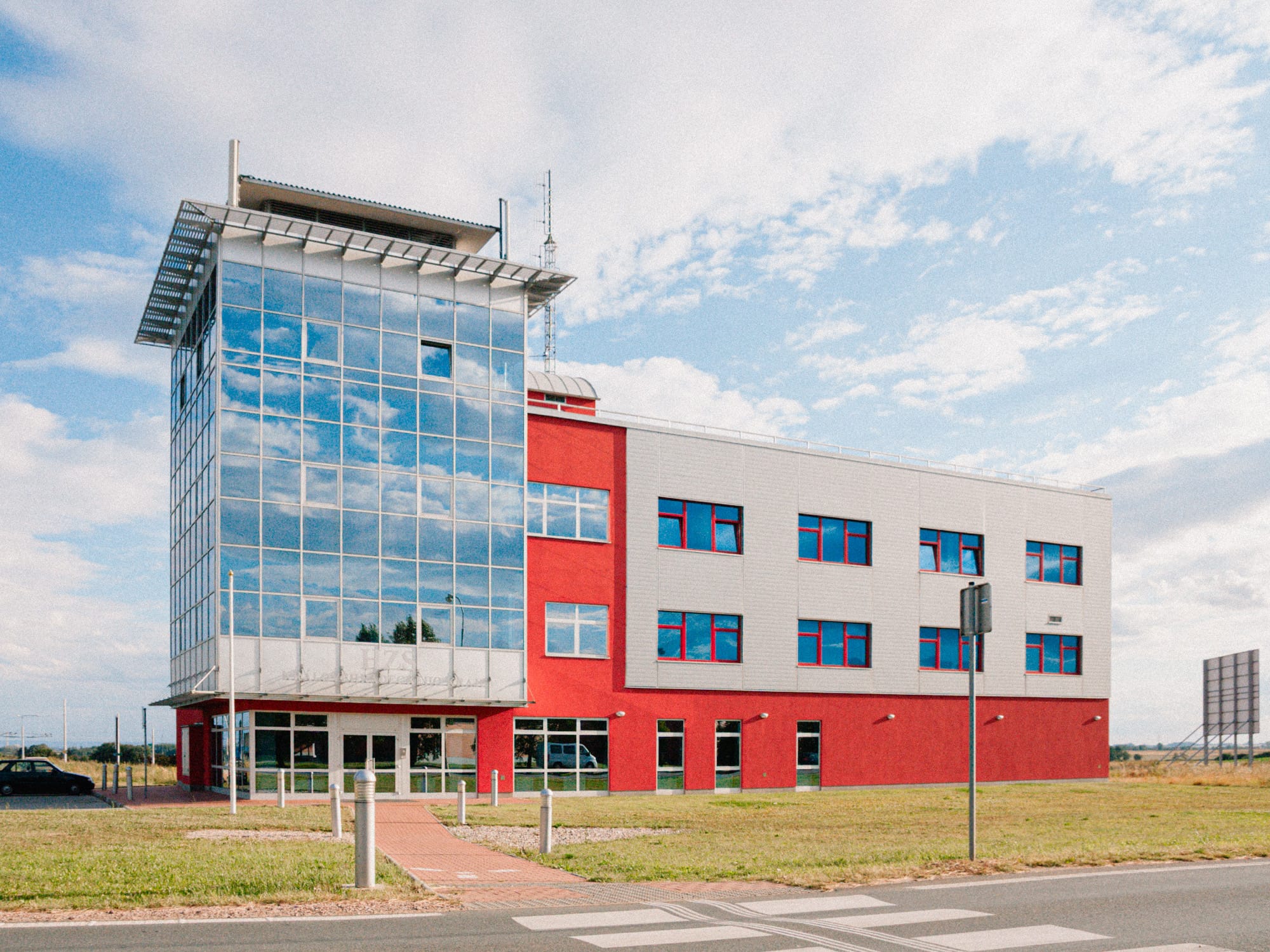
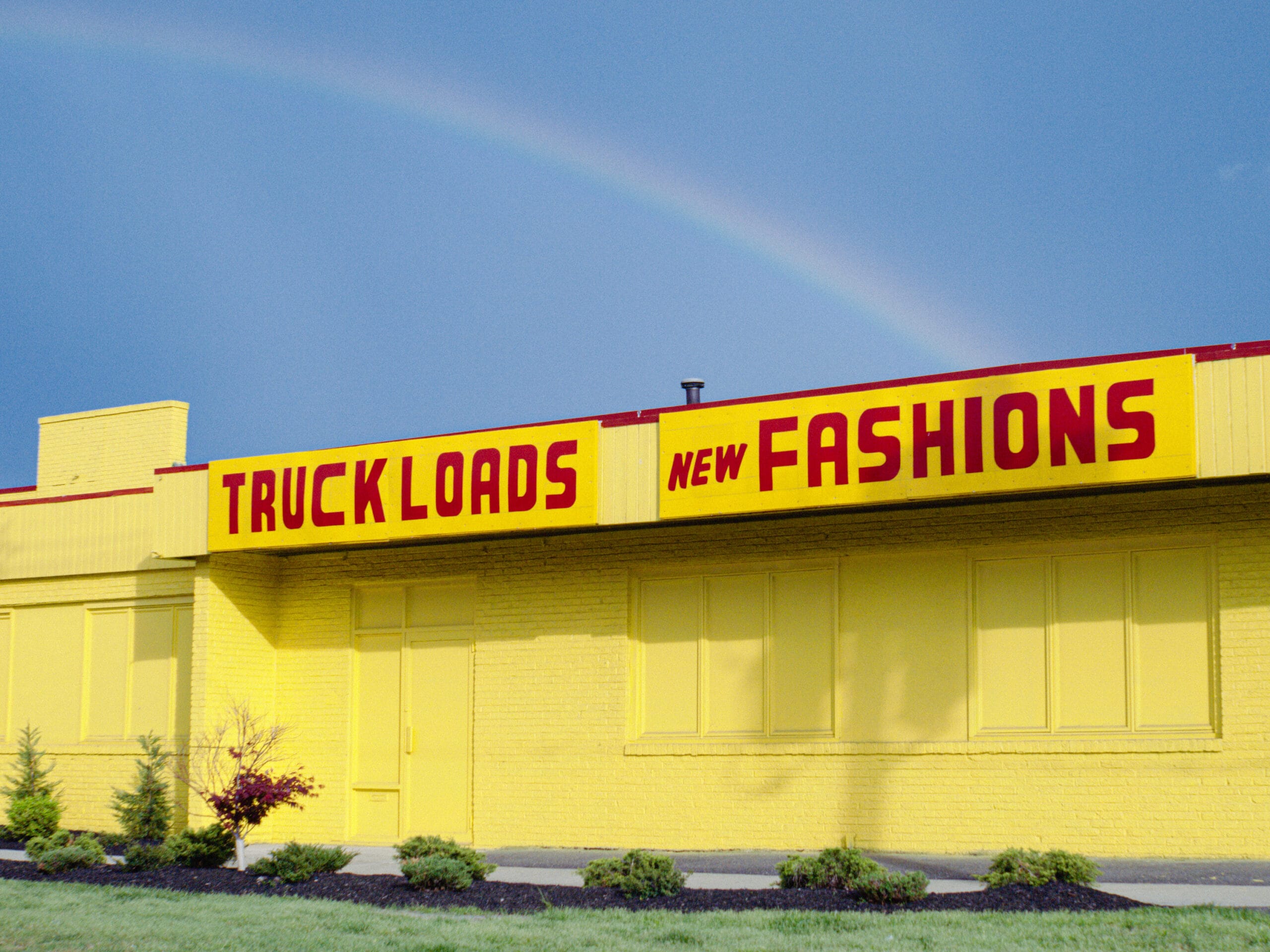
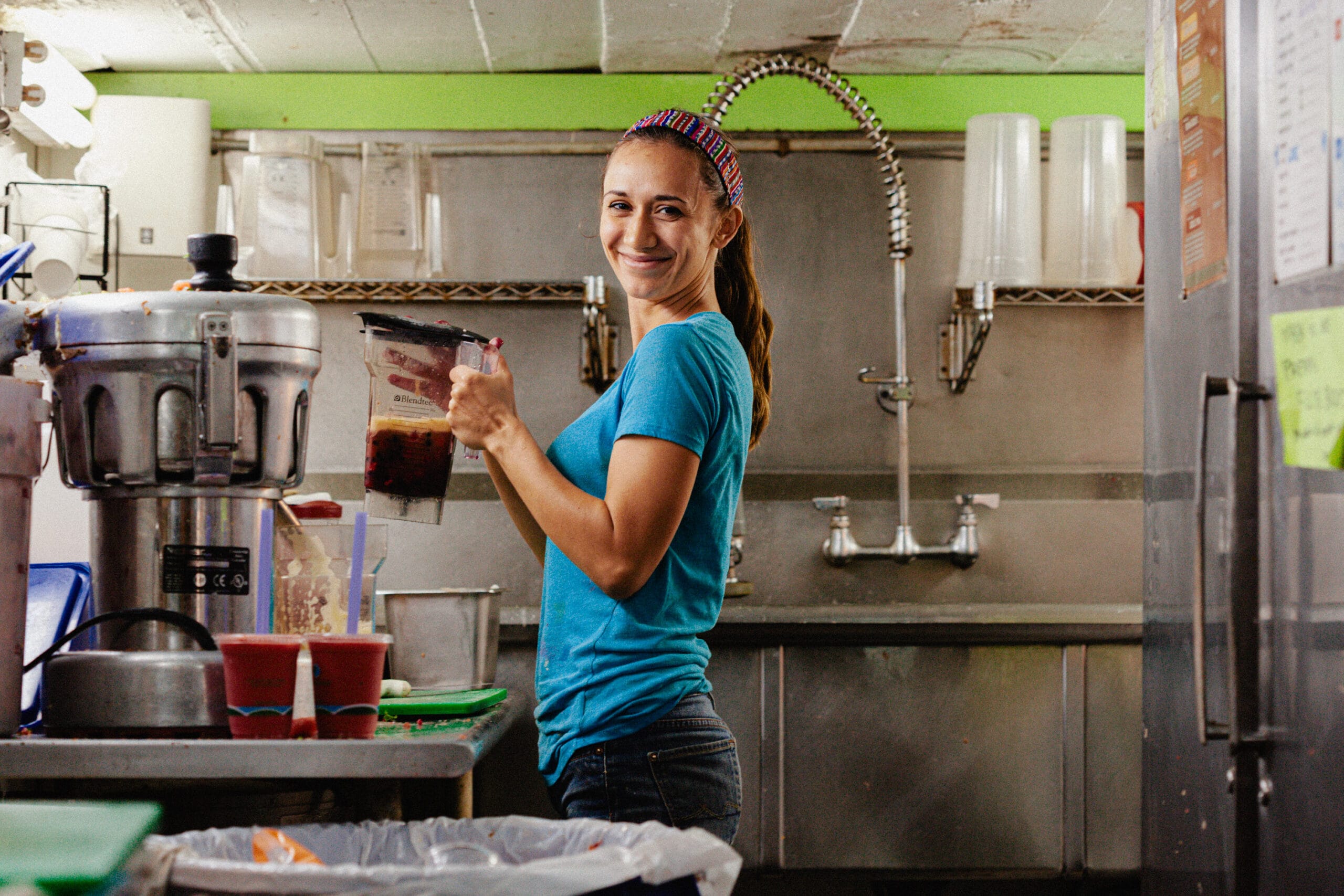
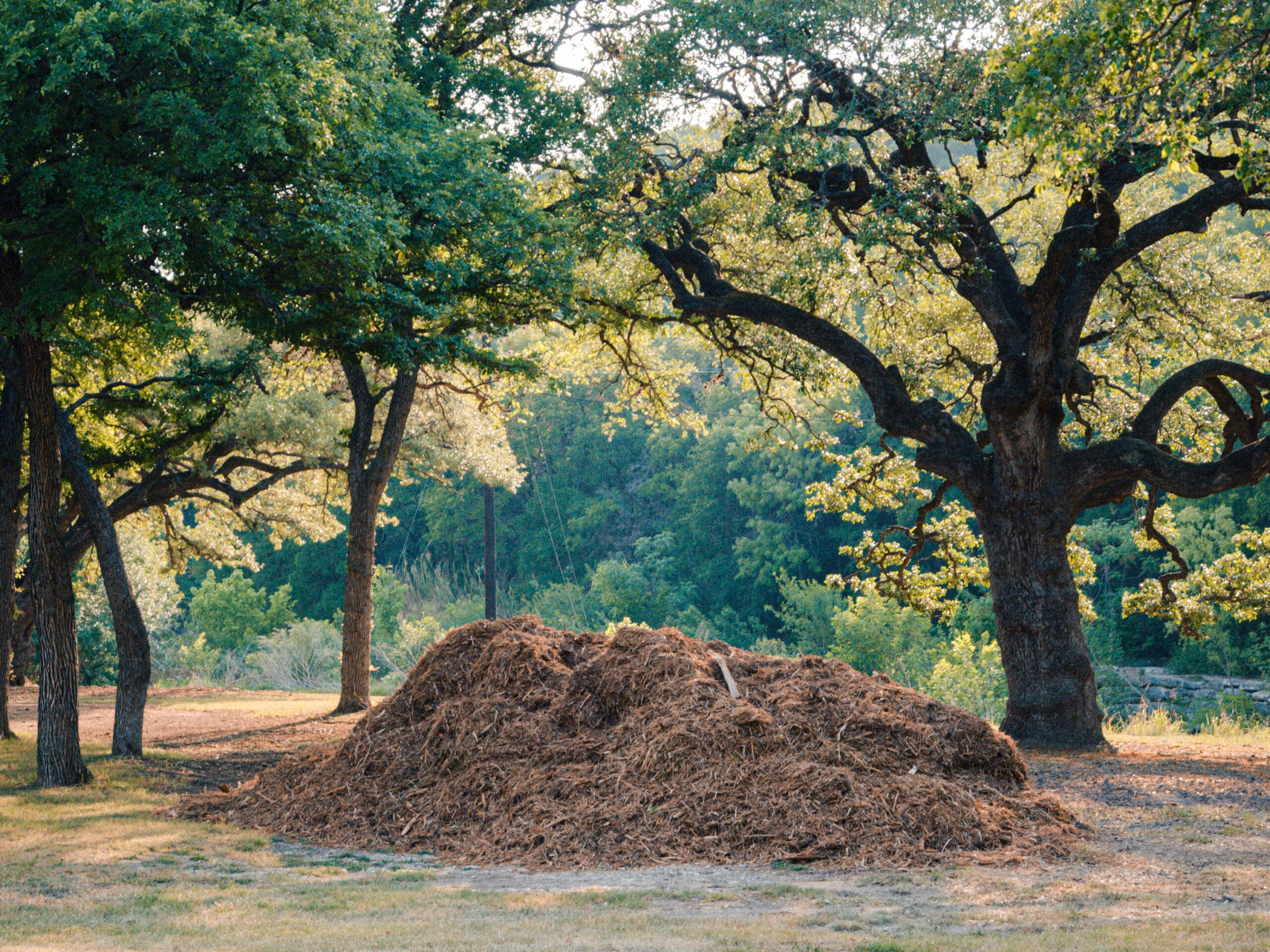
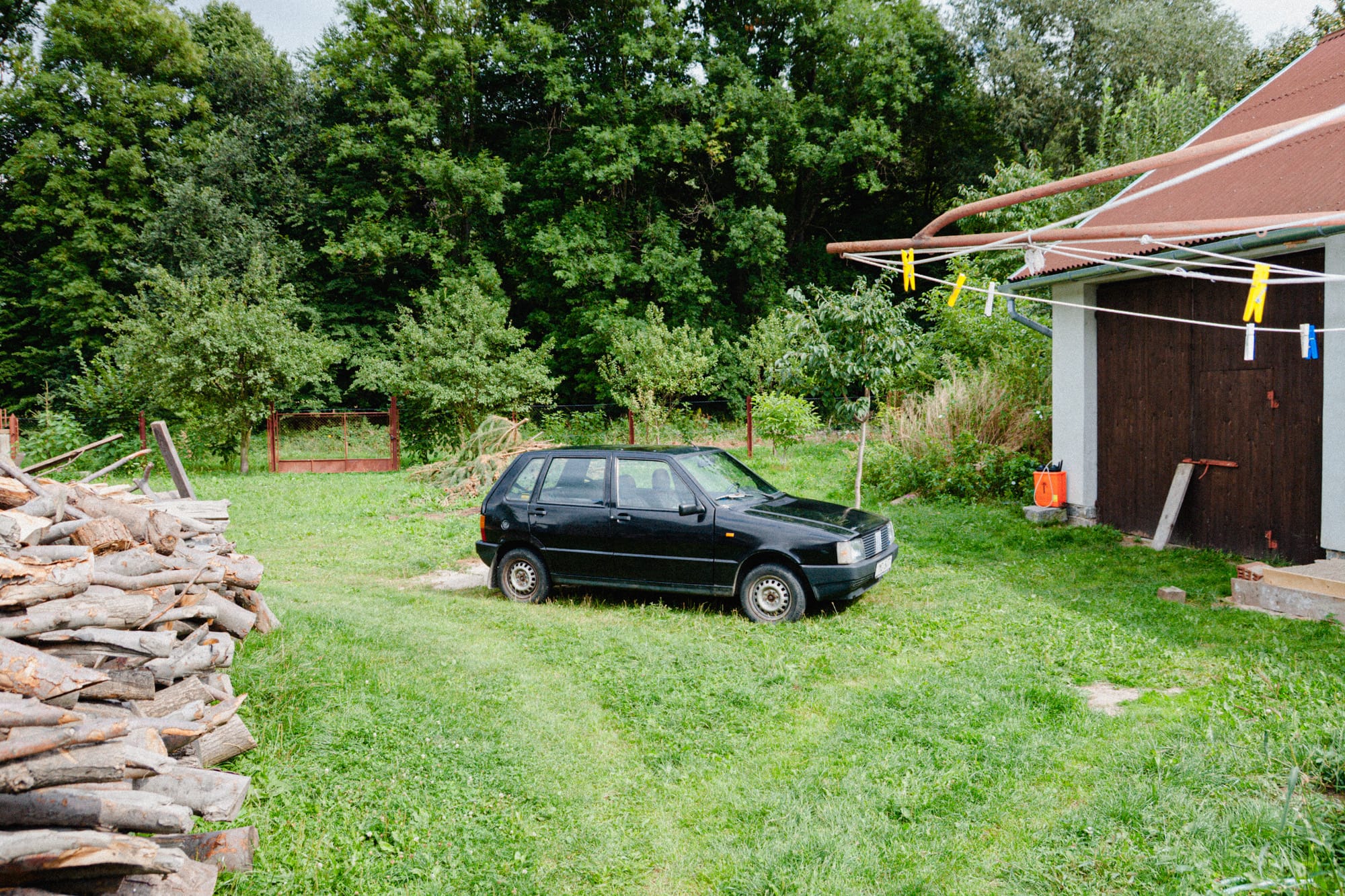
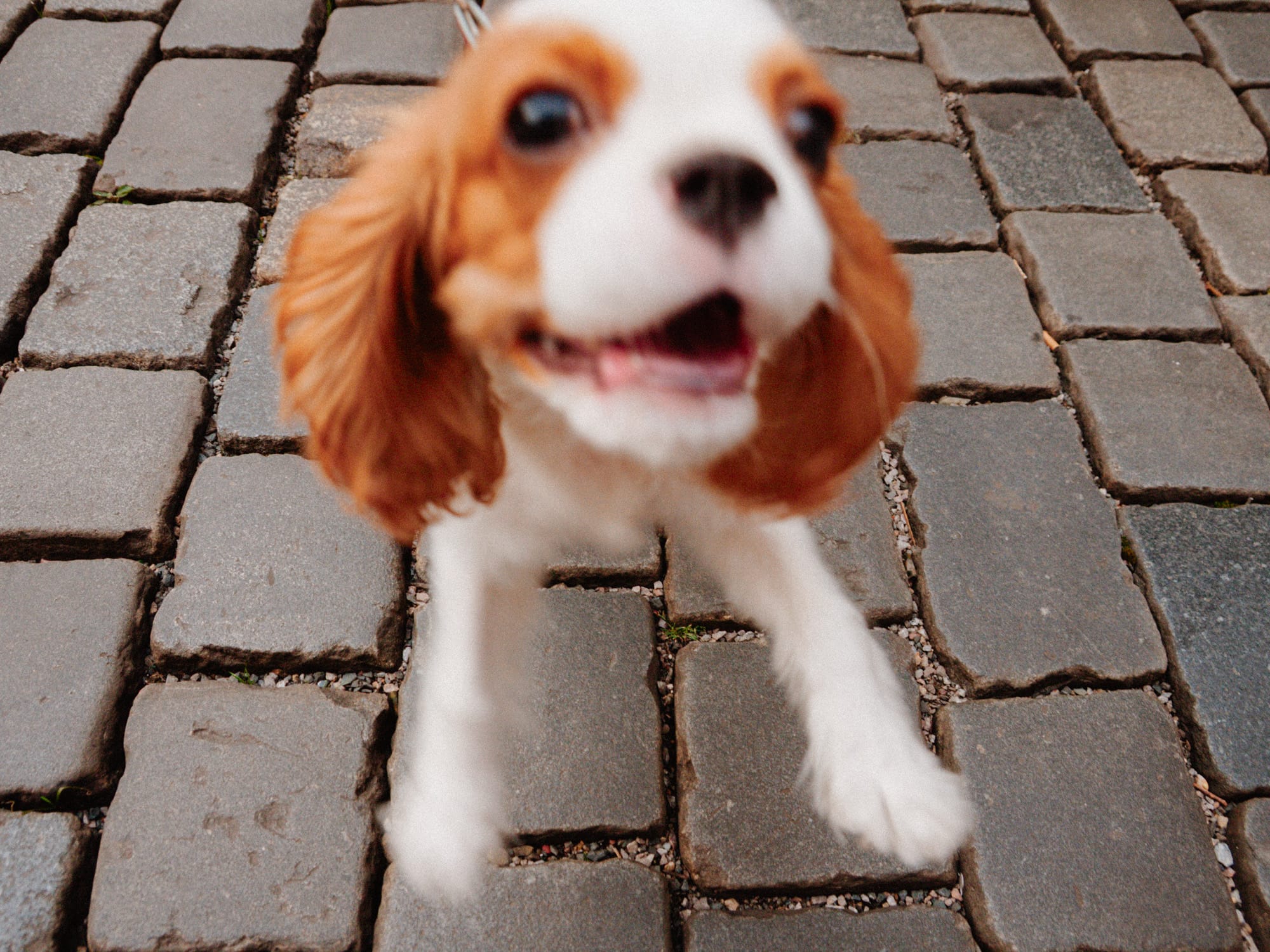
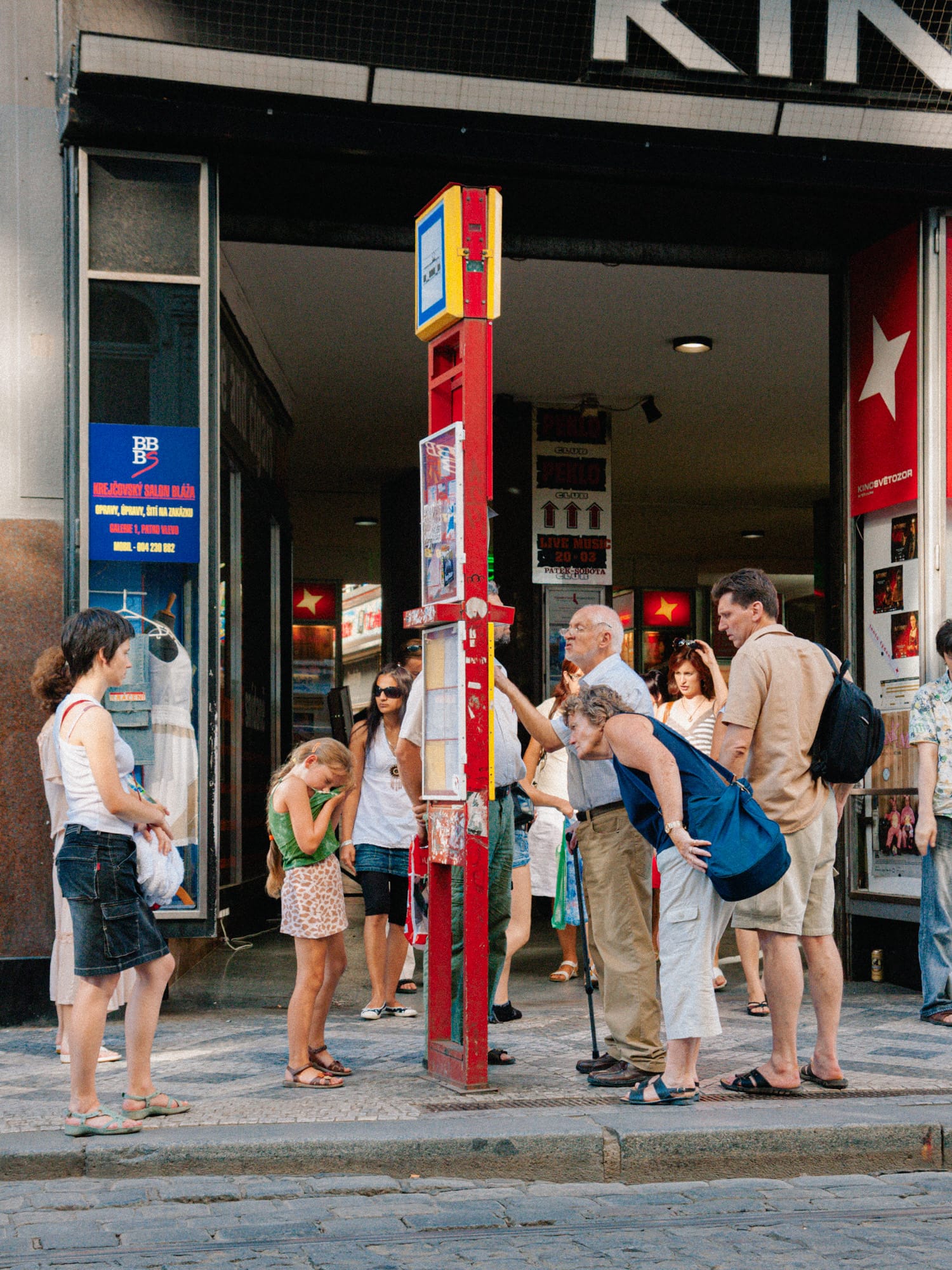
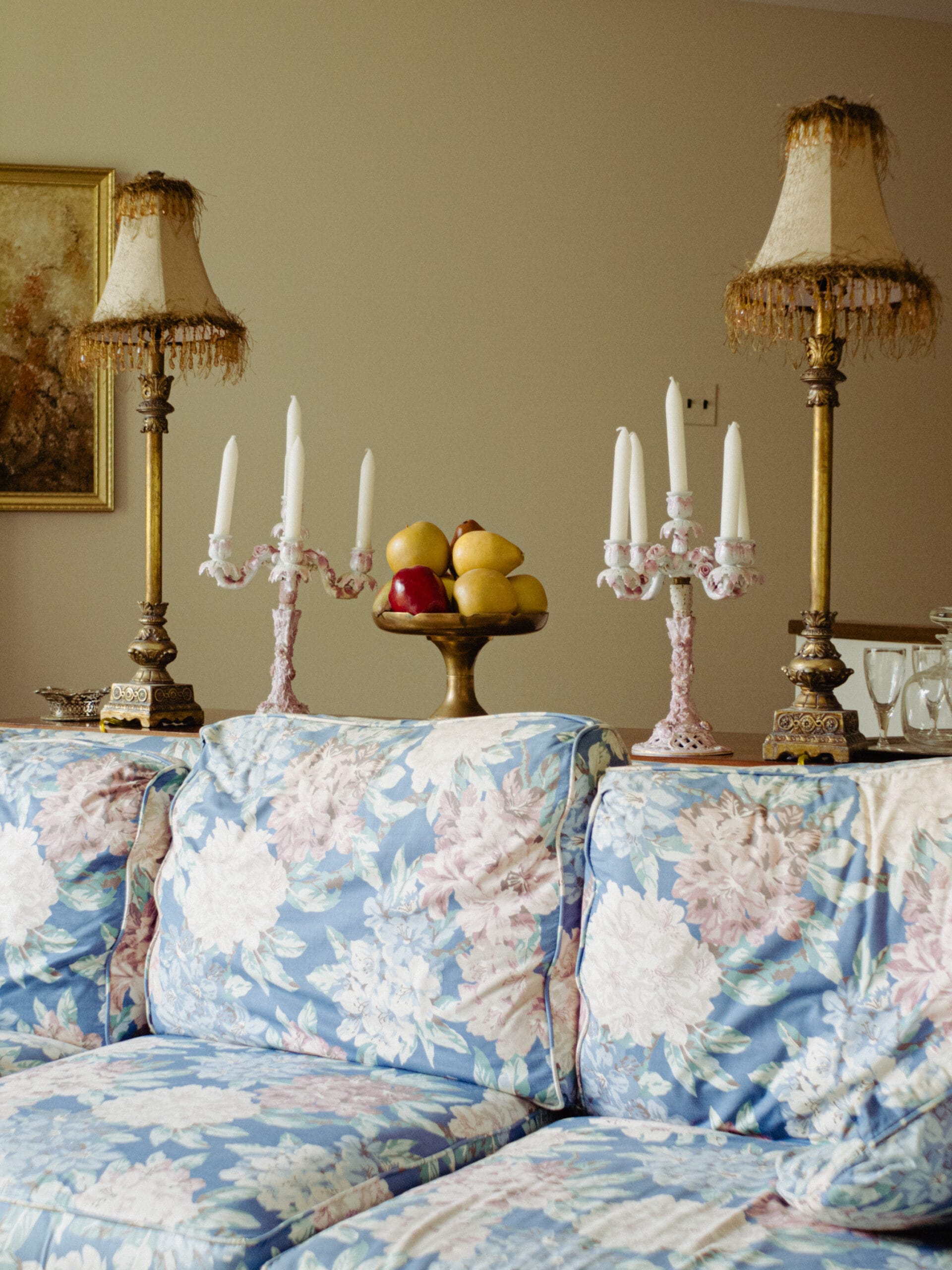
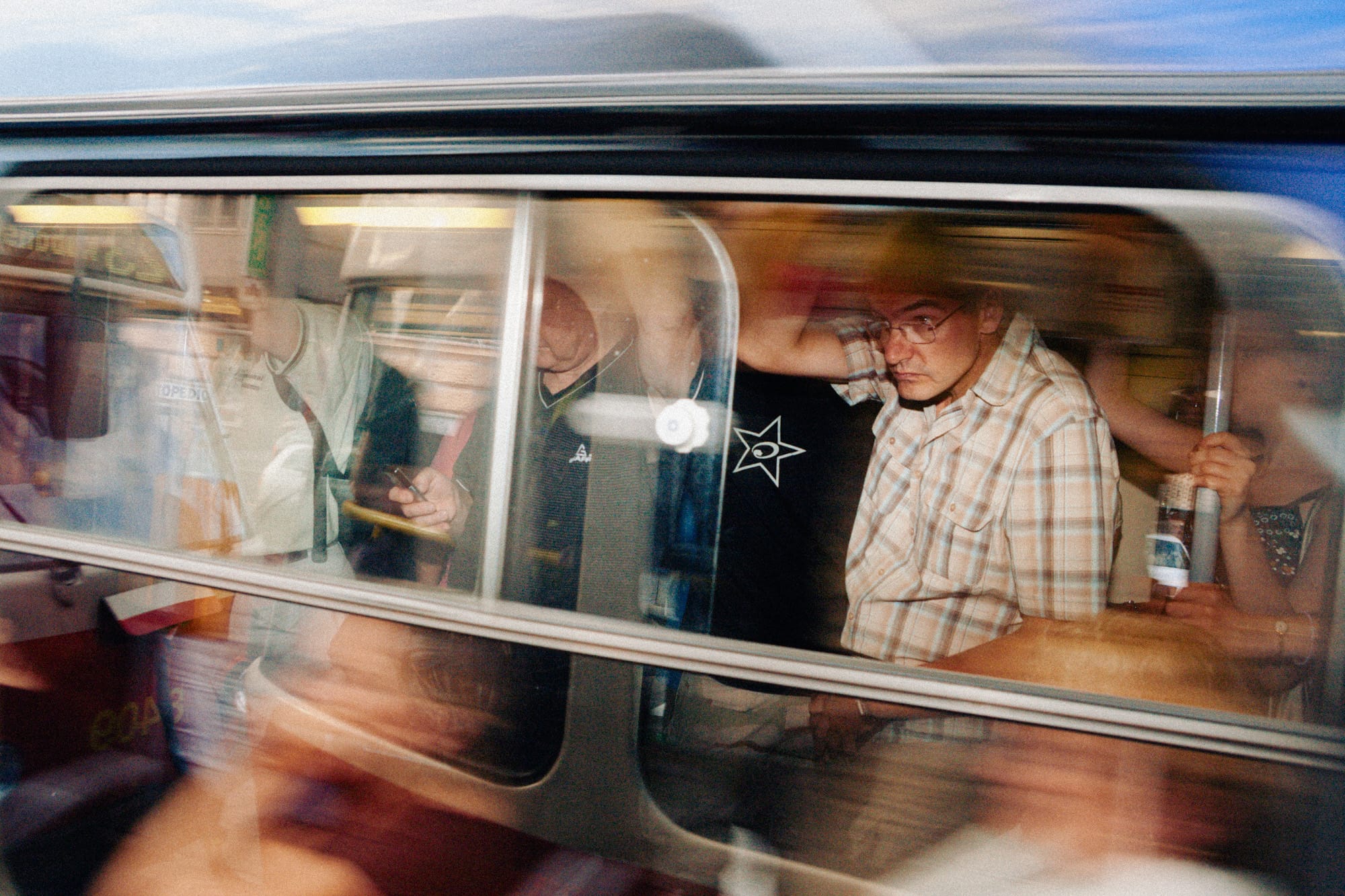
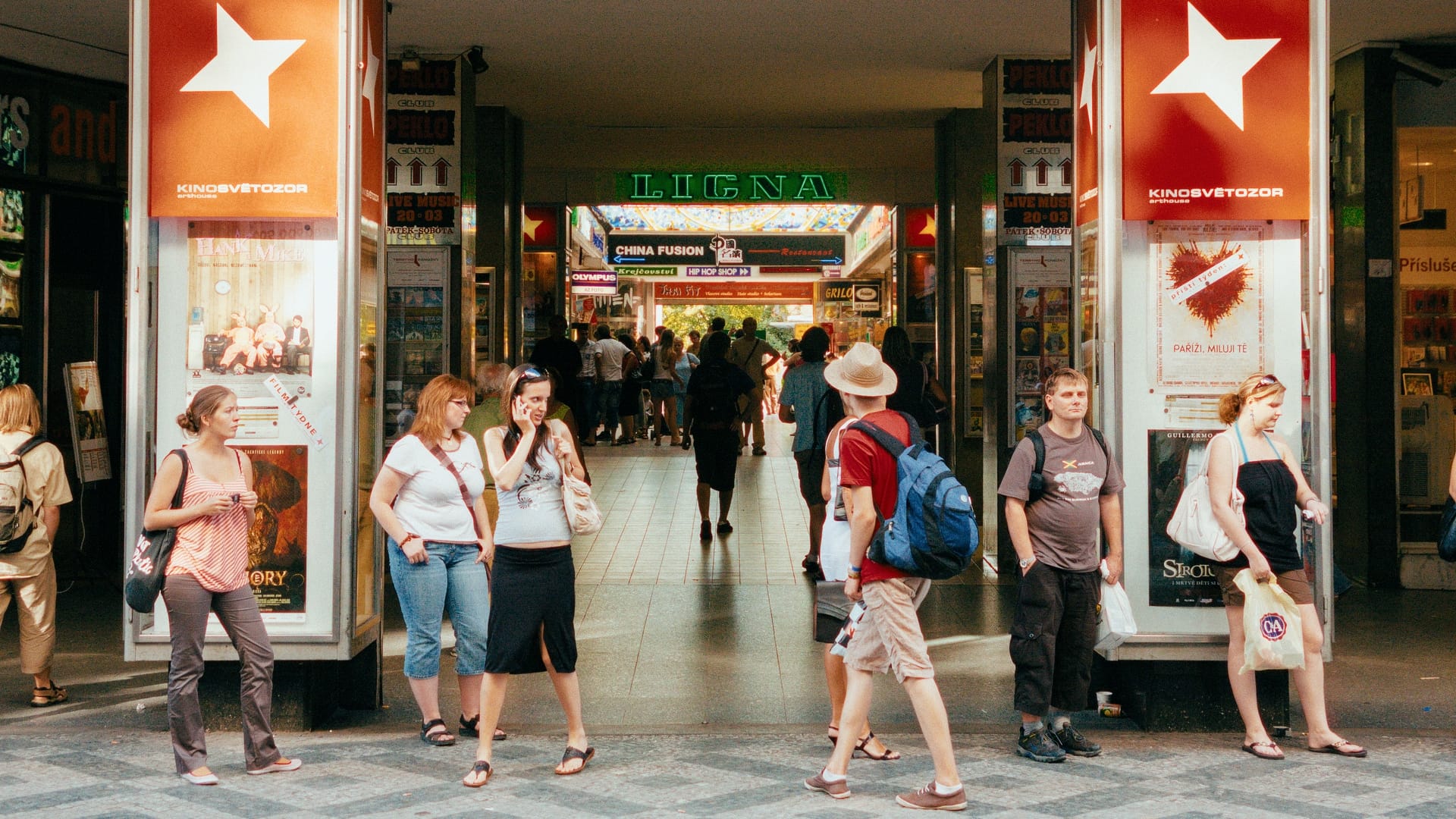
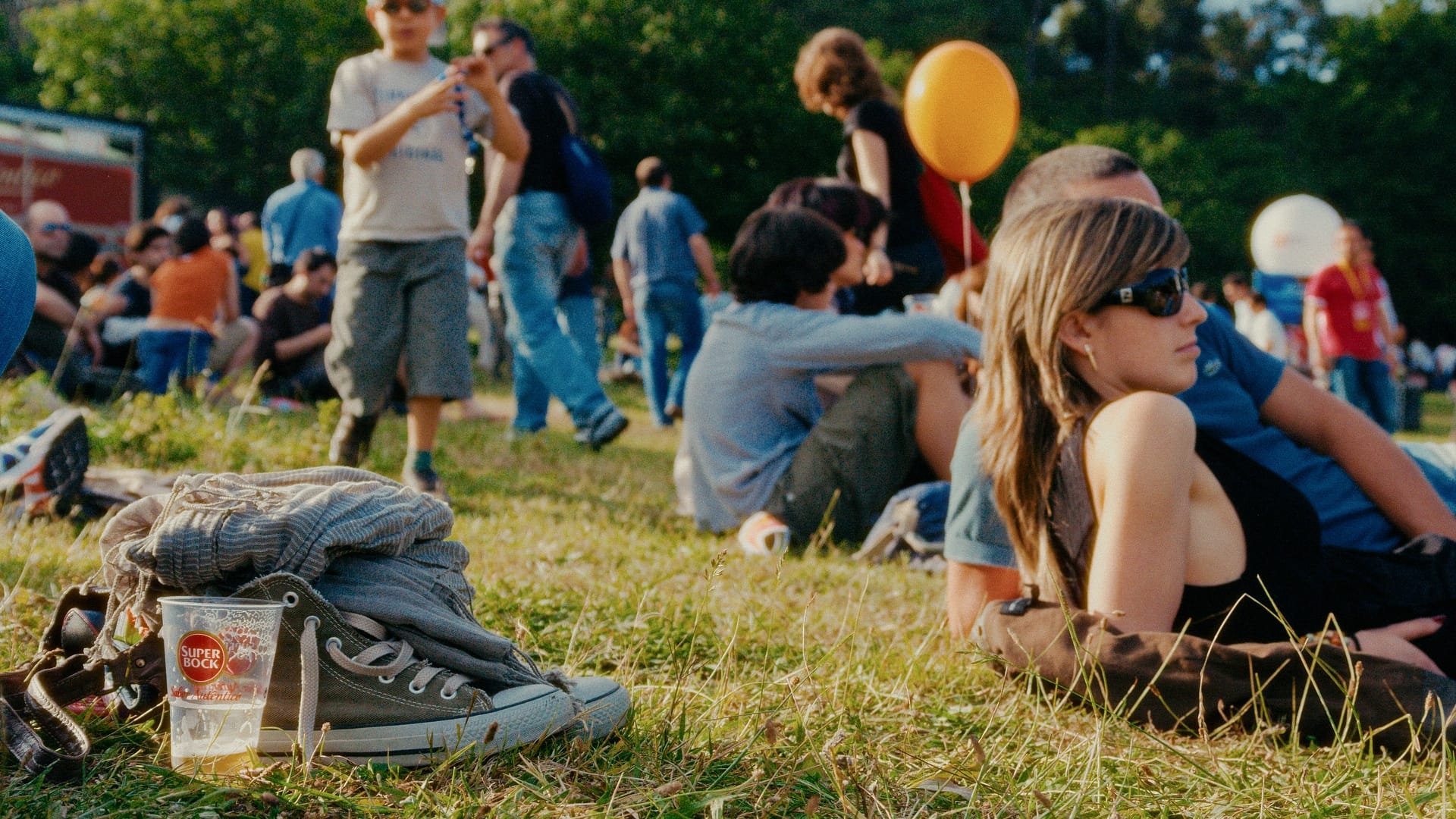
Samples required minimal editing besides exposure and white balance.
Click on an image to zoom in and navigate with the arrow keys.















LOOK PRESETS
One-click film looks
• A curated combination of an emulation profile with a selected set of modular presets bring a familiar film look with a single preset
• Fully customizable through independent, function-specific adjustments
SAMPLES
Samples required minimal editing in Lightroom besides exposure and white balance. Look Preset of various film stocks applied.


















CINEON LOG EXTERNAL EDITING
Cineon loggamma exports
Export stills from Lightroom using the Cineon Log print medium emulation
Grade the images in DaVinci Resolve
Apply sophisticated film grain and halation
Use complex print film emulations
Each film emulation includes a dedicated PowerGrade
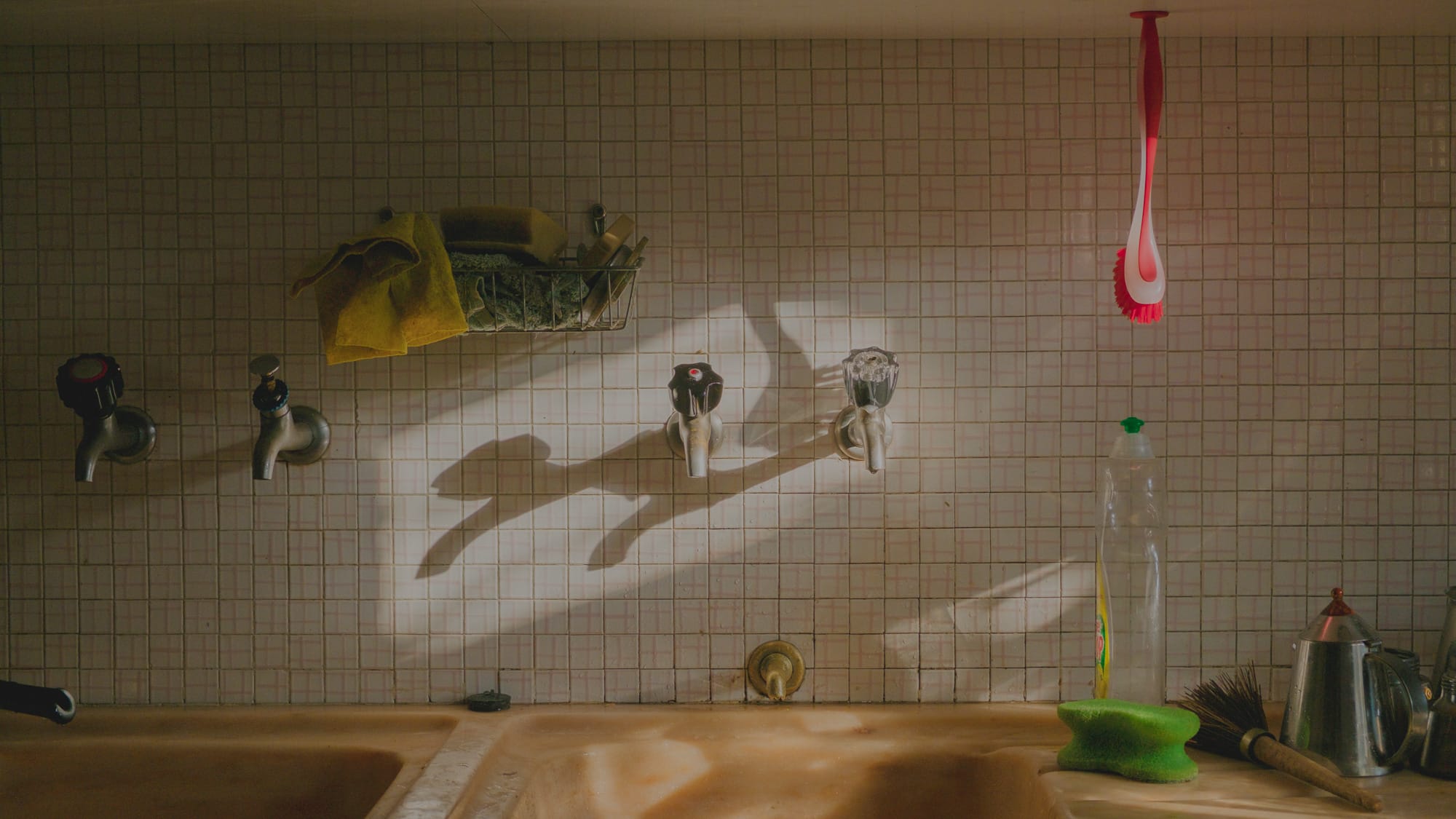
SAMPLES
Various film stocks exported from Lightroom with Cineon log Print modular preset applied. Imported into DaVinci Resolve and graded with the bundled PowerGrade. Minimal adjustments made such as white balance and exposure. Halation provided by the Film Look Creator plugin.


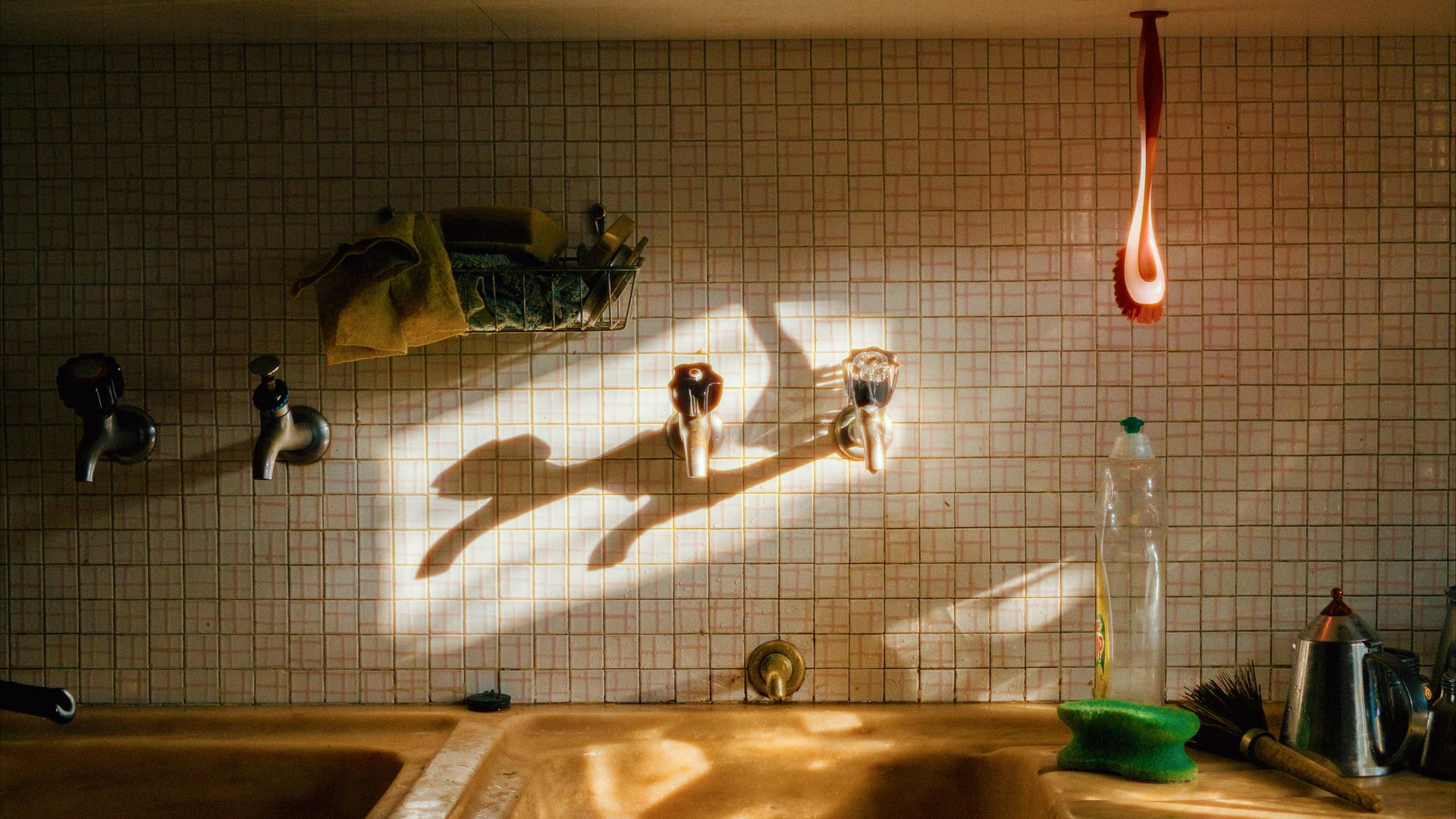




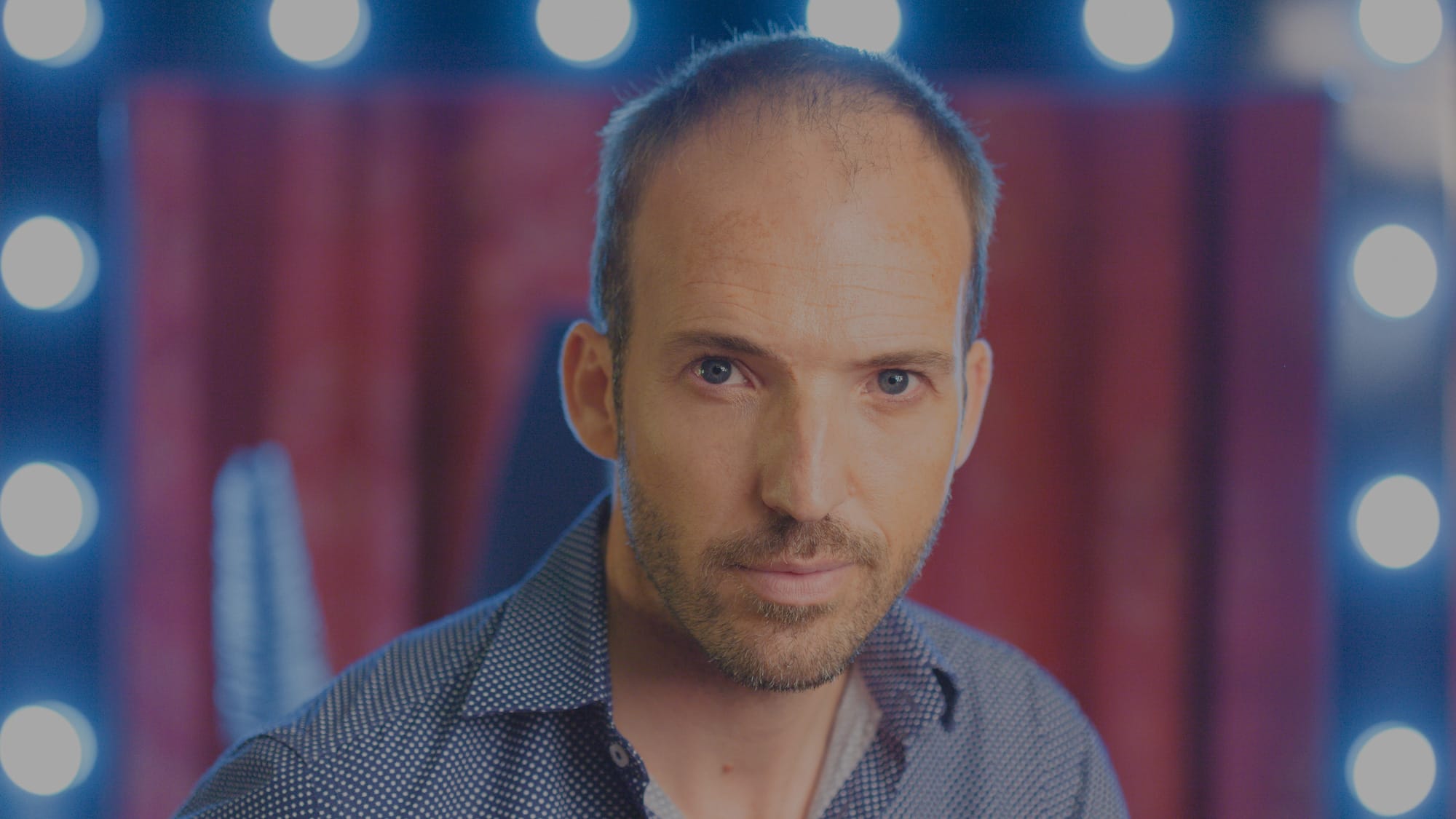
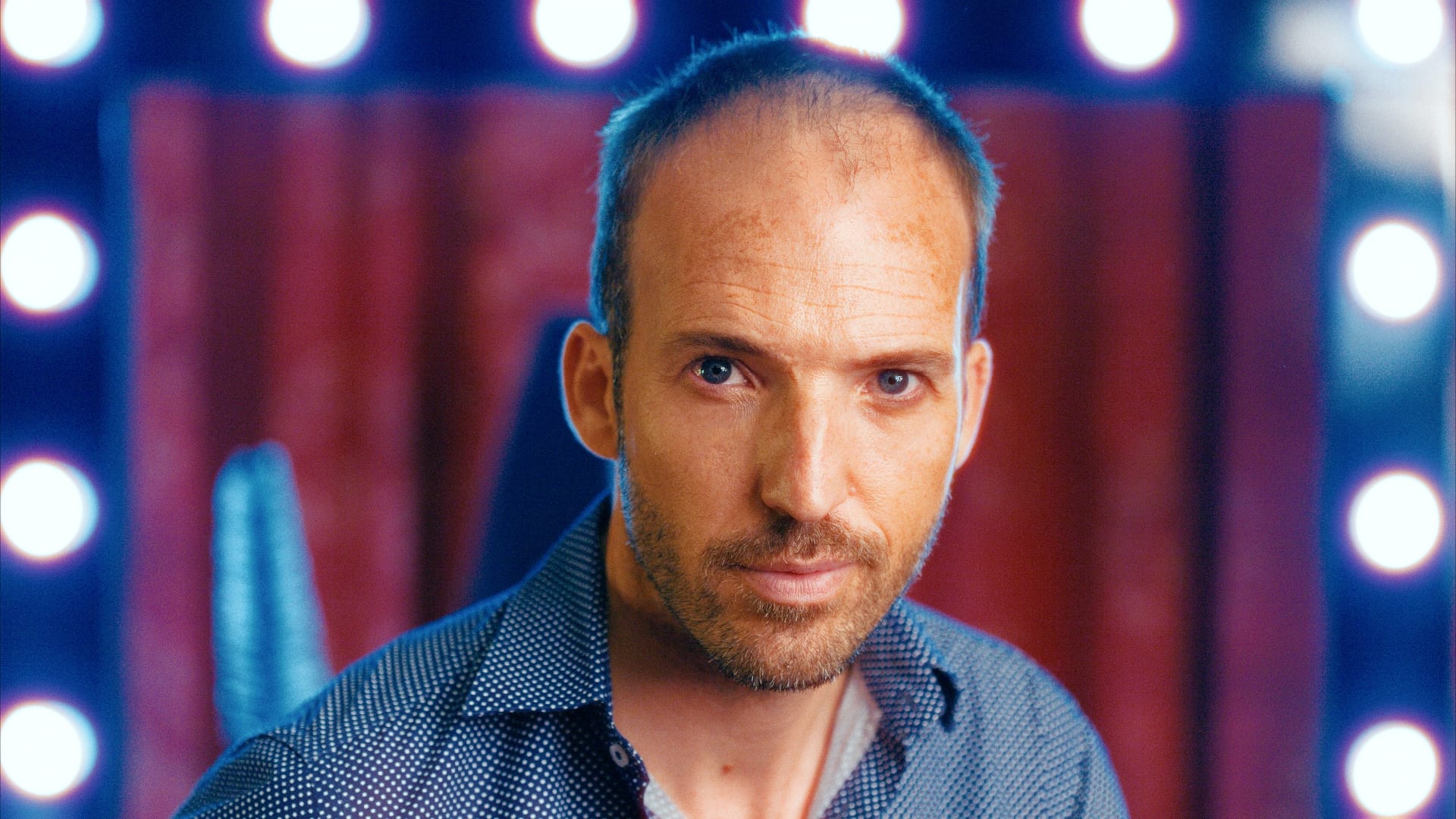
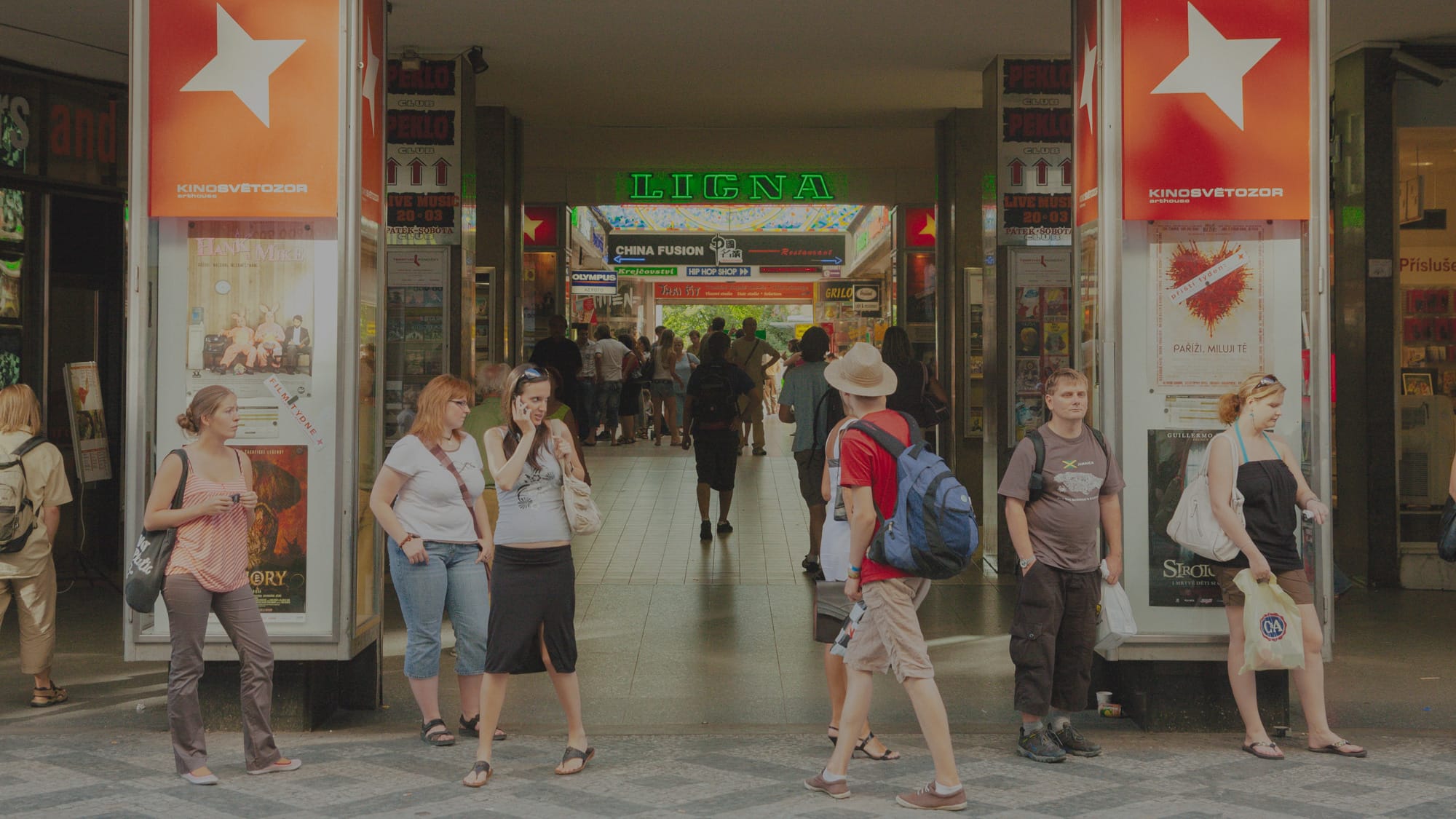







Do you want to see how your images look with these emulations?Send us some raw samples, and we'll get back to you with every preset applied.
Faq
Yes, we’re planning on releasing more negative and positive films.
If you want to see Alchemy Color Emulations applied to your images, send us a raw sample from a supported camera through any file delivery service and email us at info@alchemycolor.com. We’ll get back to you with edited samples in TIFF format for review.
Minilab film scans are largely driven by automated processes. The scanner continuously analyzes image content and applies automatic adjustments for exposure, contrast, color balance, and density on a frame-by-frame basis. As a result, the same roll of film can produce noticeably different looks depending on the scene, lighting, or even small compositional changes. This makes outcomes unpredictable and highly dependent on image content rather than on the film stock itself.
Alchemy Color film emulations take a system-agnostic approach. Instead of mimicking the behavior of a specific scanner or lab workflow, they aim to isolate and reproduce the intrinsic characteristics of the film color response, tonal relationships, and contrast without the influence of the reproduction medium. The goal is consistency and intent: a film look that holds up across different cameras, scanners, and output pipelines.