

SOOC Digital Camera Emulations
For DaVinci Resolve
A customizable PowerGrade offers complete control over the emulation inside DaVinci Resolve.





For Adobe Camera Raw
A set of presets and profiles creates an accurate emulation of the source camera.
For EOS Picture Styles
These Picture Styles translate FujiFilm film simulations into a format compatible with Canon EOS cameras and Digital Photo Professional.

SOOC Emulations for DaVinci Resolve
HIGHLIGHTS
SOOC Color for Any Video Camera
Apply SOOC color to any footage supported by the Color Space Transform plugin in DaVinci Resolve, regardless of the camera you shoot with.
Ready-to-Use PowerGrade
The supplied PowerGrade handles all color space routing automatically, so you can focus on the creative side of your grade rather than the technical setup.
Scene-Linear Workflow
Built around DaVinci Wide Gamut and Intermediate Gamma, the emulation sits cleanly in a scene-linear pipeline and responds predictably to further adjustments in contrast, saturation, and tone.
SOOC Color, Scientifically Extracted
Every source camera JPEG output was extracted under controlled conditions, with all modifiers neutralized and white balance set to a known D50 reference.
Extended Dynamic Range
DaVinci Resolve compresses dynamic range better than Adobe Camera Raw, making it easier to recover highlight and shadow detail with ease.
SDR and HDR Compatible
Works across SDR and HDR color grading workflows, in any color space and gamma timeline combination, making it a versatile tool regardless of your delivery target.
Samples
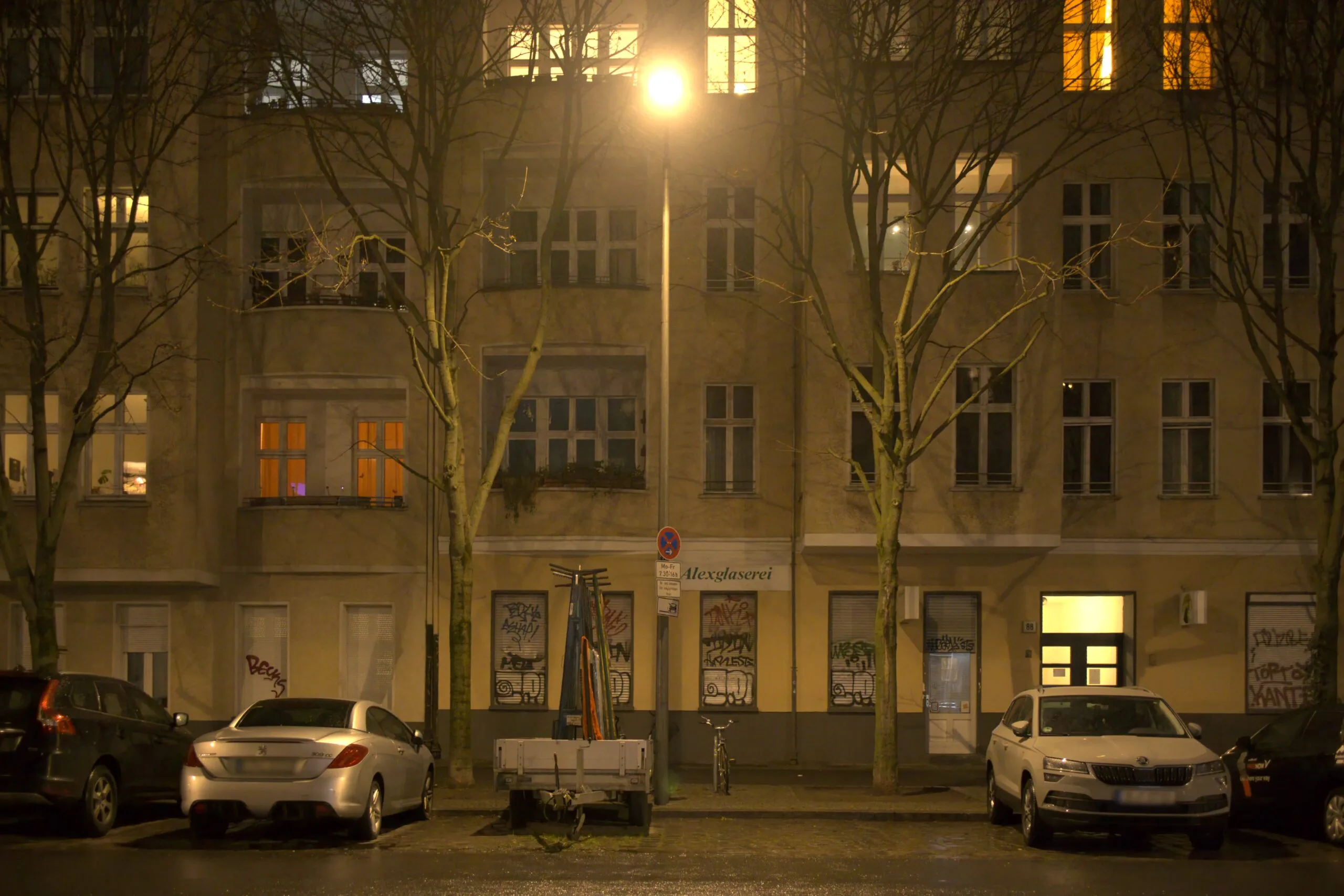
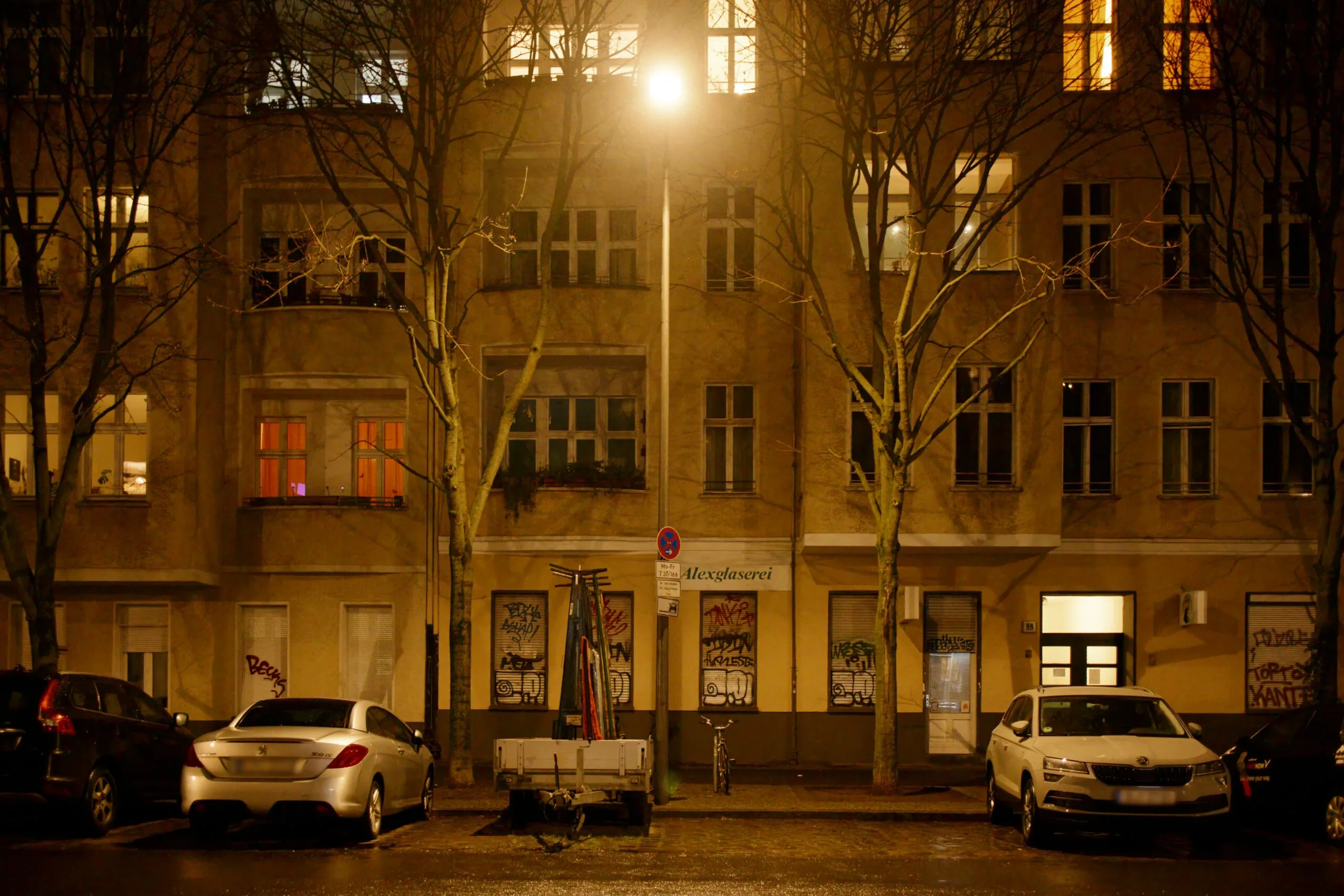
DaVinci Resolve sRGB default rendering vs SOOC Emulation
Click camera model to expand.
Contemporary CMOS
The Fujifilm X100VI features Film Simulations that replicate classic chemical film stocks. They allow you to get beautifully processed JPEGs straight out of the camera without needing color correction.


PROVIA


Classic Chrome


Pro Neg Std


ETERNA


ACROS+G


VELVIA
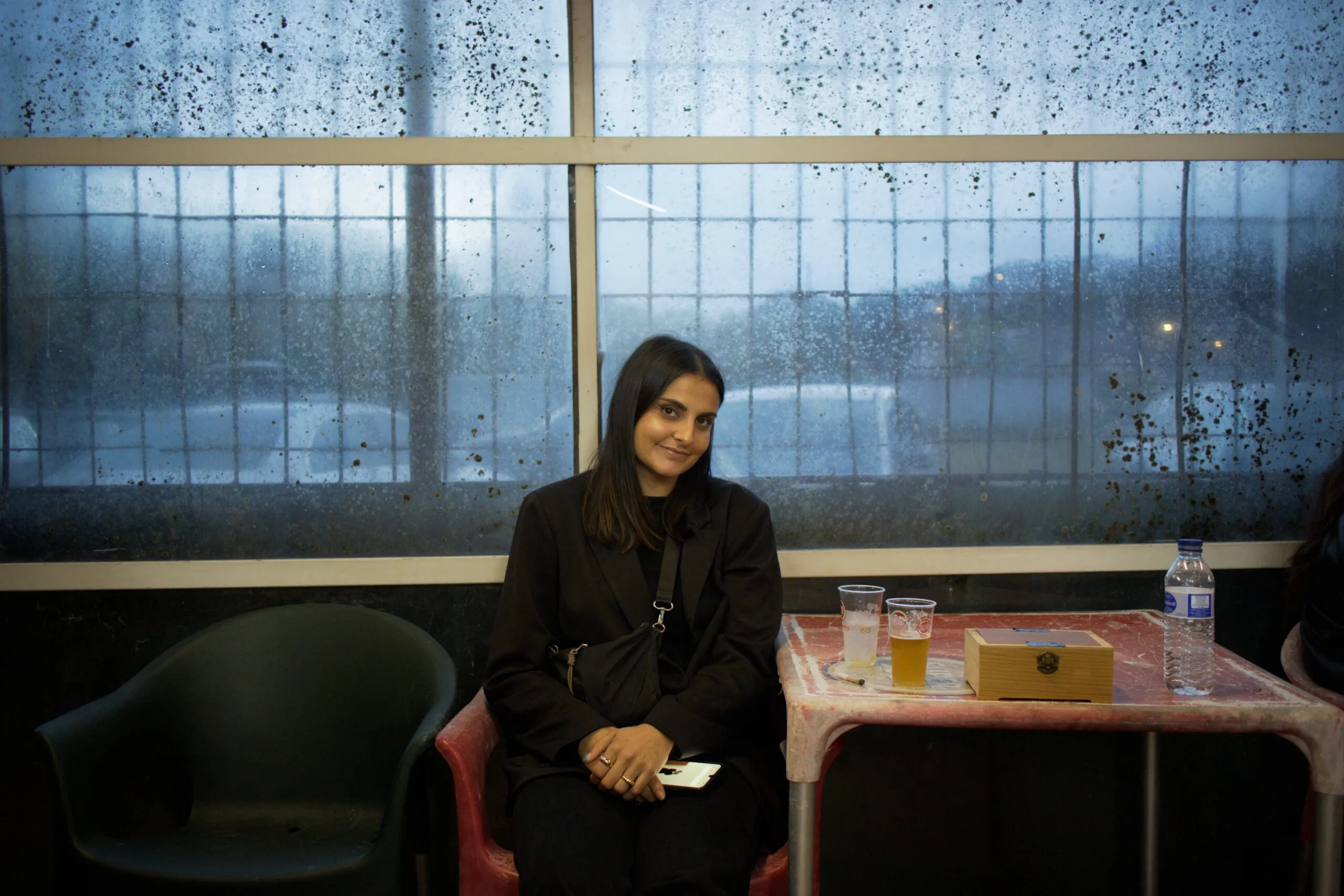
Reala Ace


Classic Neg
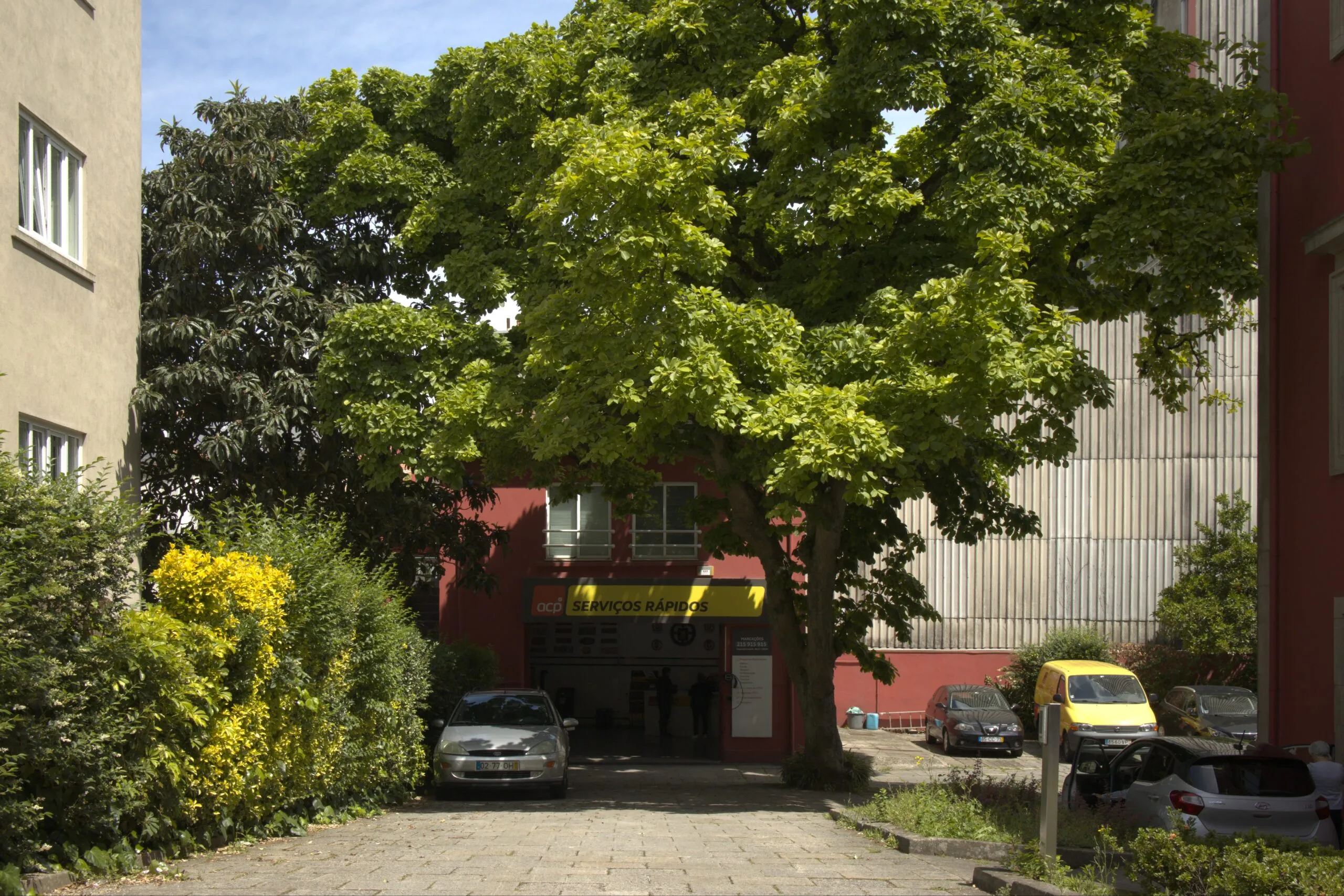
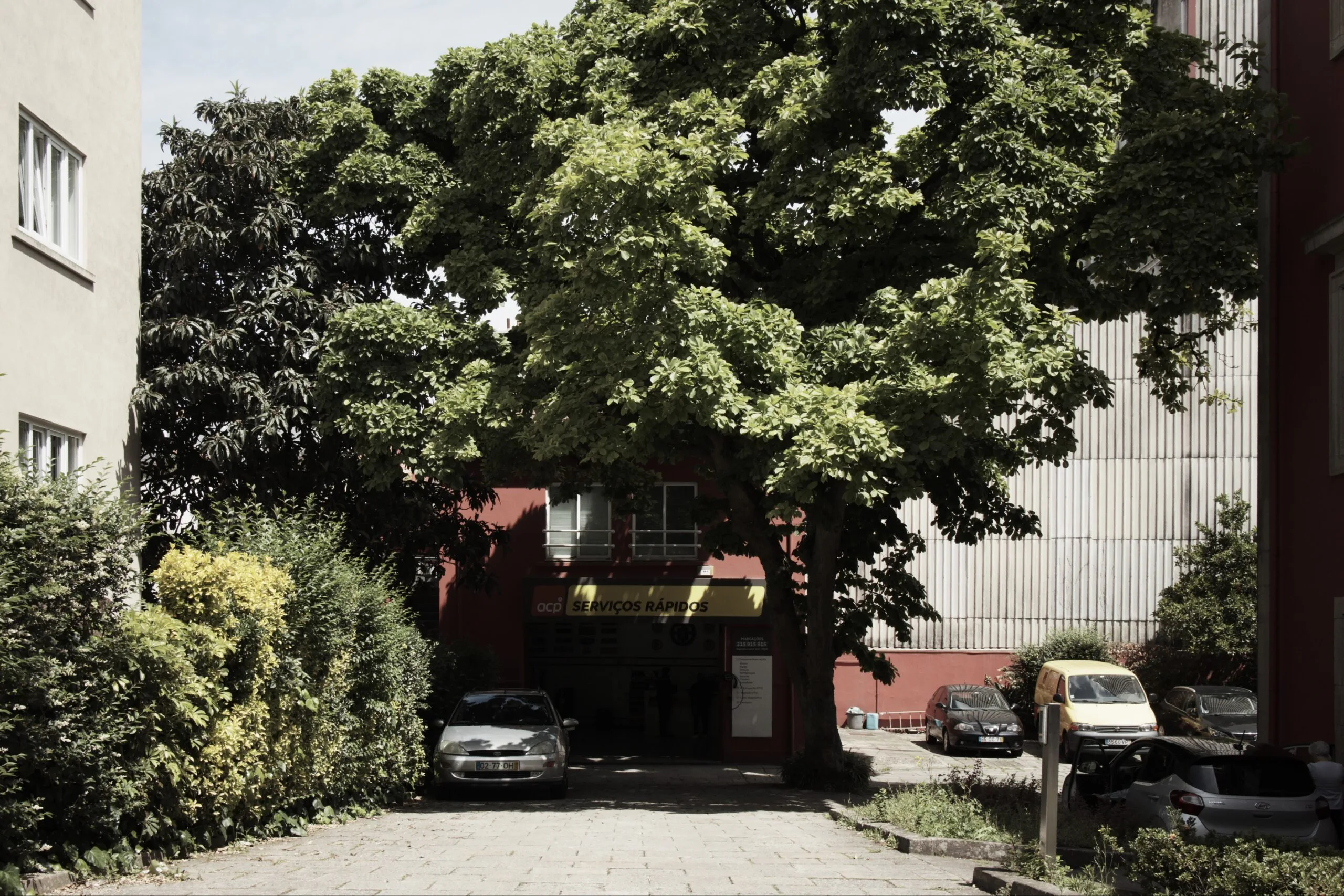
Bleach Bypass

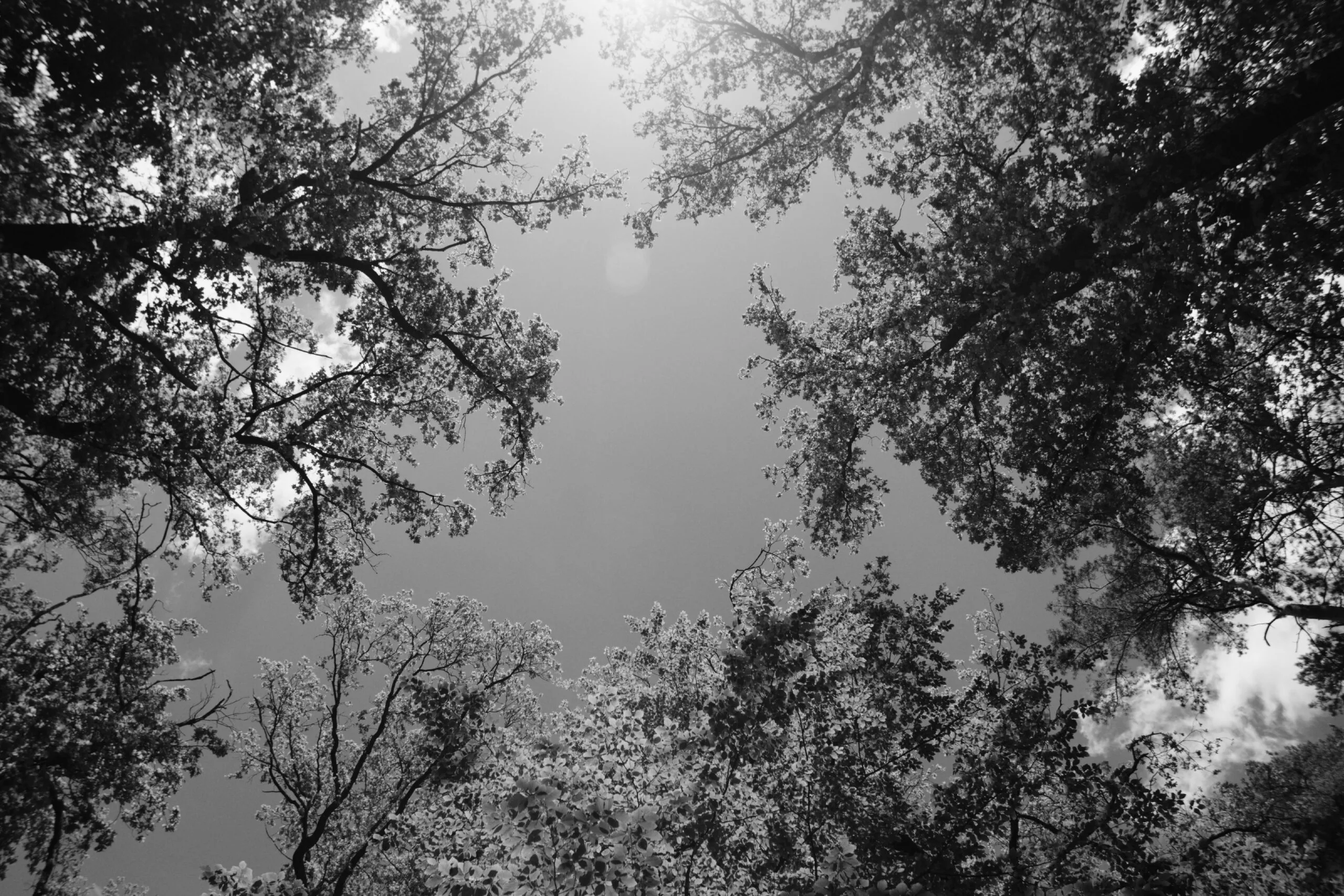
ACROS+R


ASTIA


Pro Neg Hi


Nostalgic Neg

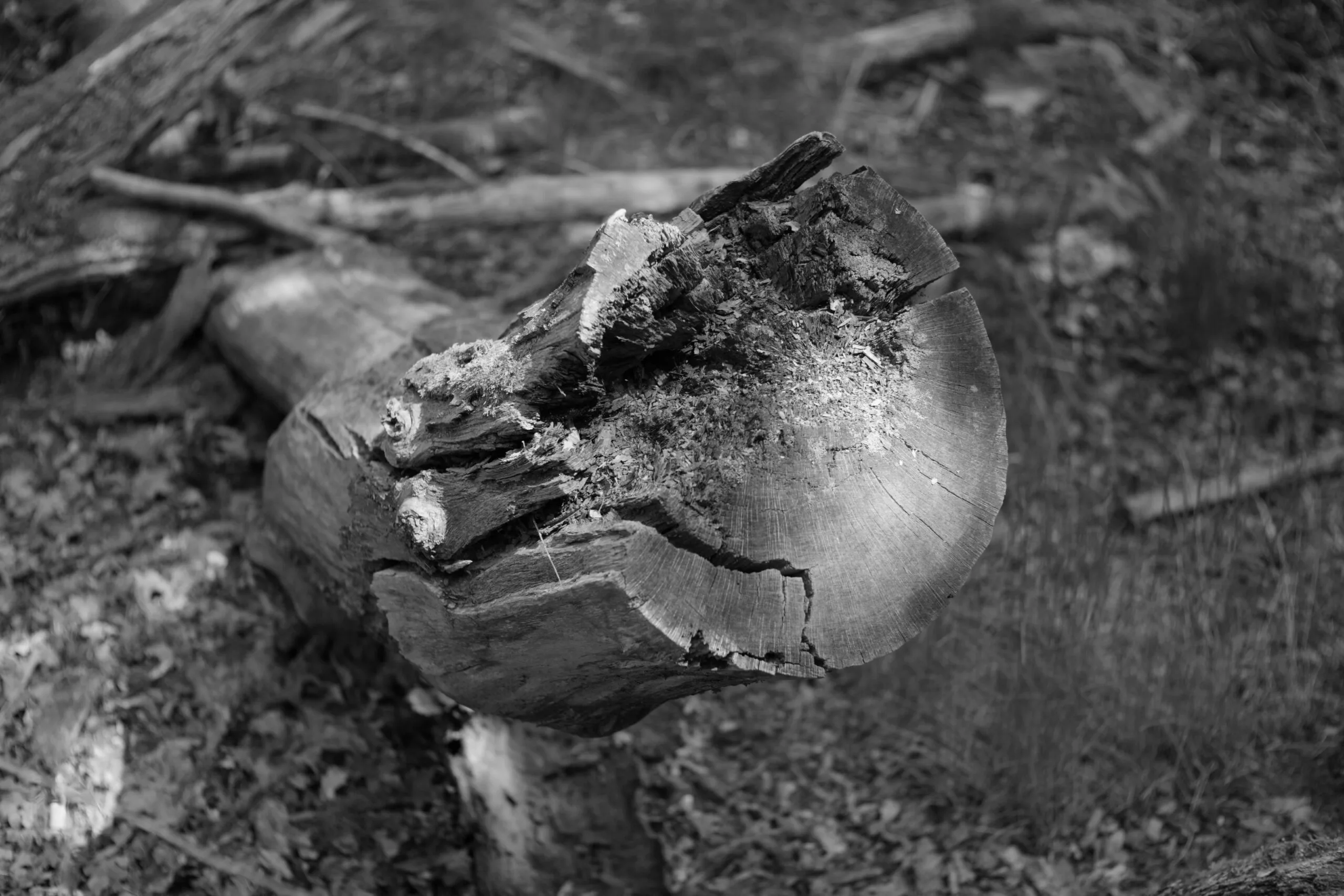
ACROS


ACROS+Ye
The Ricoh GR III is famous for its in-camera JPEGs. To get the most out of your colors, skip standard modes and use the Positive Film (for punchy, vivid contrast) or Negative Film (for moody, film-like color) profiles.


Standard
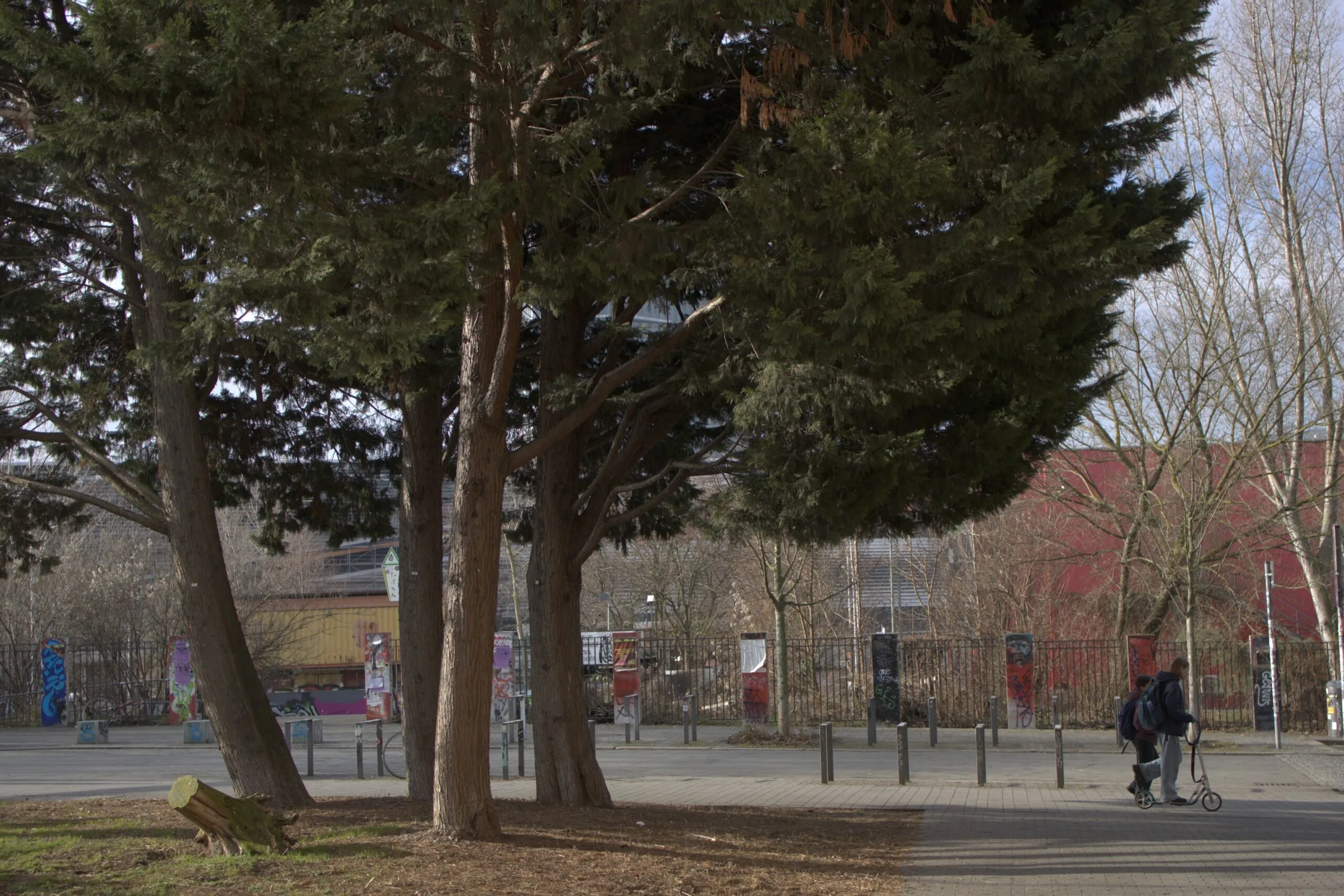
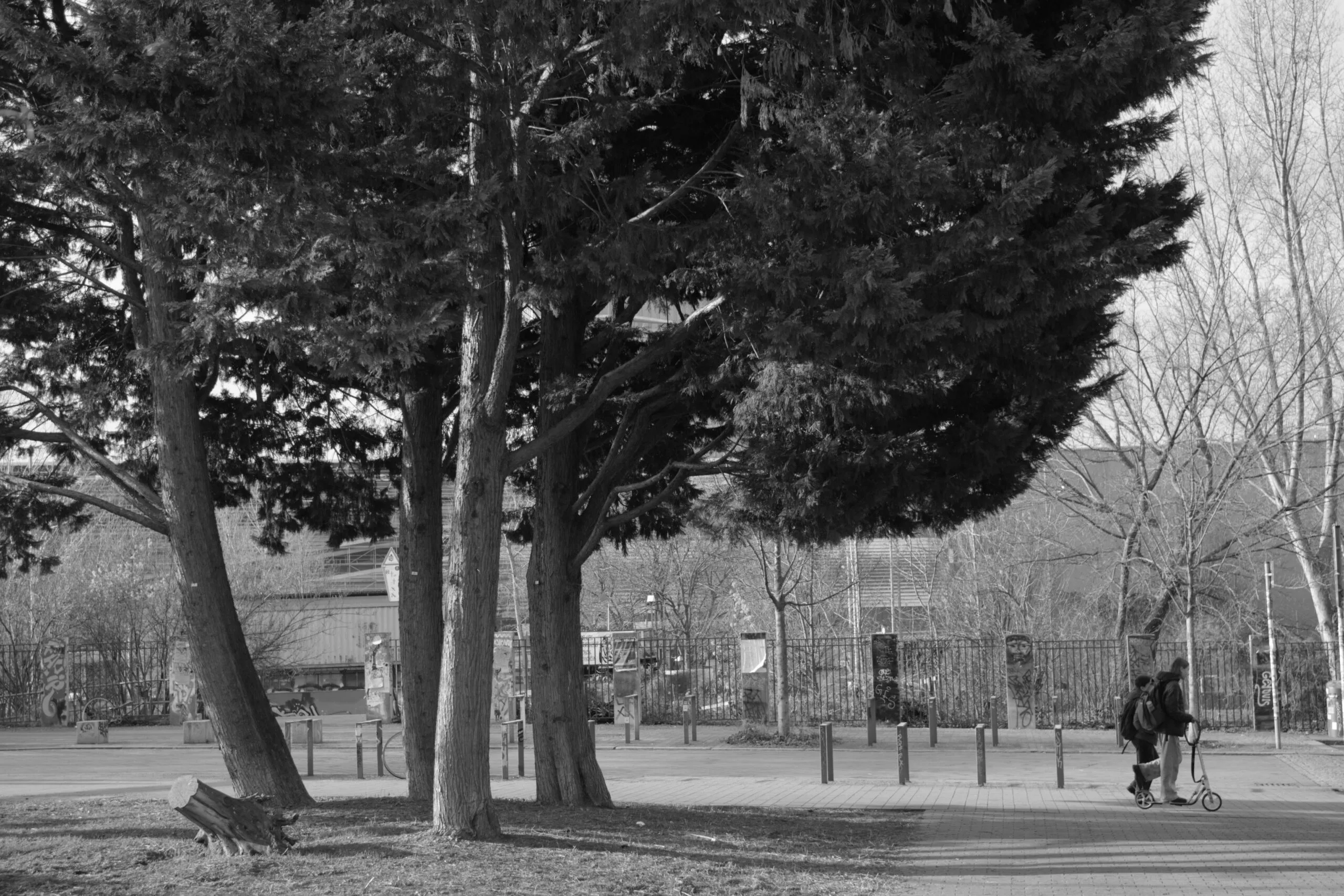
Soft Monotone
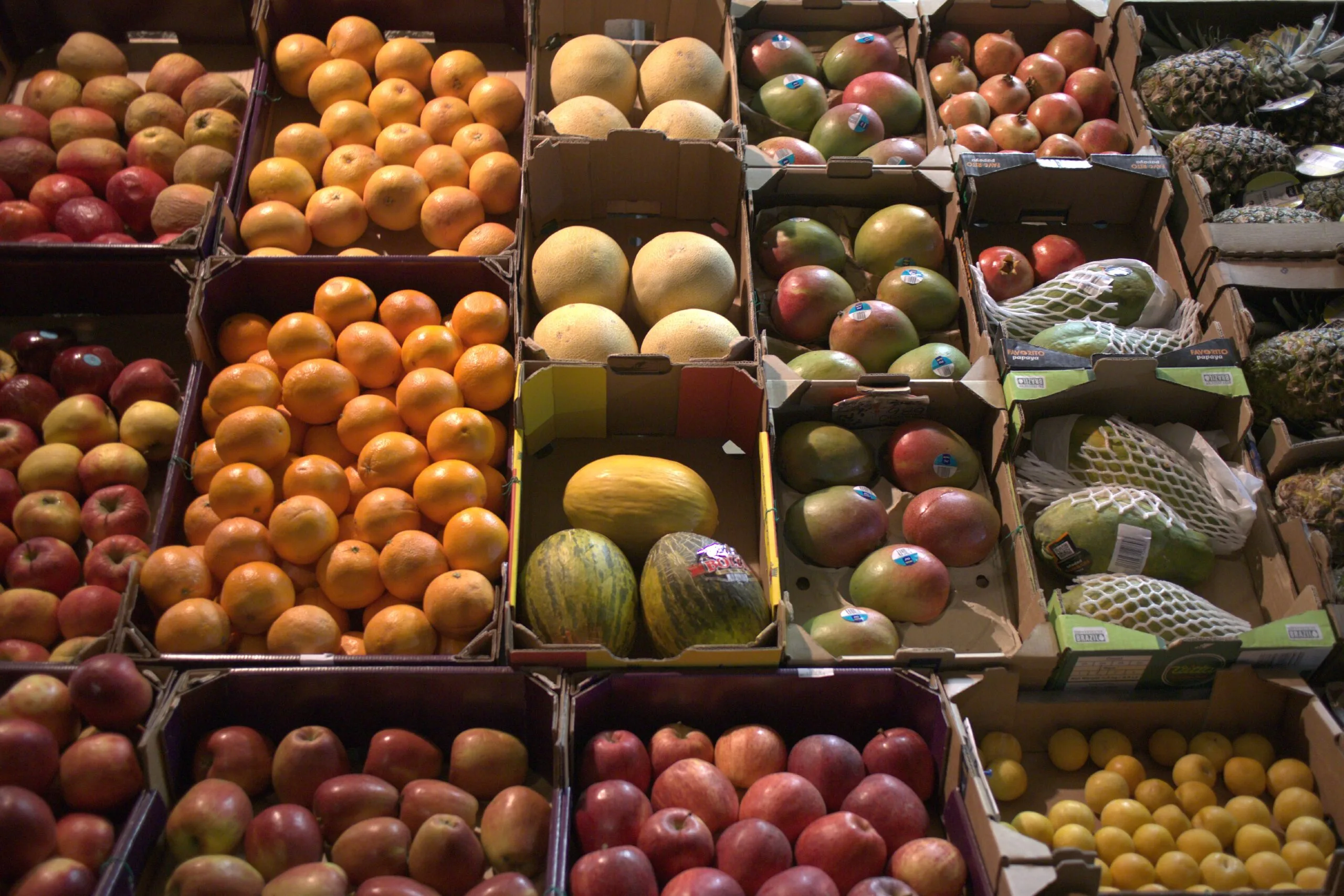
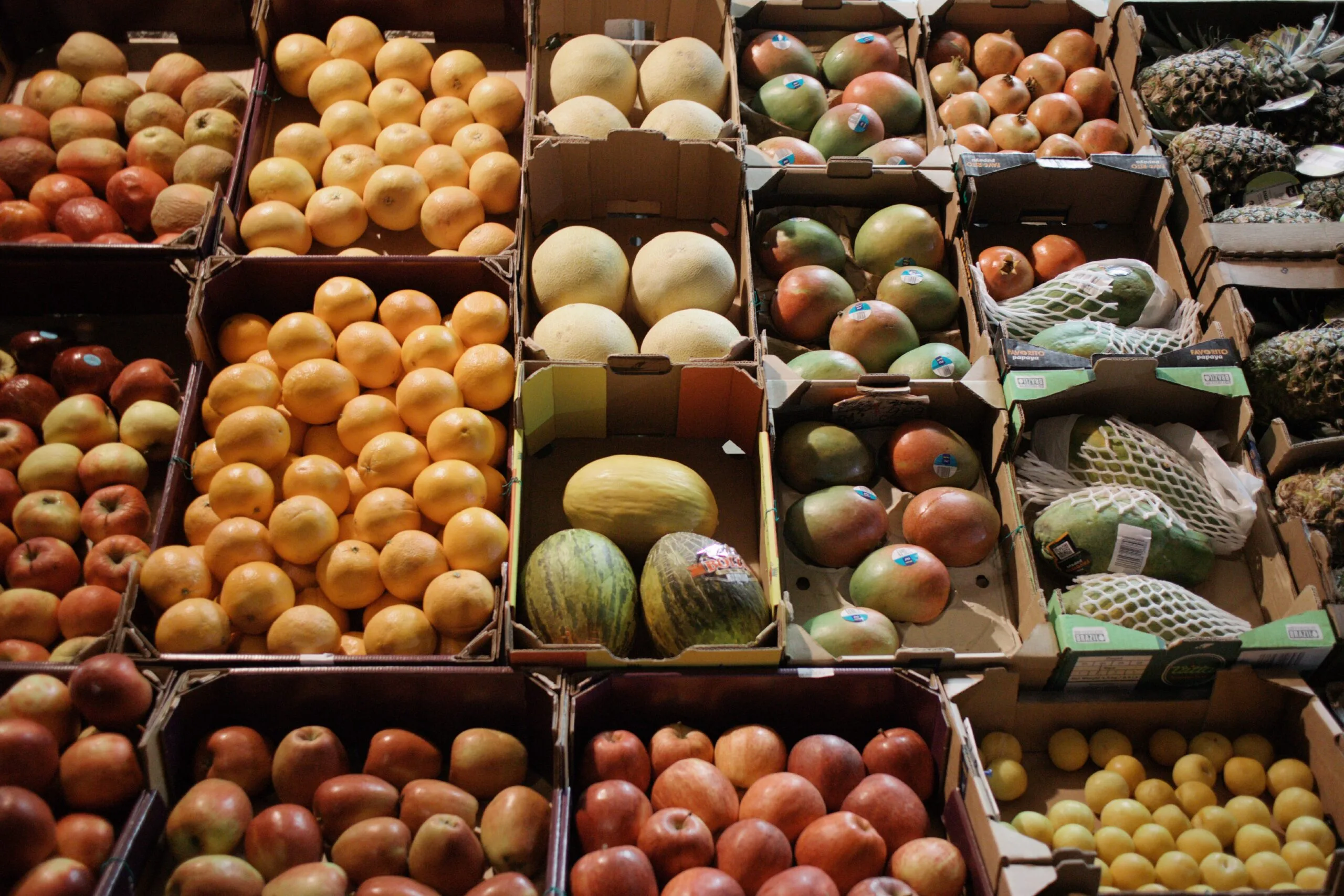
Negative Film
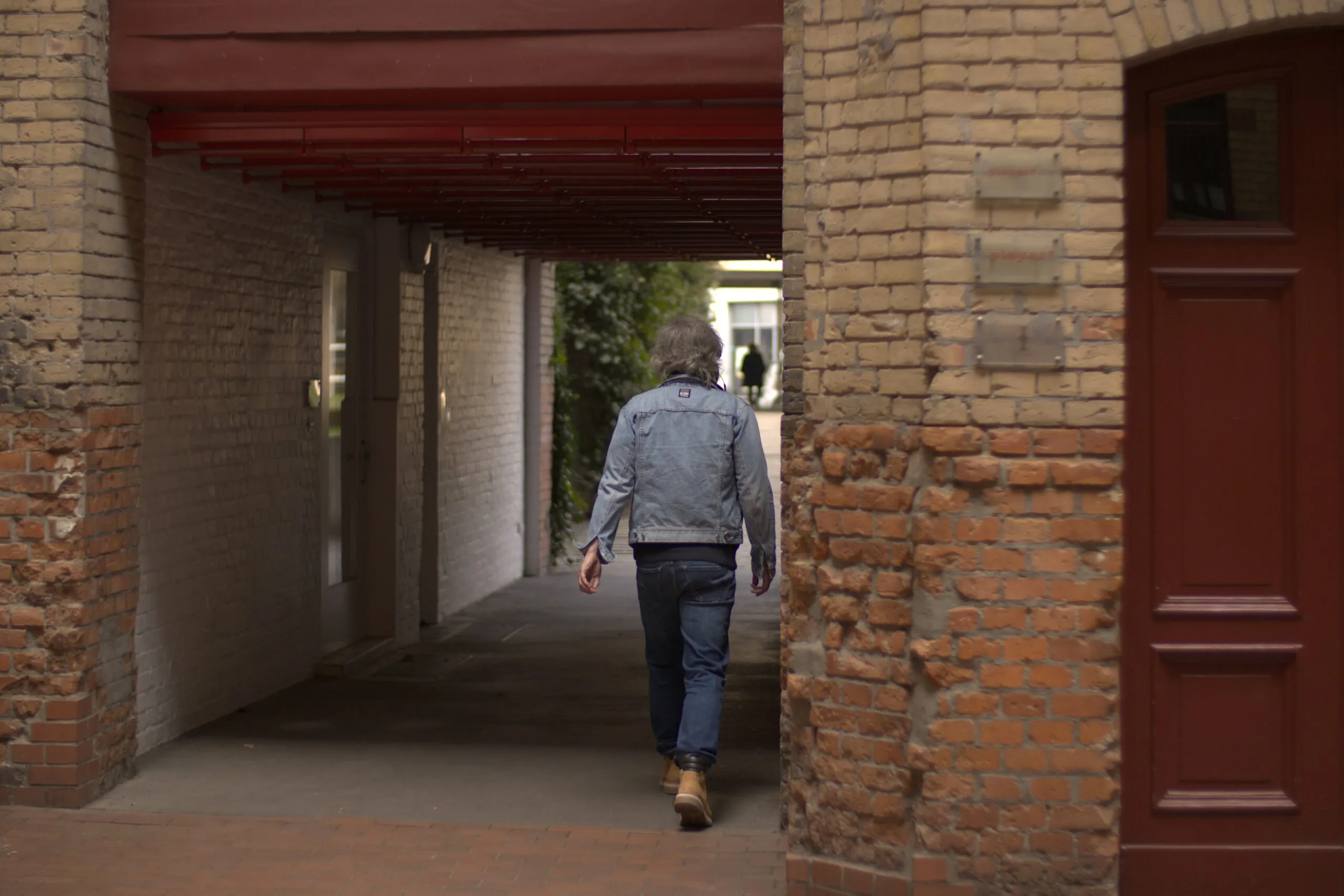

Retro


Vivid

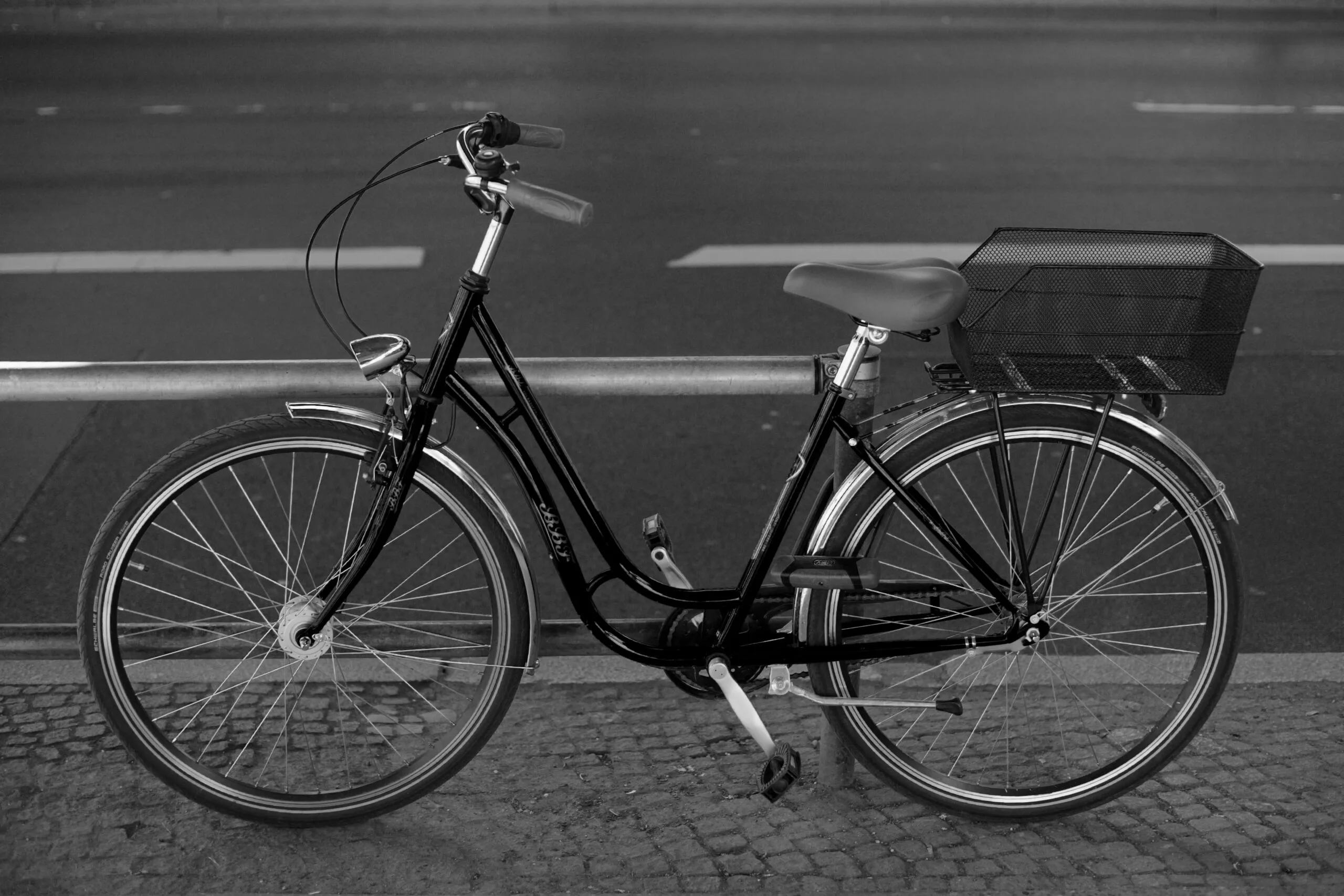
Hard Monotone


Positive Film


HDR Tone


Monotone

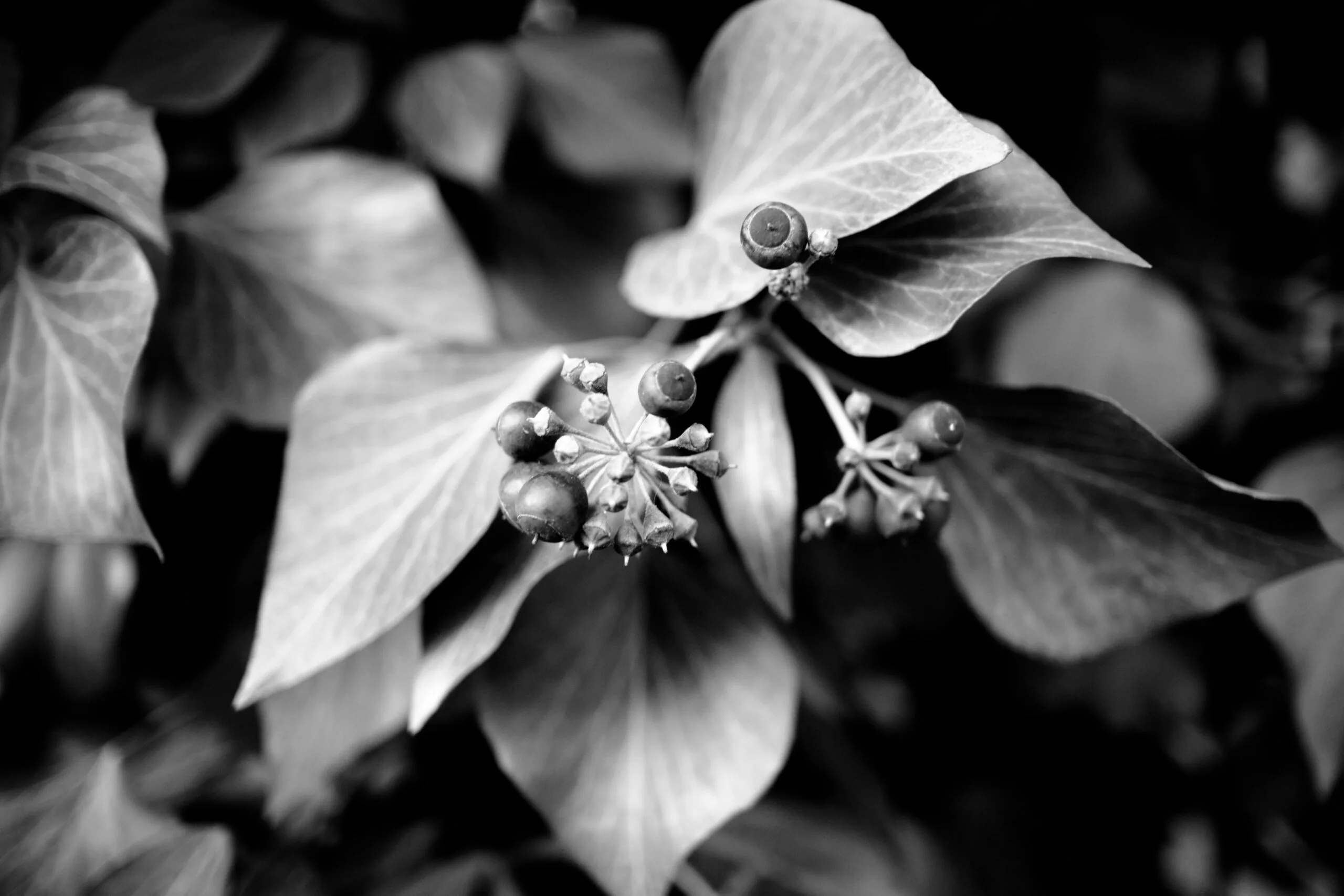
High Contrast


Bleach Bypass


Cross Processing
Classic CMOS
The Canon 5D Classic’s (5DC) Straight-Out-of-Camera (SOOC) color is widely celebrated for its organic, film-like warmth and cinematic rendering. Its DIGIC II processor and early CMOS sensor lean into rich, natural tones and flattering skin reproduction, rarely requiring heavy editing to achieve a distinctly authentic look.


Standard


Neutral


Portrait
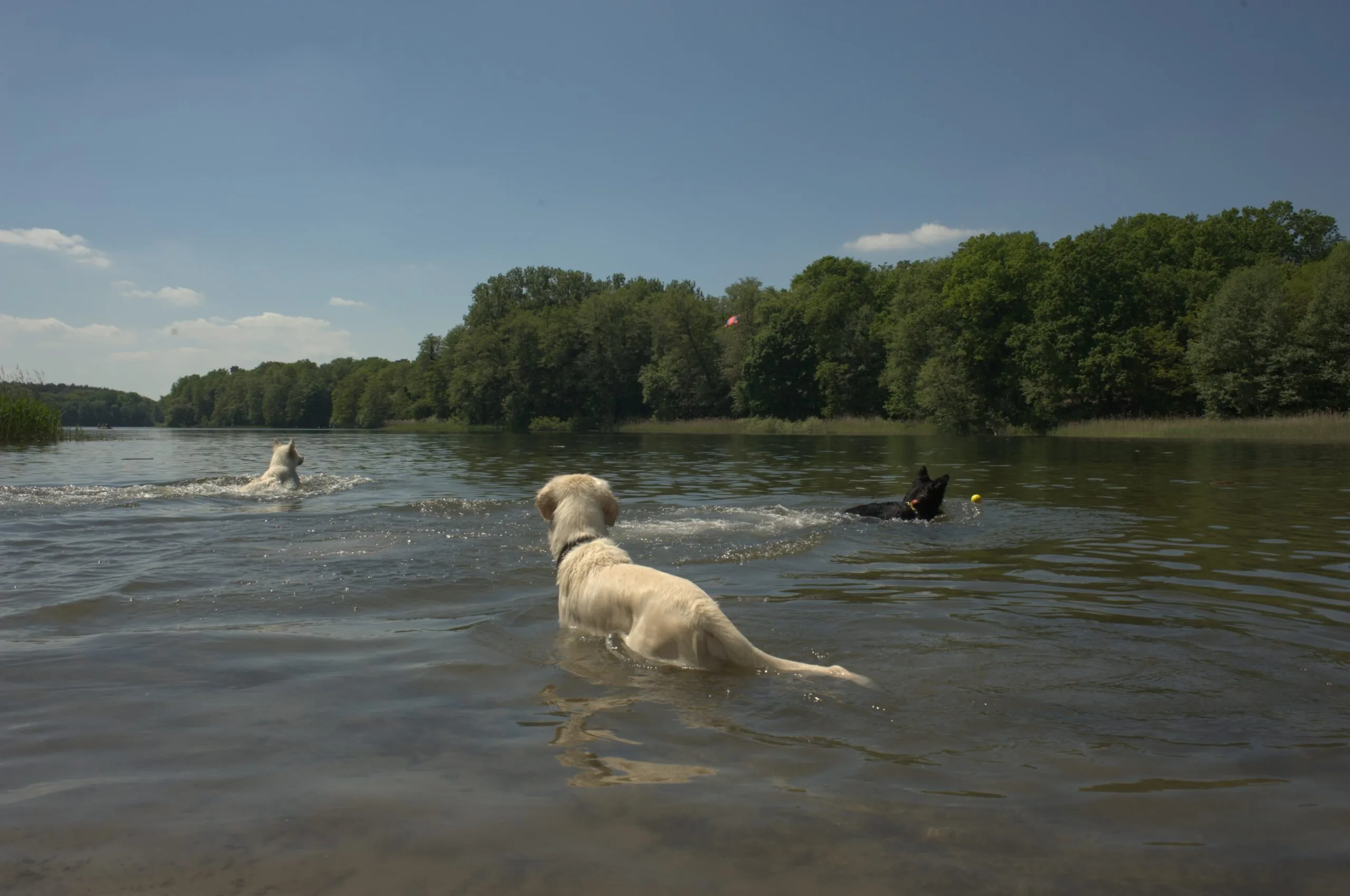

Faithful
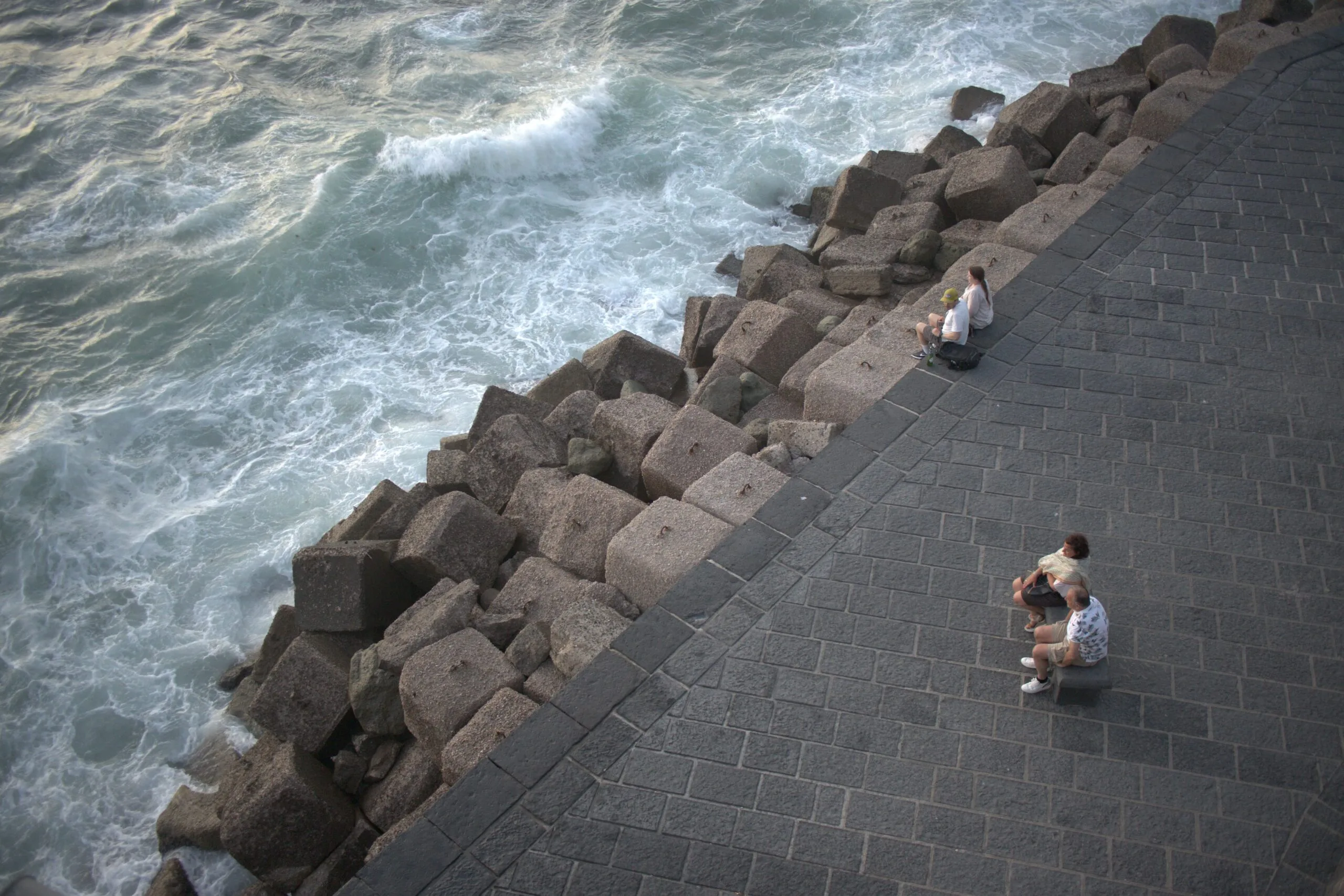
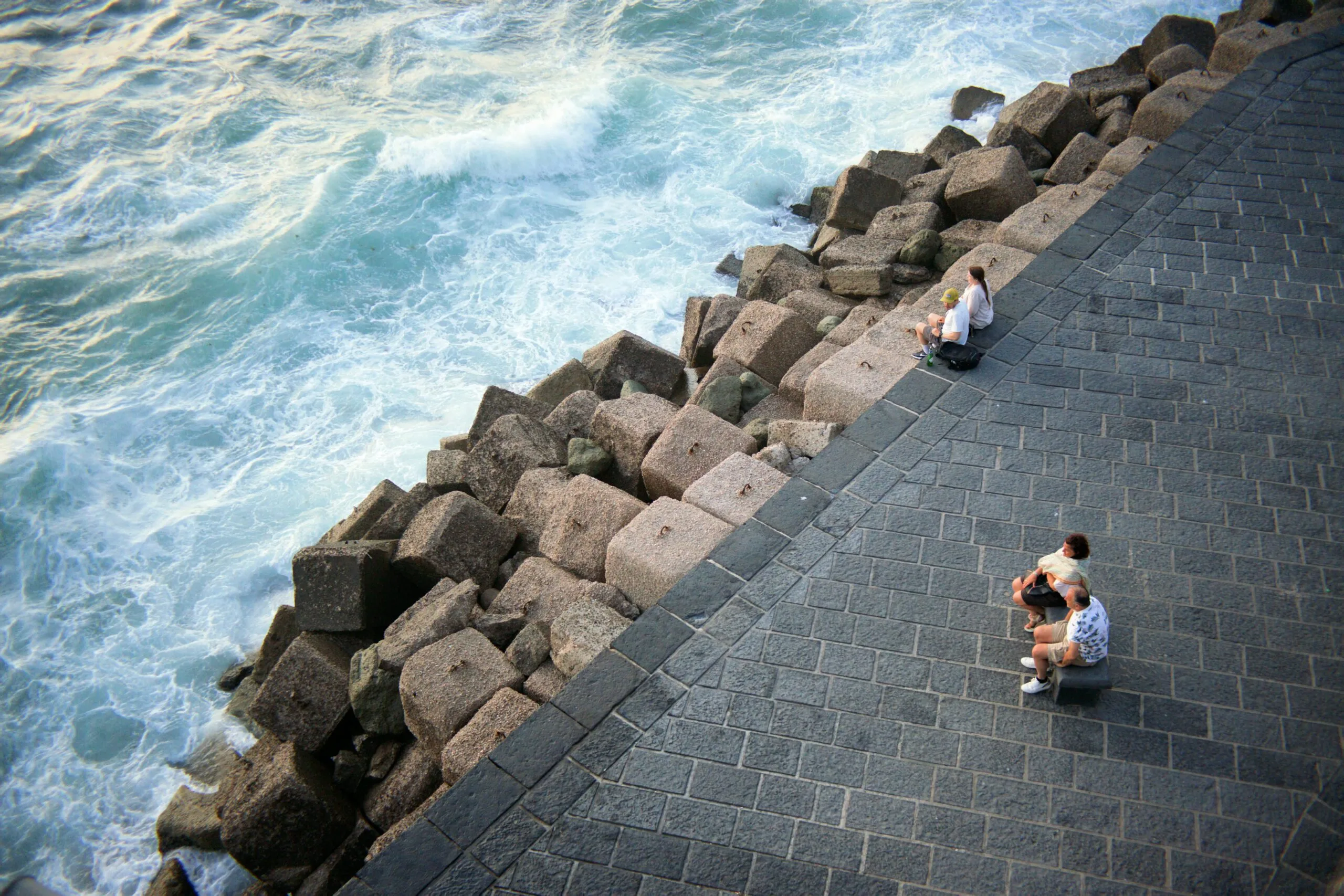
Landscape
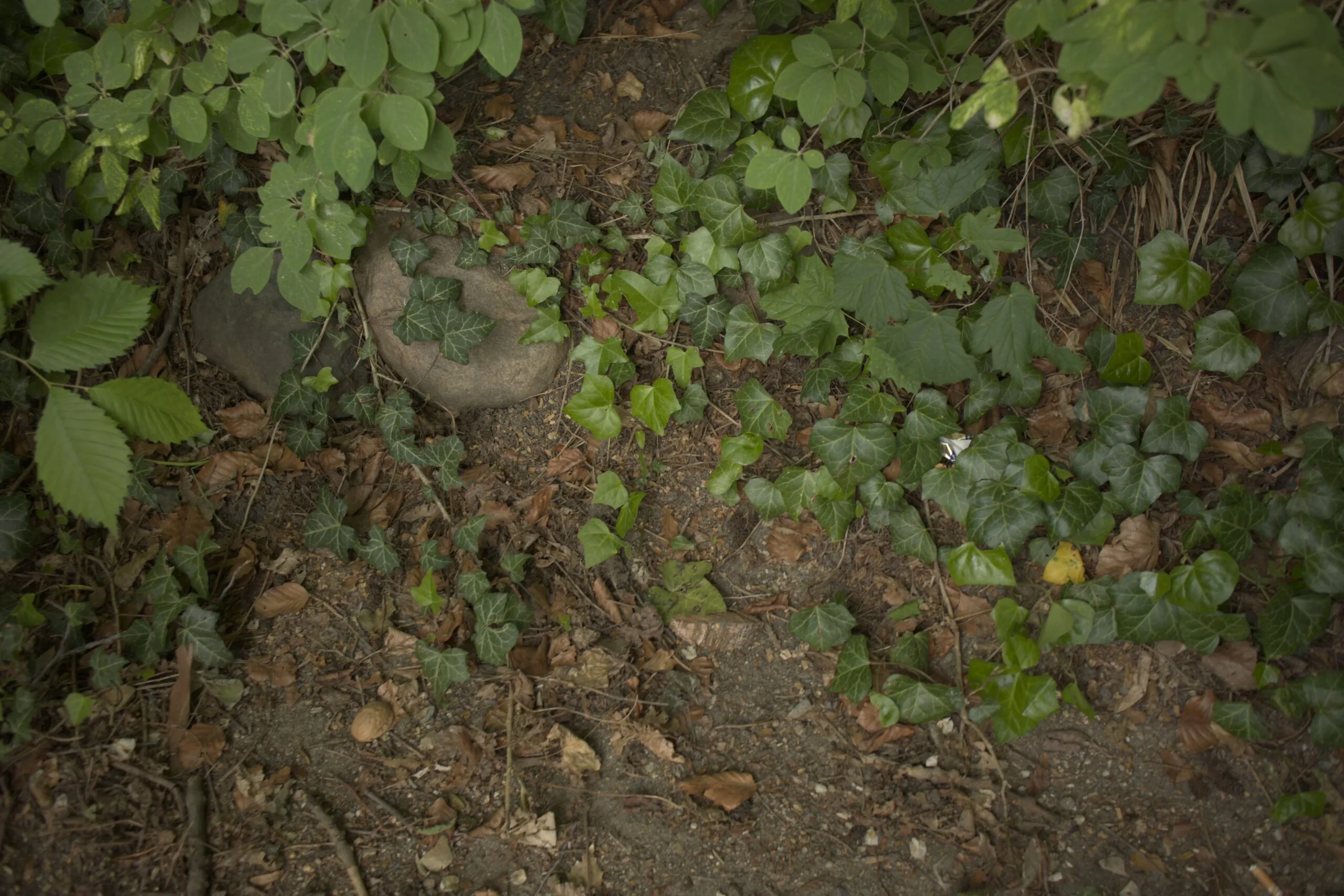
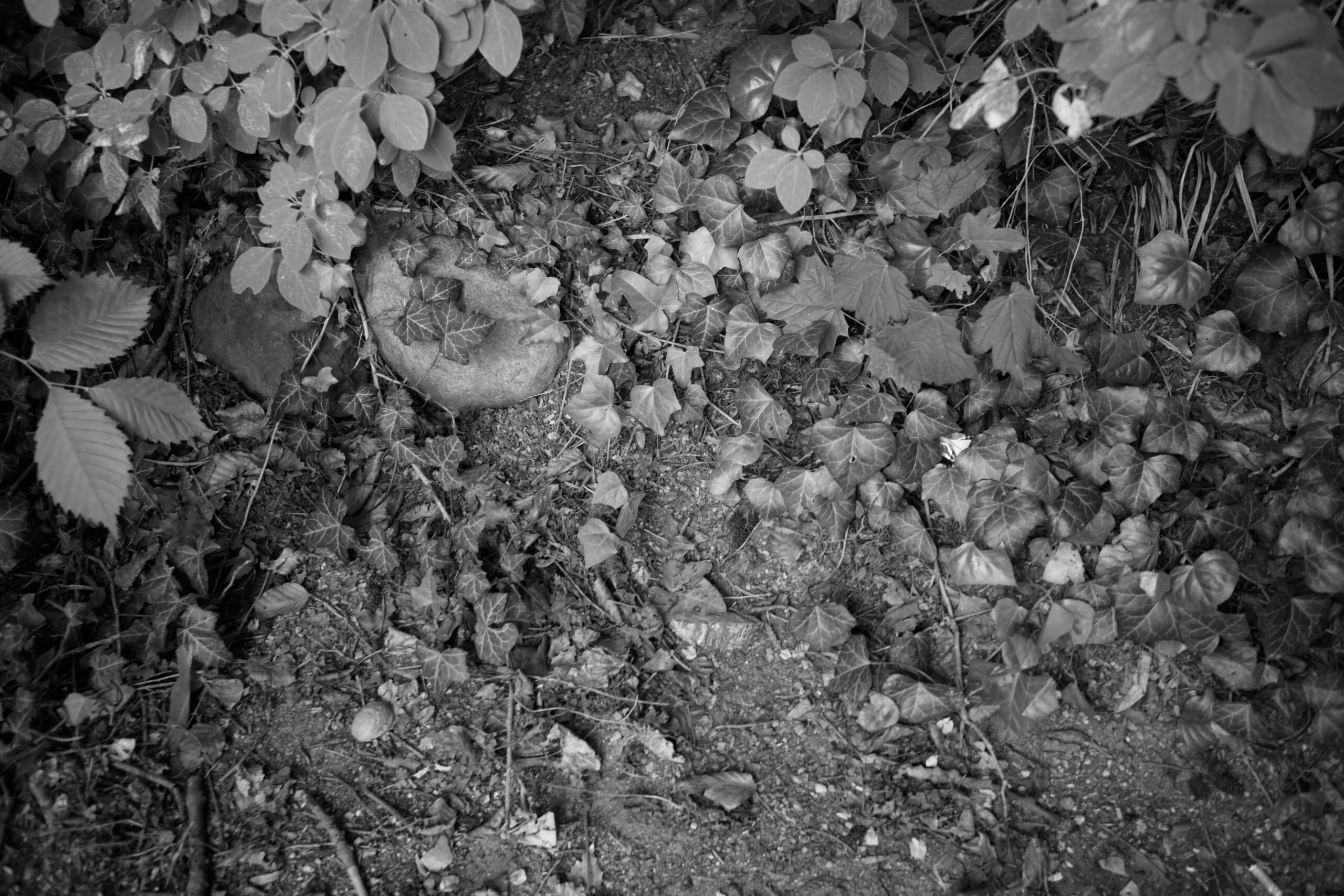
Monochrome
Straight out of the camera, the Nikon D700 delivers a highly sought-after, film-like aesthetic characterized by deep, organic contrast and distinct vintage warmth, particularly emphasizing rich reds and yellows that emulate older CCD sensors.


Standard

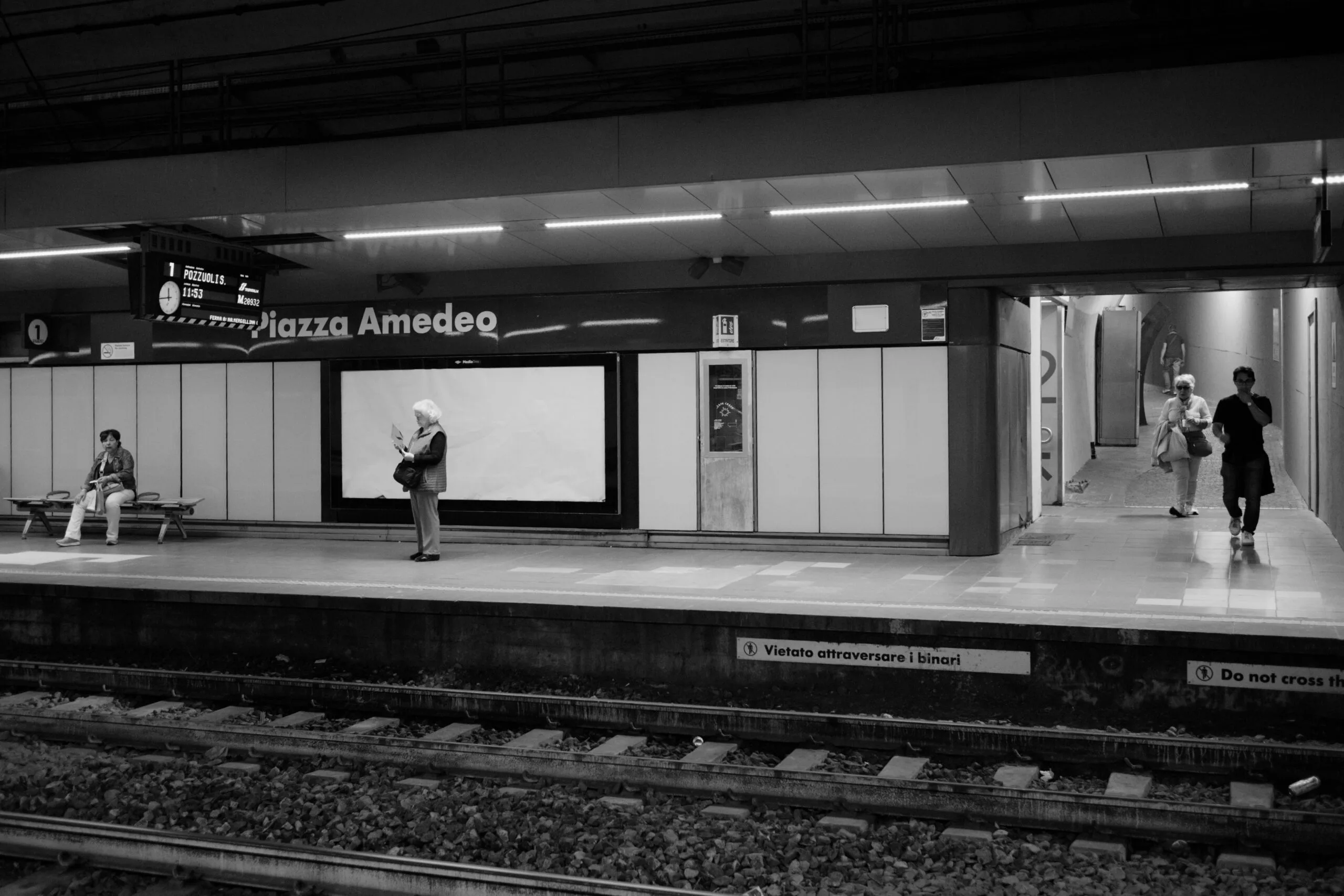
Monochrome
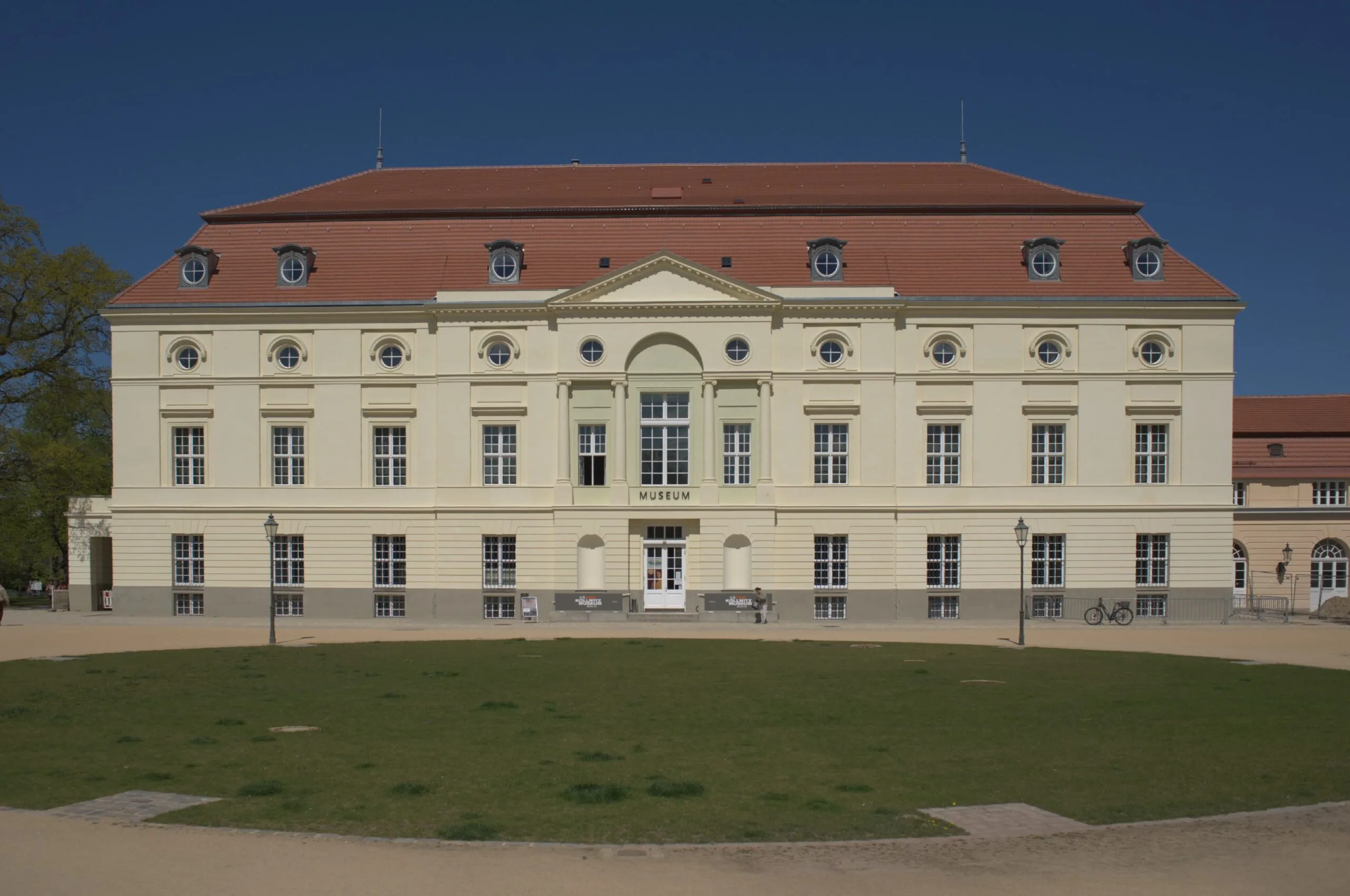

D2X Mode 3
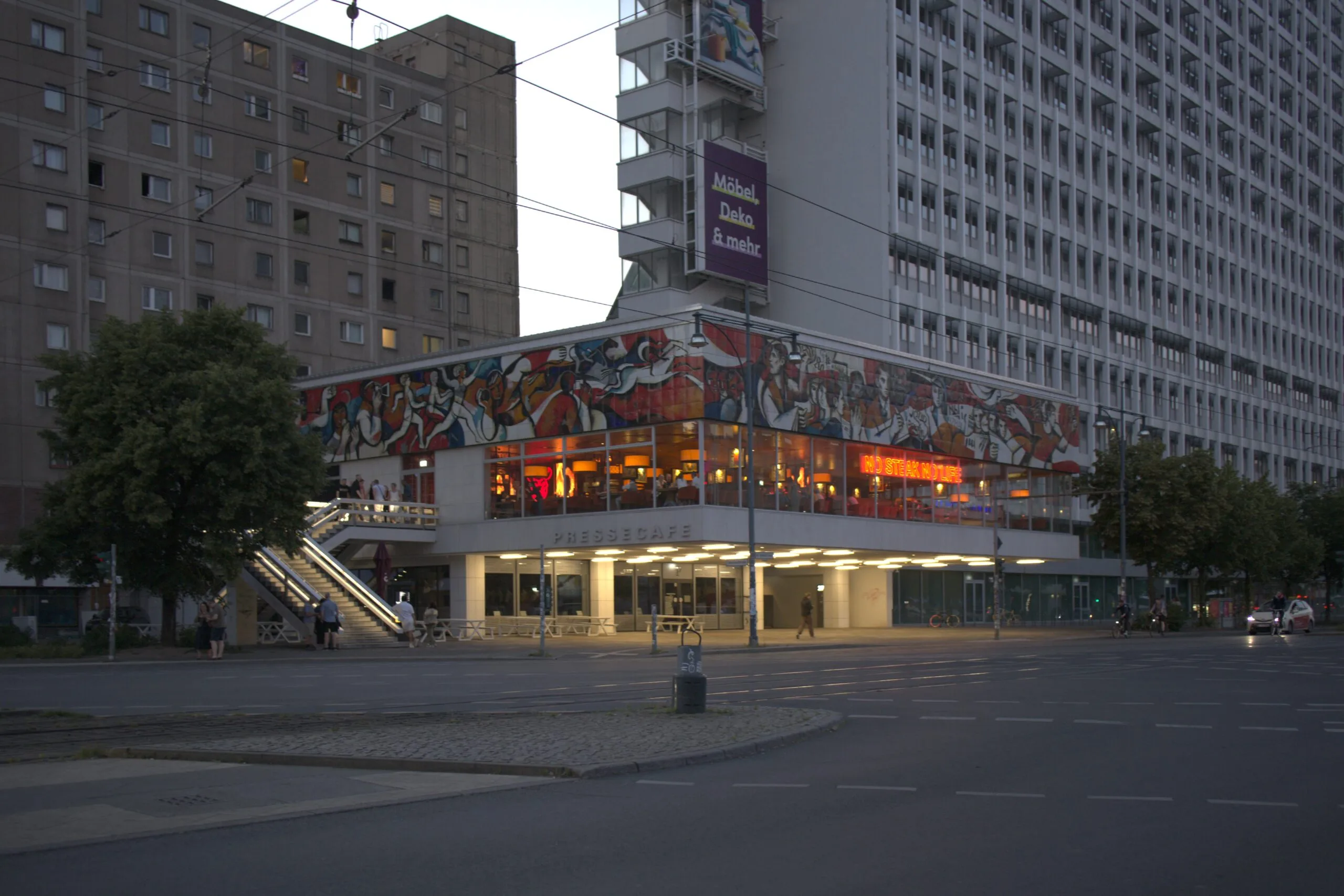

Neutral


D2X Mode 1


Portrait
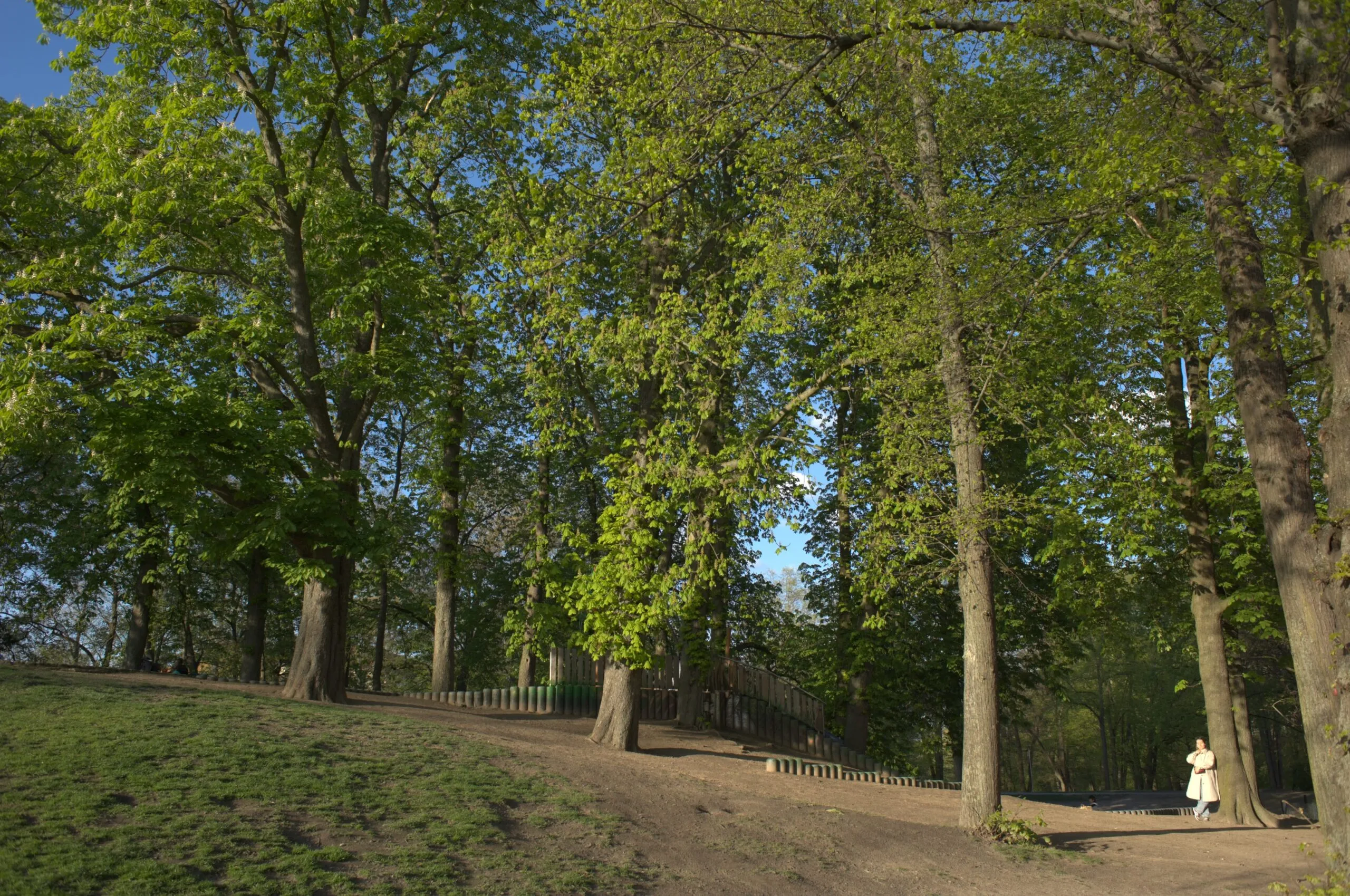

Vivid
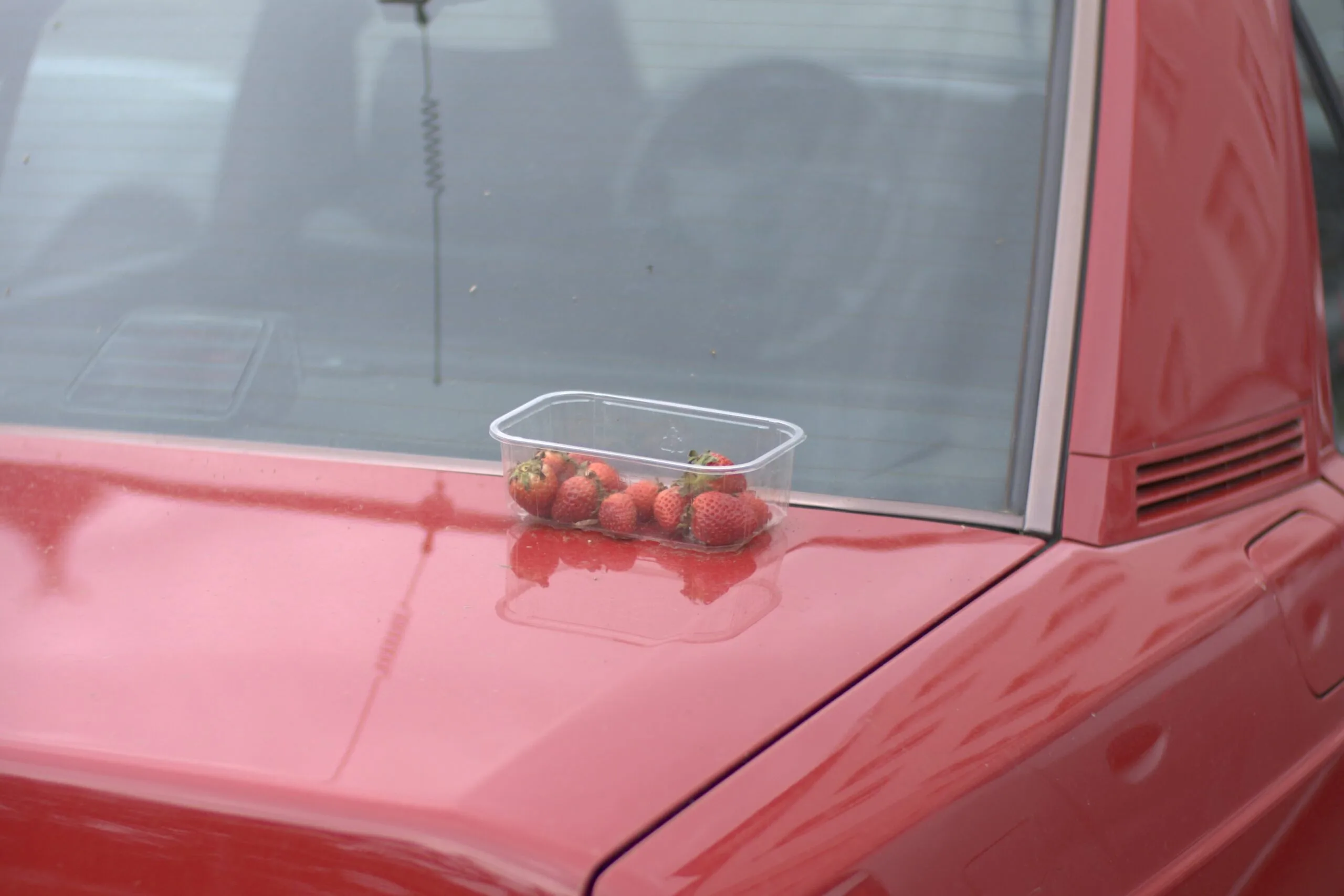
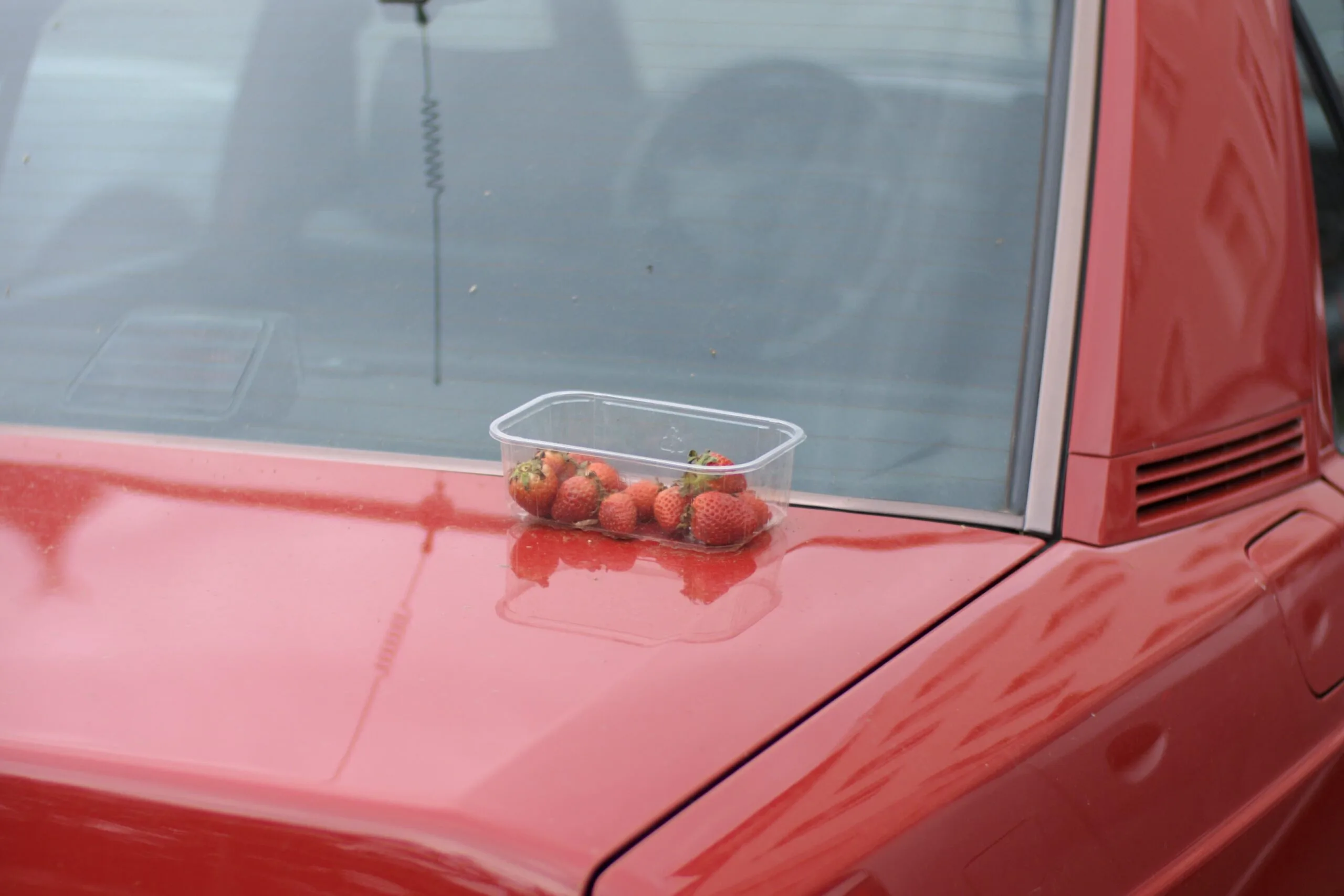
D2X Mode 2
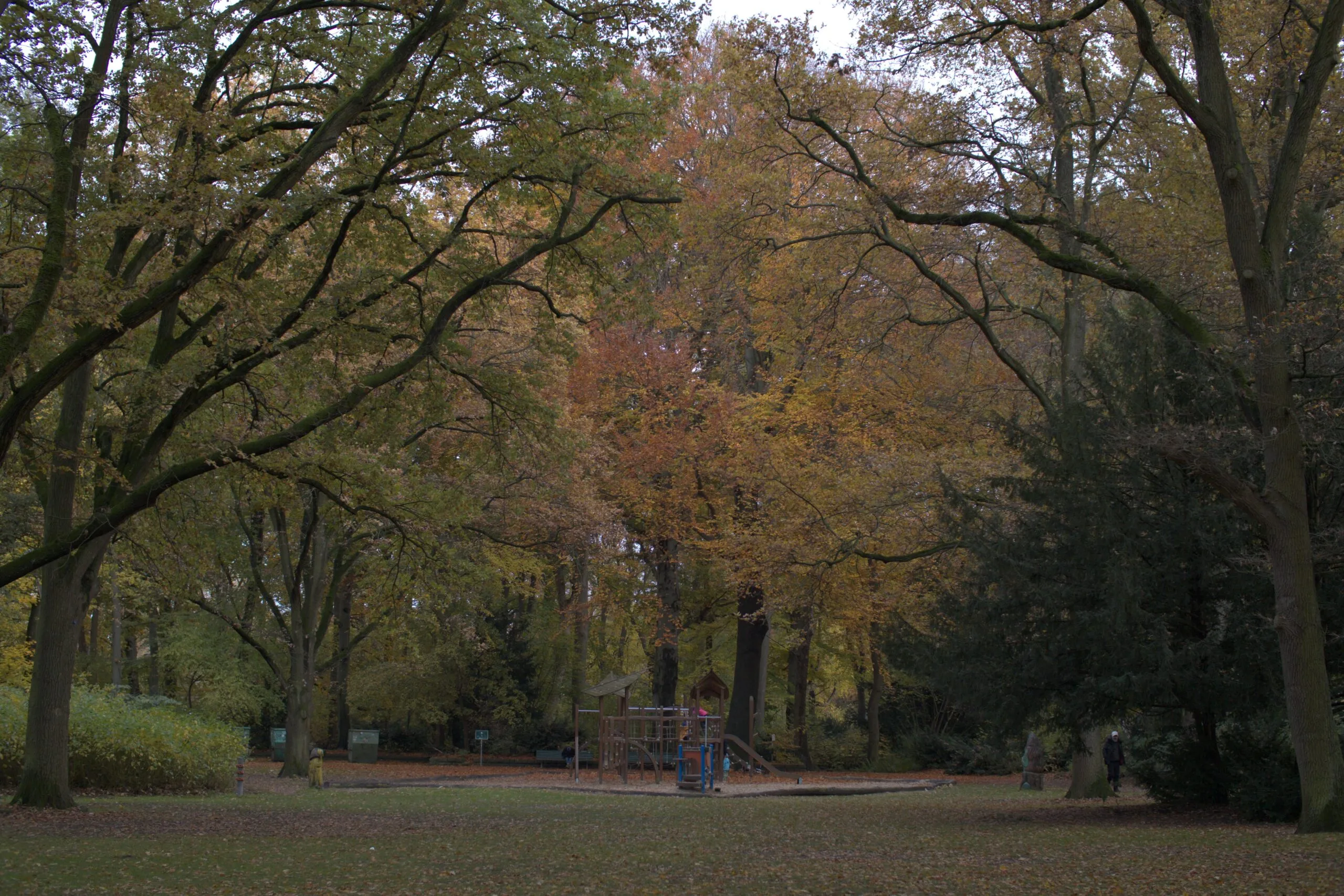
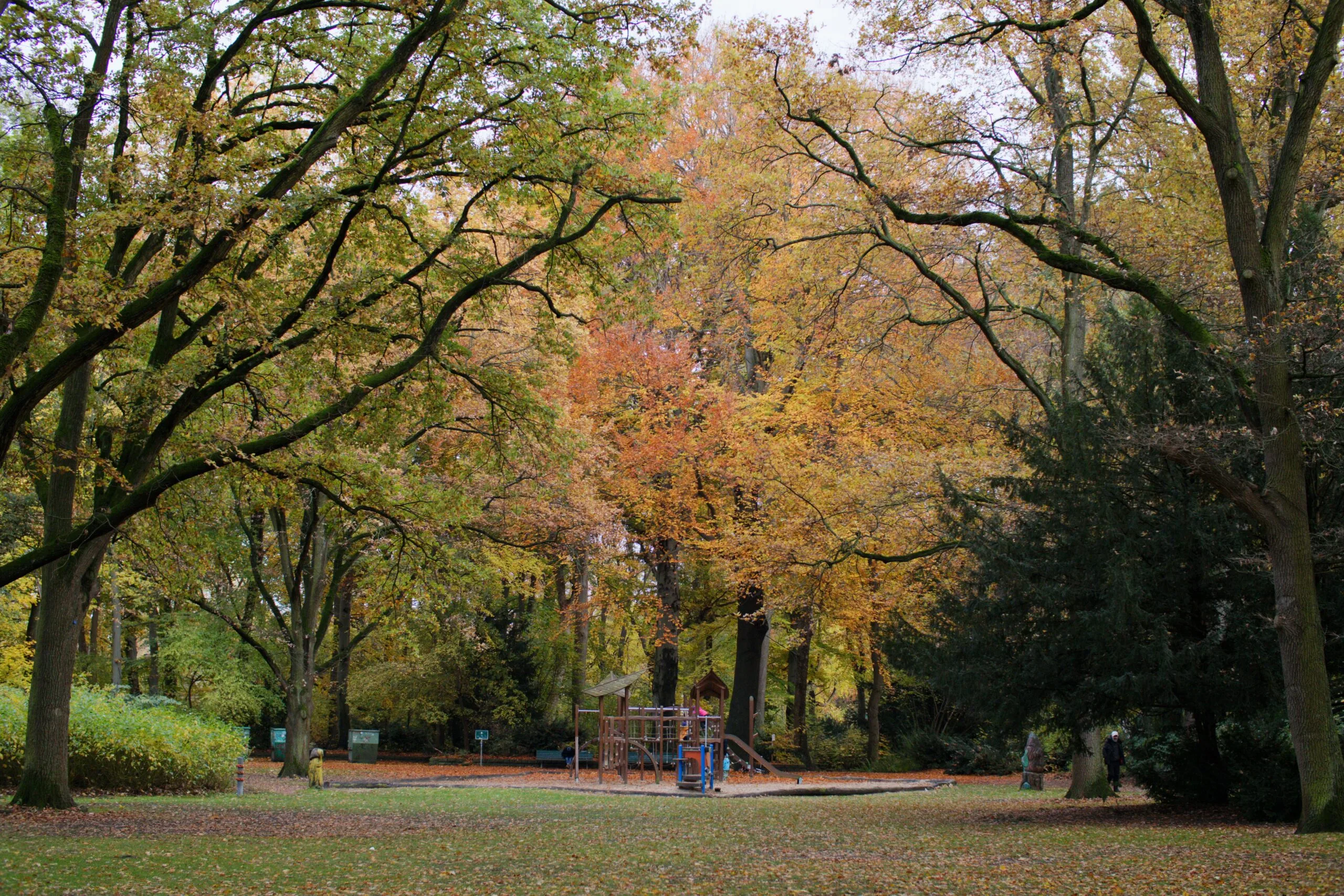
Landscape
Classic CCD
The Konica Minolta Maxxum/Dynax 5D, renowned for its unique color science, features a 6.1-megapixel Sony CCD sensor. Released in 2005, it was one of the last cameras before Sony acquired the brand. Its color profiles were engineered by a team of Konica film emulsion scientists and Minolta color measurement experts.


Natural


Landscape


Night Portrait


Natural +


Sunset
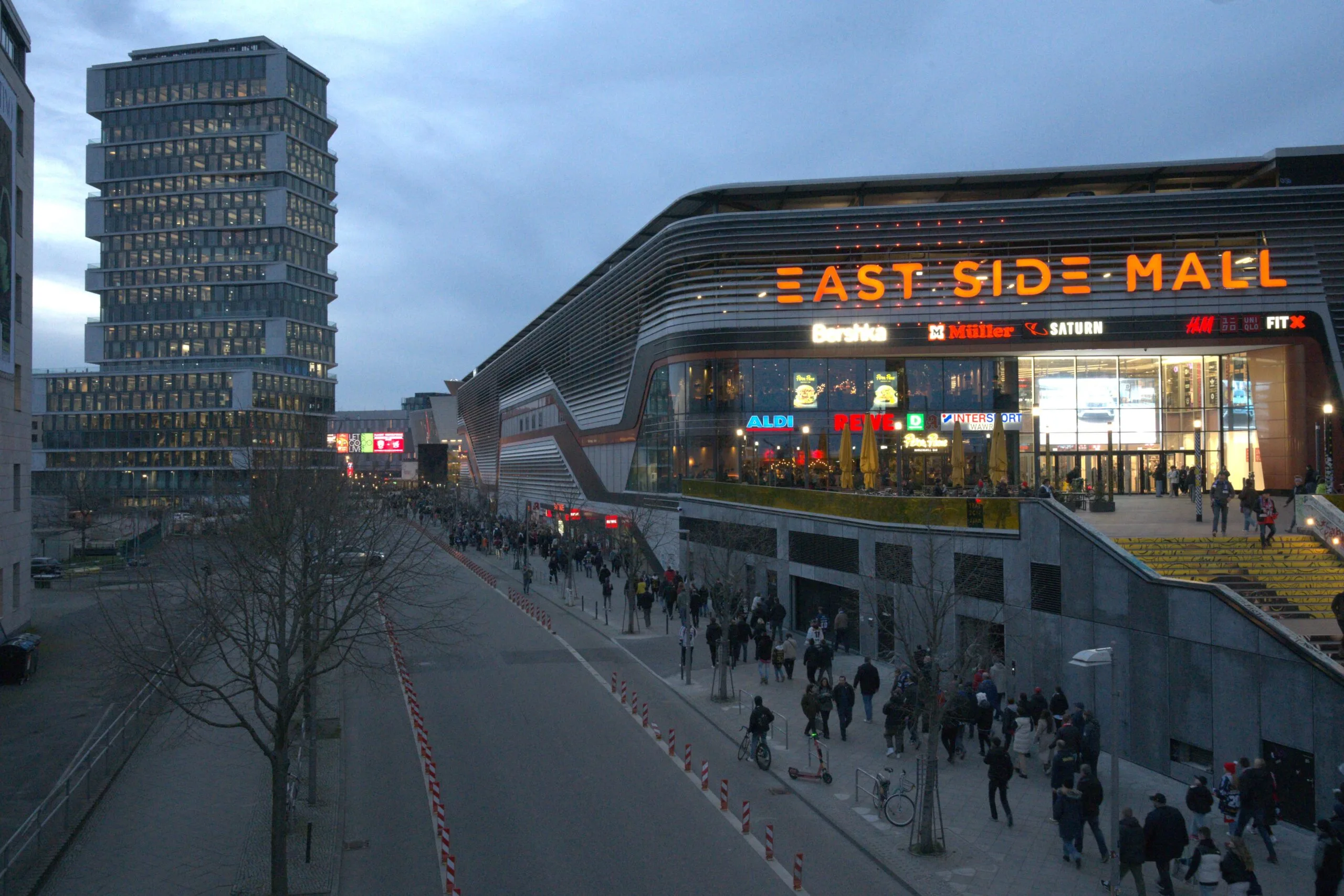
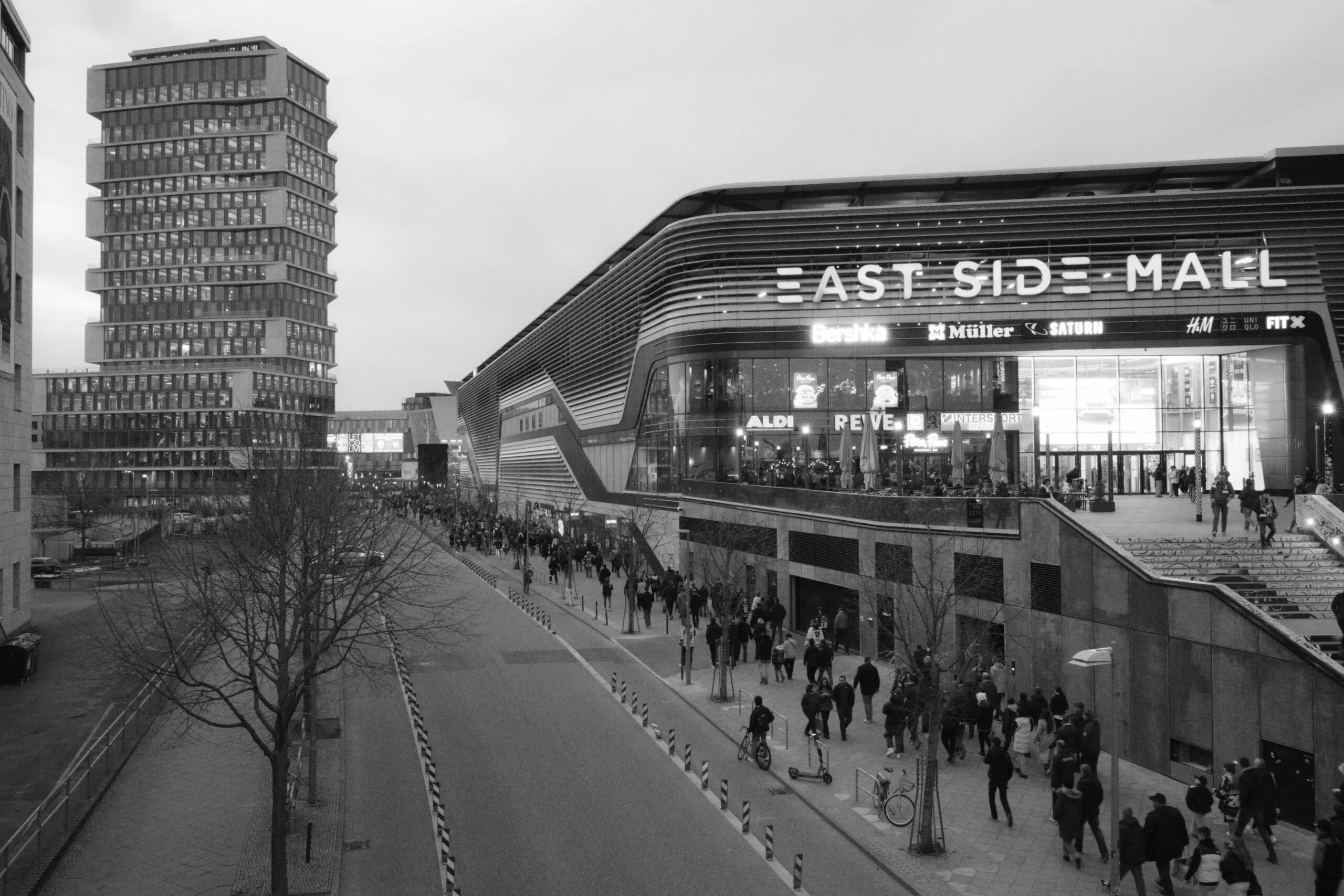
B&W
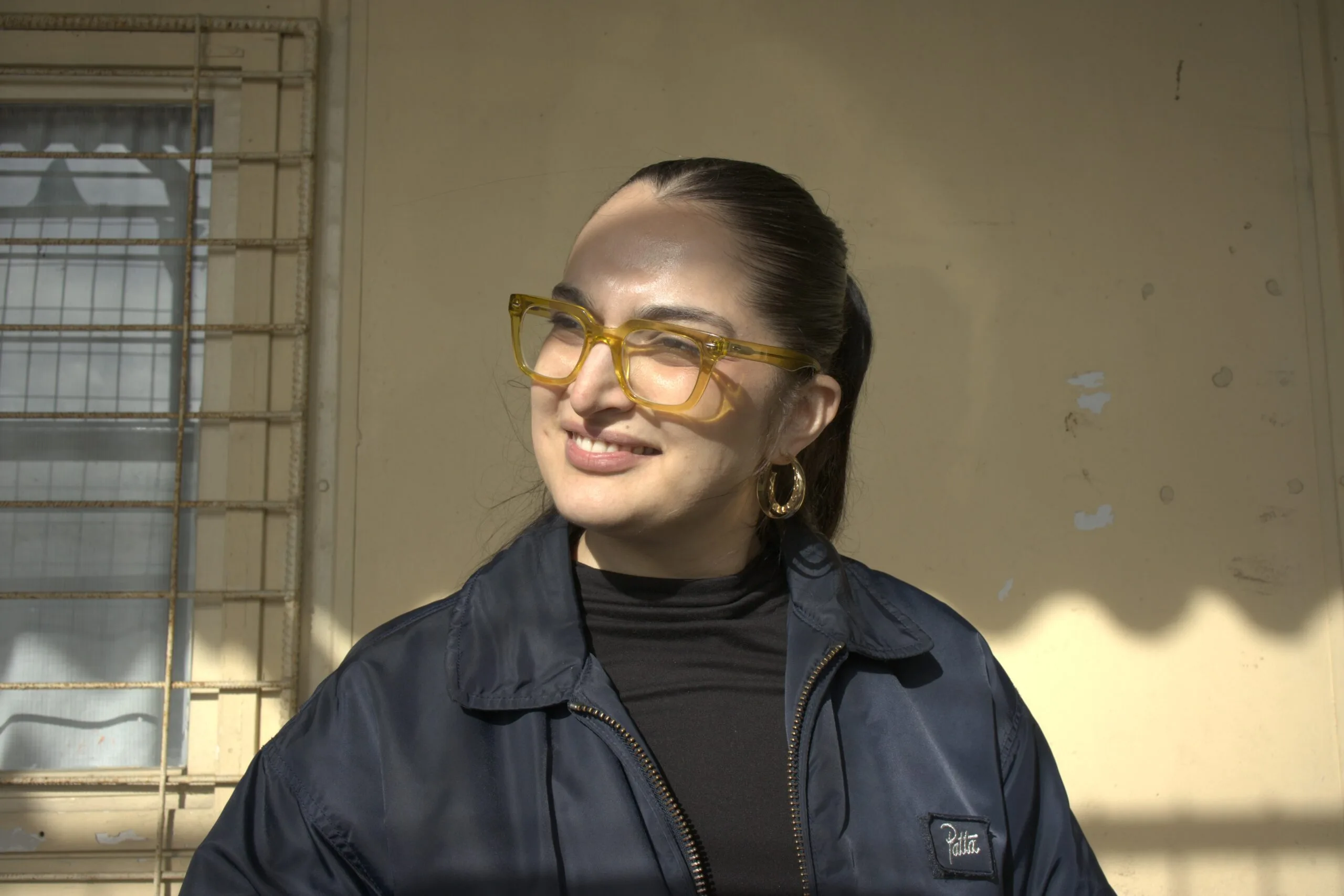

Portrait
Night View


Adobe RGB
The Olympus E-400 delivers a legendary, film-like aesthetic because it utilizes the final Kodak CCD sensor found in Olympus DSLRs. This hardware yields dense, highly saturated blues and greens reminiscent of classic Kodak film stocks, wrapped in a deep, organic contrast that makes straight-out-of-camera (SOOC) JPEGs incredibly punchy.


Vivid


Monotone


Natural


Sepia


Muted
Pristine Matching Accuracy
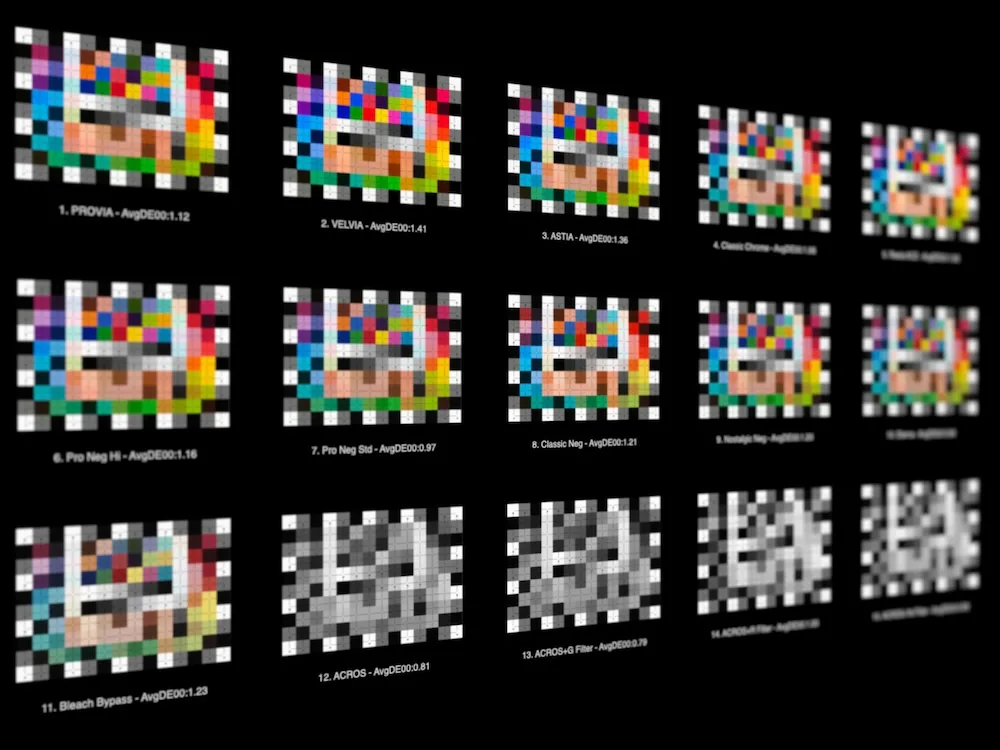
Average DeltaE across all simulations rarely goes above 1.50. The threshold of 2.0 is widely considered excellent in color accuracy evaluation. DeltaE measures the perceptual difference between a target color and a reproduced one, meaning that values in this range correspond to differences that are at most barely perceptible to the human eye under close inspection.
SOOC Emulations for EOS Cameras
HIGHLIGHTS
In-Camera JPEG Recipes
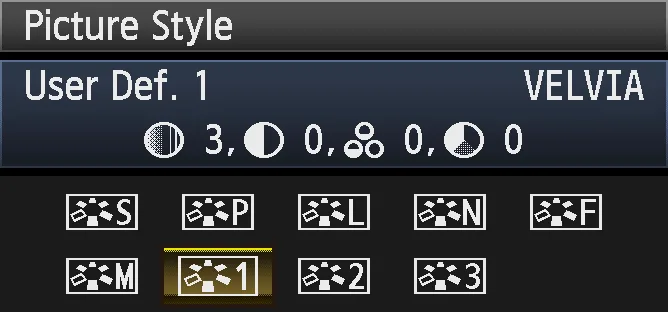
Apply the look straight in-camera and shoot JPEG with confidence, using Canon's Picture Style modifiers to fine-tune the result to your taste.
Raw File Processing
Use the Picture Styles in Canon Digital Photo Professional to apply FujiFilm-inspired color to your raw files at the processing stage.
Built from Real SOOC Color
Every style was extracted directly from FujiFilm X100VI JPEG output under controlled conditions, ensuring an accurate and faithful starting point.
Fine-Tuned for Accuracy
Color was extracted with all modifiers neutralized and white balance set to a known reference, giving you a clean and consistent baseline across all simulations.
Wide Camera Compatibility
Compatible with any Canon EOS camera that supports Picture Styles and with Canon Digital Photo Professional software.
Create your own SOOC recipes
Canon's built-in Picture Style modifiers let you layer your own adjustments on top of the emulation directly on the camera, building personal JPEG recipes without touching a computer.







SOOC Emulations for Adobe Camera Raw
HIGHLIGHTS
Custom Pro: Camera-Specific Accuracy
Designed for a specific target camera, Custom Pro delivers the closest possible match to the source color by accounting for the unique sensor characteristics of your camera model.
Universal Pro: Any Camera, Any Workflow
Compatible with any camera supported by Adobe Camera Raw and Lightroom, Universal Pro brings FujiFilm film simulation color to your raw files regardless of what you shoot with.
Non-Destructive Raw Processing
Apply SOOC color at the raw processing stage in Adobe Camera Raw or Lightroom, preserving full editing flexibility while setting the tone of your image from the ground up.
SOOC Color, Scientifically Extracted
Every source camera JPEG output was extracted under controlled conditions, with all modifiers neutralized and white balance set to a known D50 reference.
Seamless Integration
Install the included DCP files and select them directly from the Camera Profile menu in Adobe Camera Raw or Lightroom, with no plugins or additional software required.
A Starting Point, Not a Constraint
Each profile is designed to be built upon. Apply it as a base and continue refining exposure, tone, and color within Adobe Camera Raw or Lightroom to develop a look that is entirely your own.
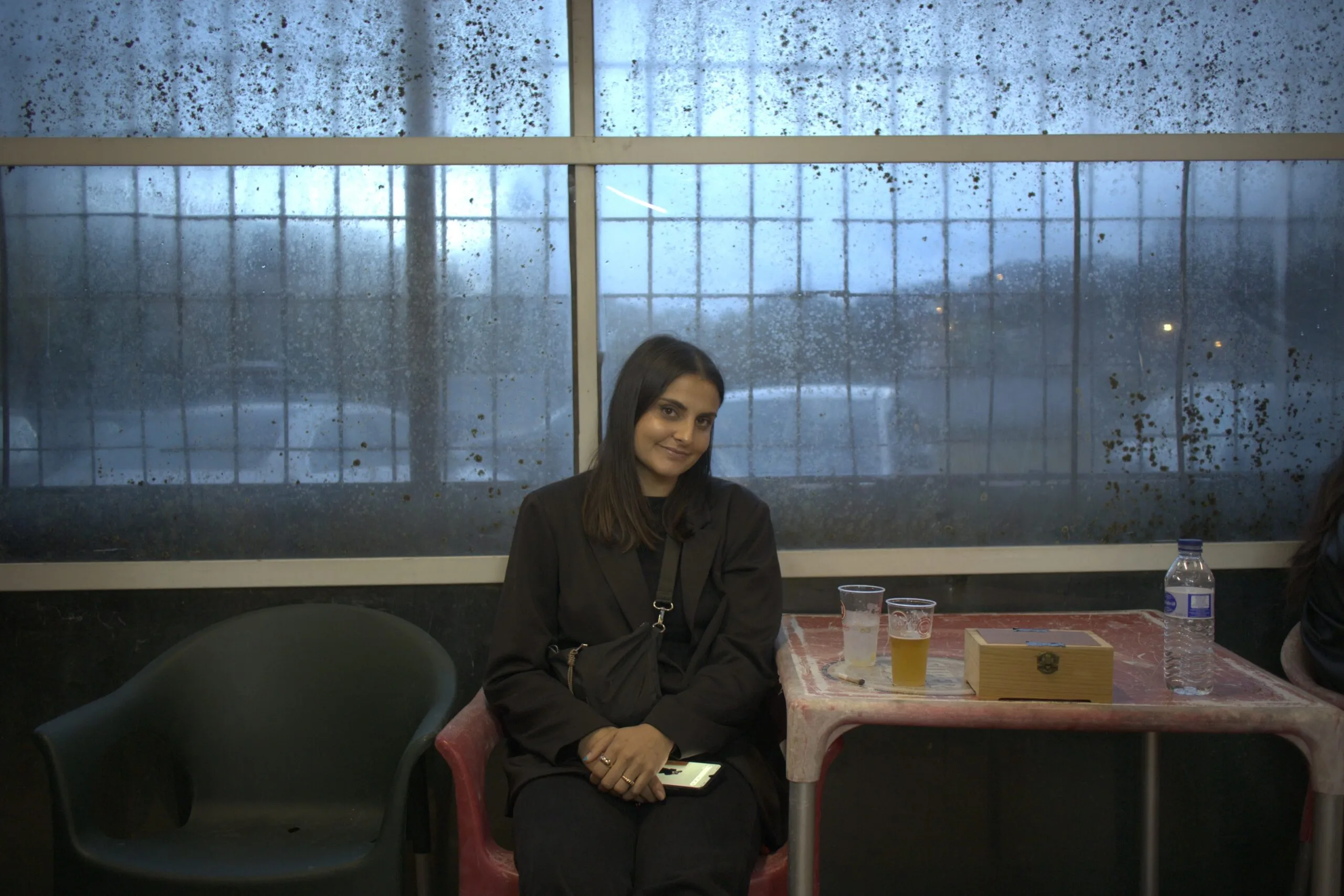
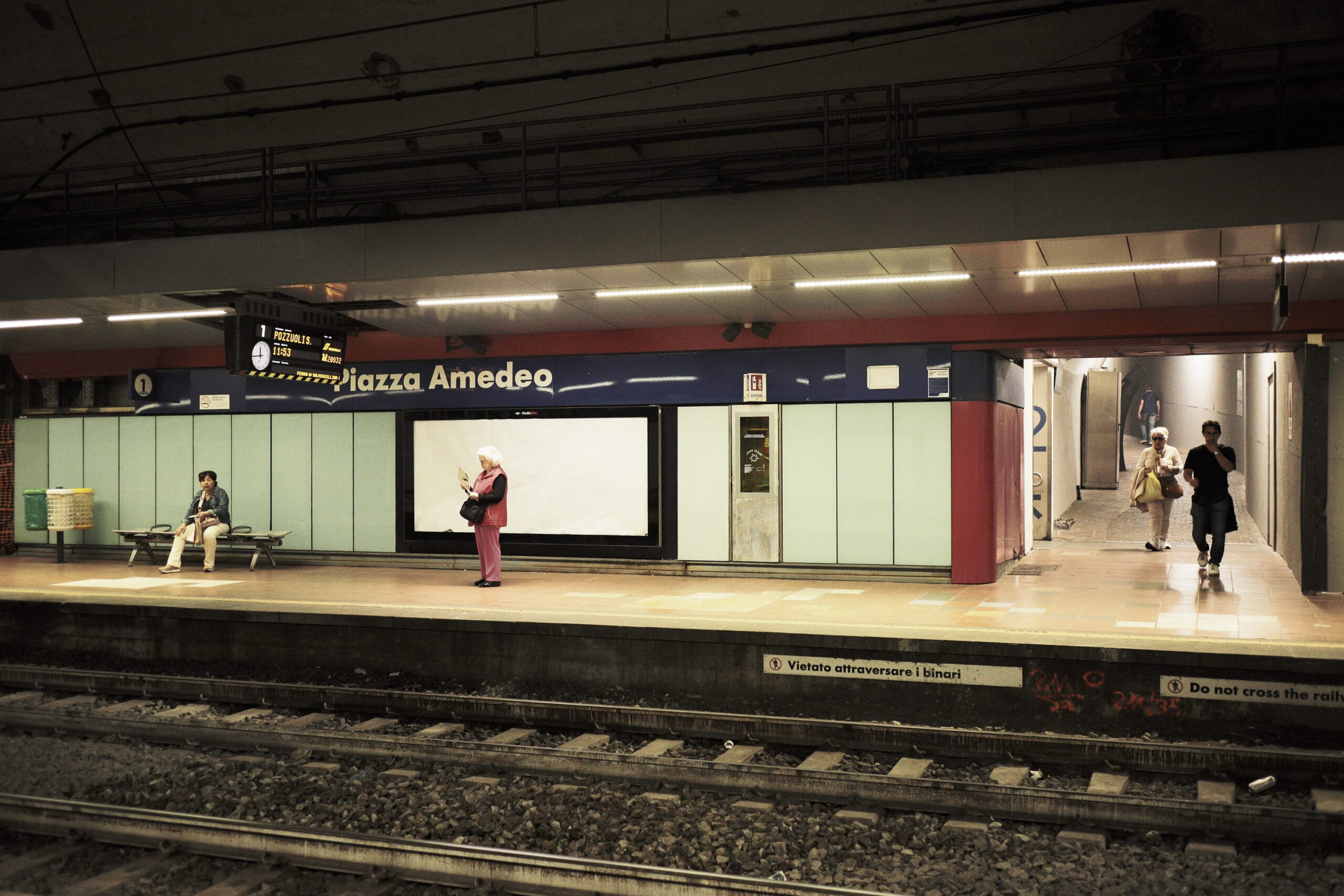
A Konica-Minolta 5D photographed by an Olympus E-400
You can own several cameras in post.
Alchemy Color SOOC Emulations are an emulation pack designed to replicate the unique JPEG color output of popular cameras and apply it to raw stills in Adobe Camera Raw or log/wide gamut footage in DaVinci Resolve. This allows photographers and videographers alike to achieve the distinct color characteristics and aesthetic of different camera models while working with their preferred equipment.
What's with that whole CCD thing?
Much has been said about the distinctive look of old digital cameras, particularly those using CCD sensors, and how they compare to CMOS sensors in achieving a film-like quality. This belief holds some truth, as early digital cameras were designed to compete with film. However, our tests with various cameras indicate that this perceived difference is primarily due to the design choices in color science. For a detailed analysis, check out our video.
Capture CCD Vintage Color Science
With all the advantages of contemporary sensors
The Olympus E-400 photographed by a Konica-Minolta 5D


Dynamic Range
Take advantage of high dynamic range sensors with a vintage look
All of the original dynamic range remains fully intact beneath the emulation. Nothing is clipped or discarded, so bright areas that appear blown out can be pulled back with ease, giving you complete flexibility to recover highlight detail at any time.
Olympus E-400 Vivid emulation with recovered highlights in Lightroom.
Resolution
Vintage Charm With Modern Performance: Emulating Old Cameras on High Resolution Sensors
Emulating the look of old digital cameras with modern high-resolution sensors offers photographers the best of both worlds: the nostalgic charm of vintage aesthetics and the superior performance of contemporary technology.
LEFT: Olympus E-400 emulation RIGHT: Olympus E-400 SOOC



Roll-Offs
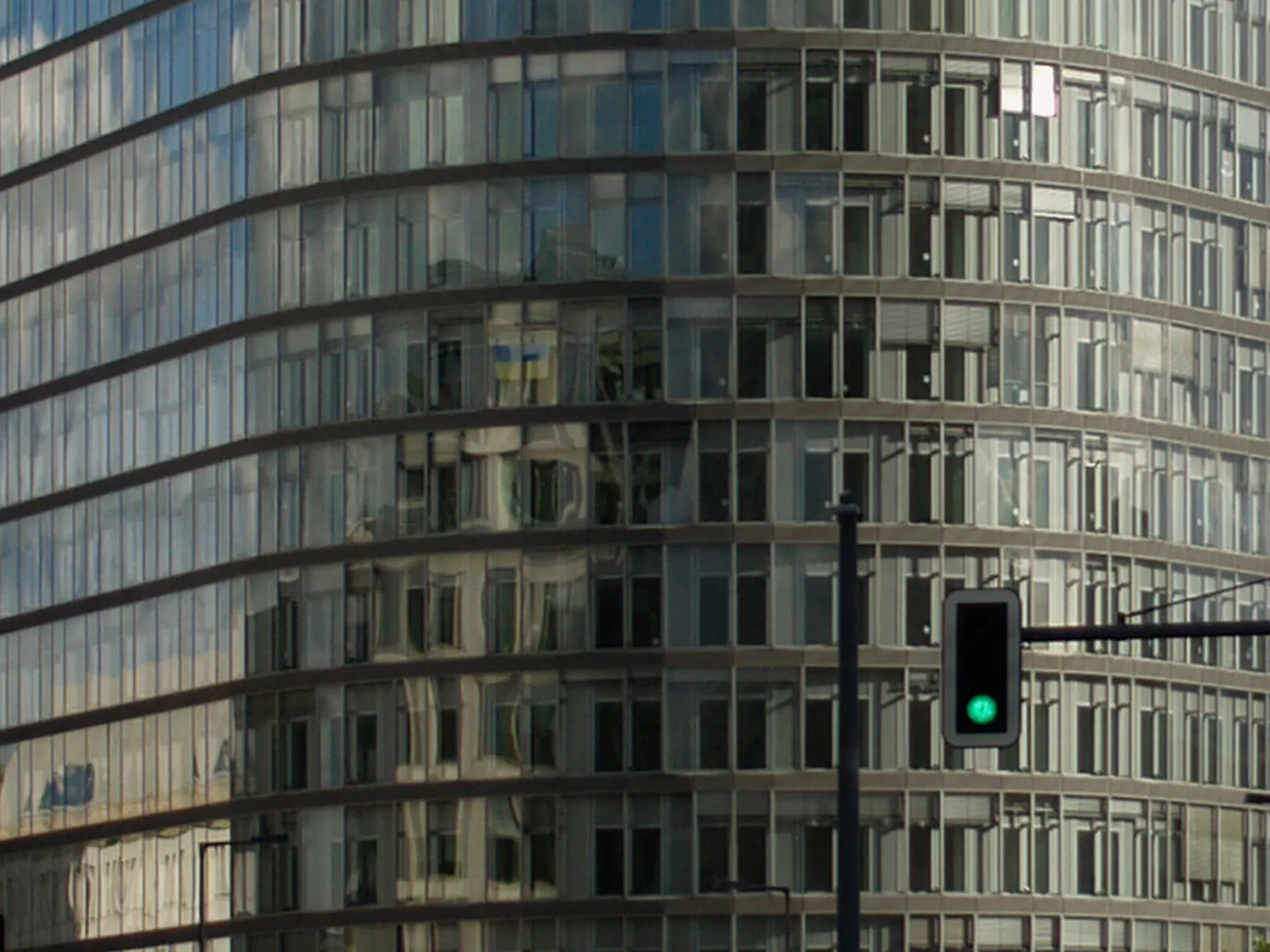
Accurate transfer of roll-off characteristics
Accurately transferring highlight roll-offs from an old camera to a new one allows photographers to preserve the smooth, gradual transitions in bright areas that vintage cameras are known for. This enhances image quality while maintaining the classic aesthetic, resulting in beautifully balanced photos that combine the best of both eras.
LEFT: Olympus E-400 Vivid emulation RIGHT: Olympus E-400 Vivid SOOC
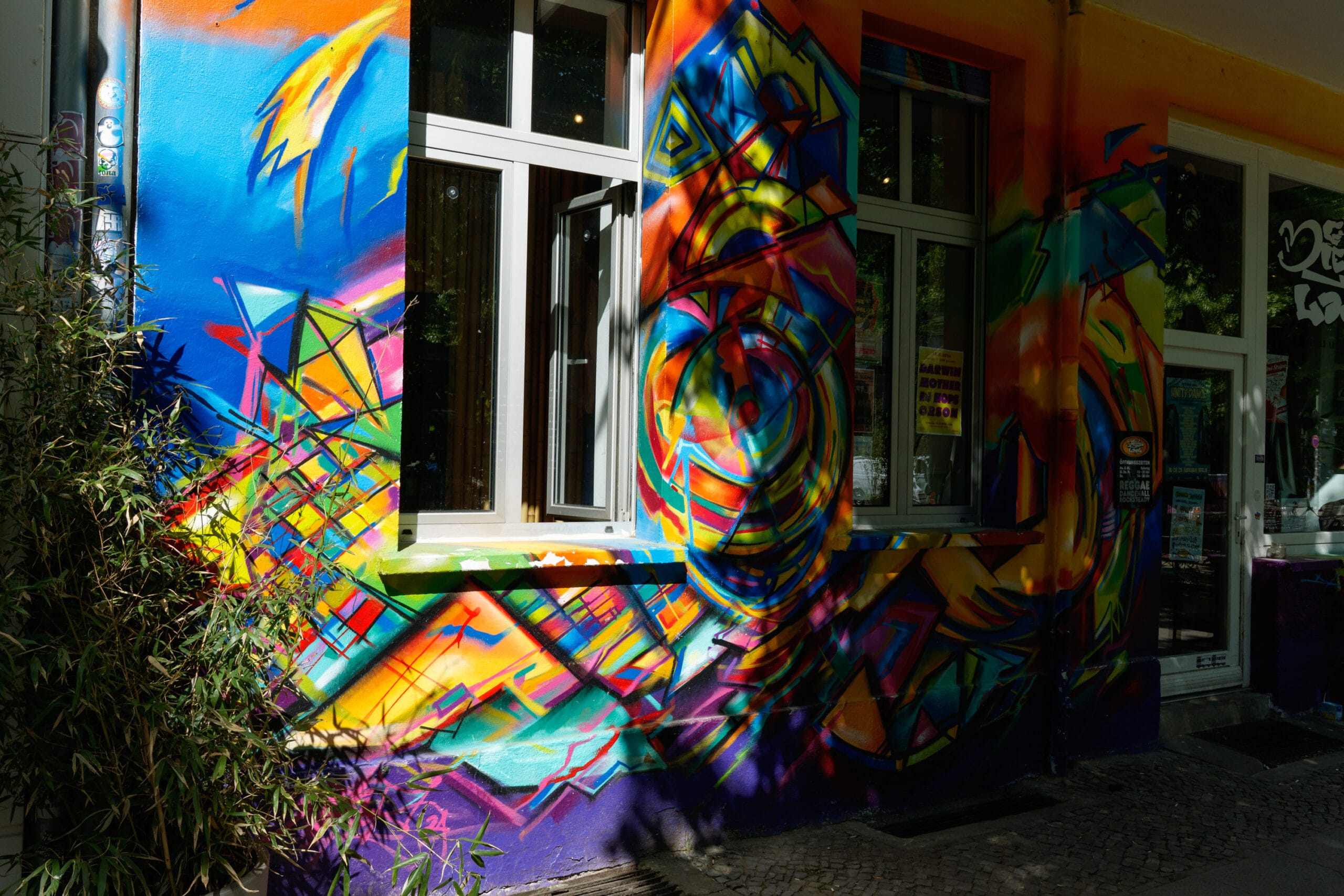
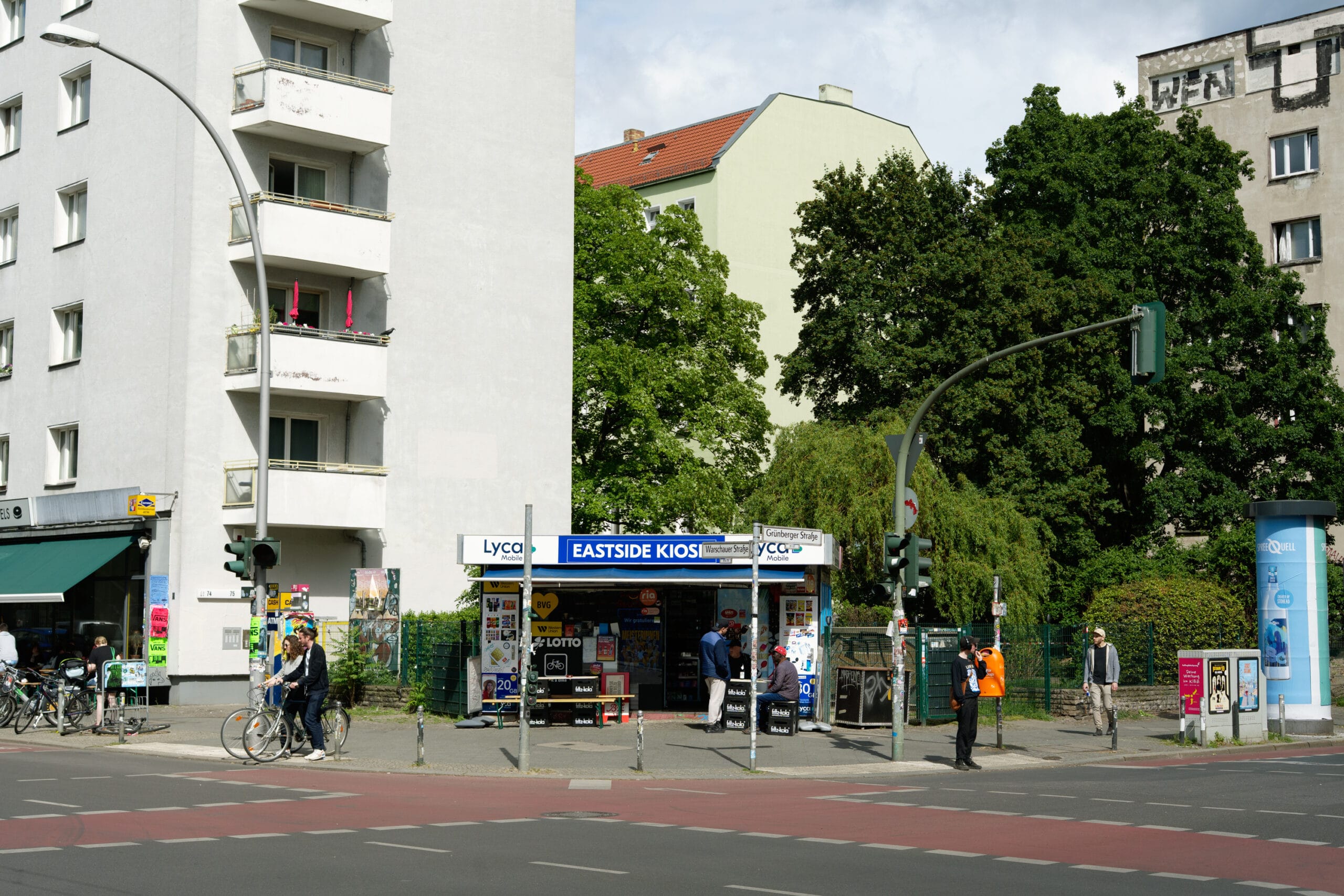
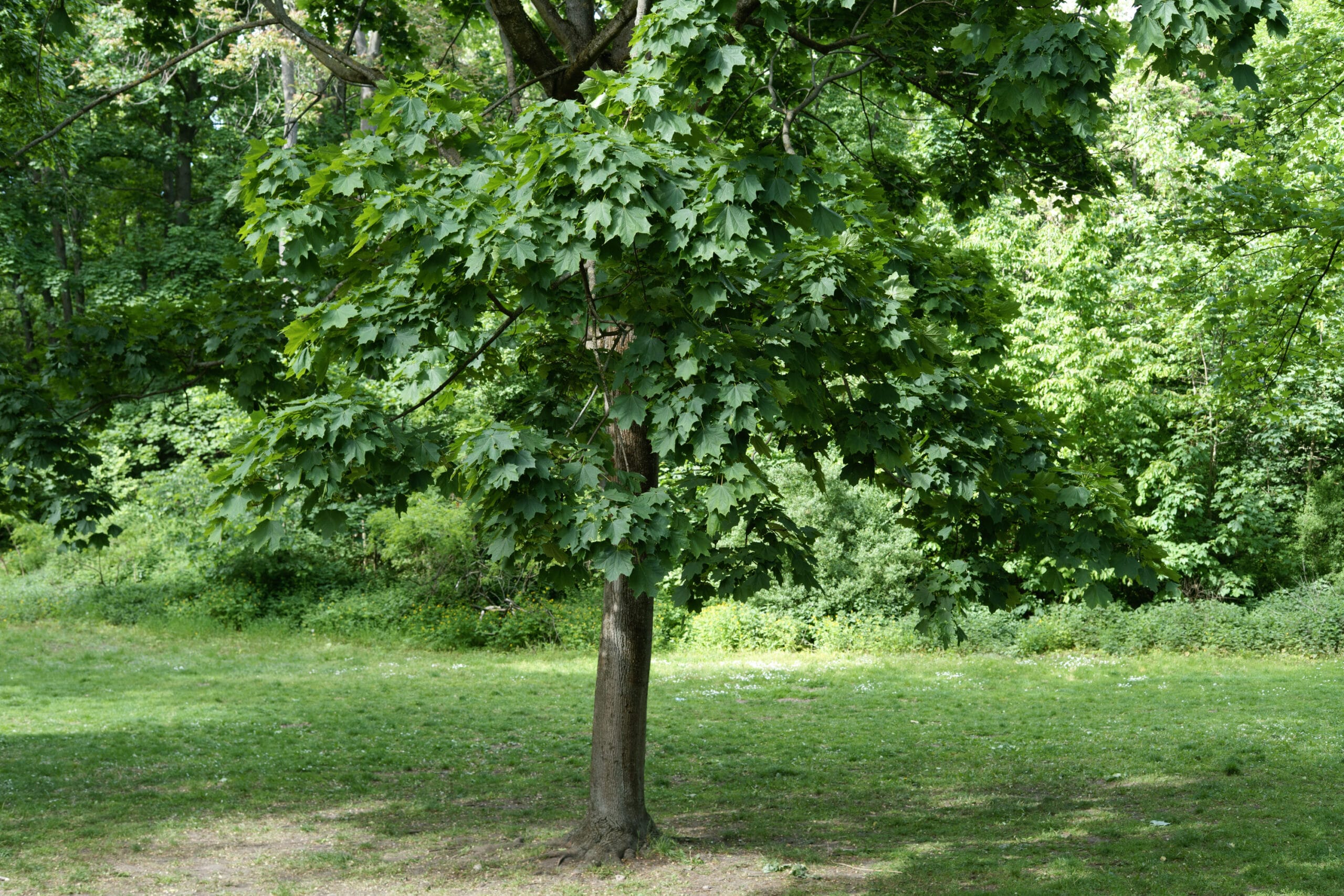
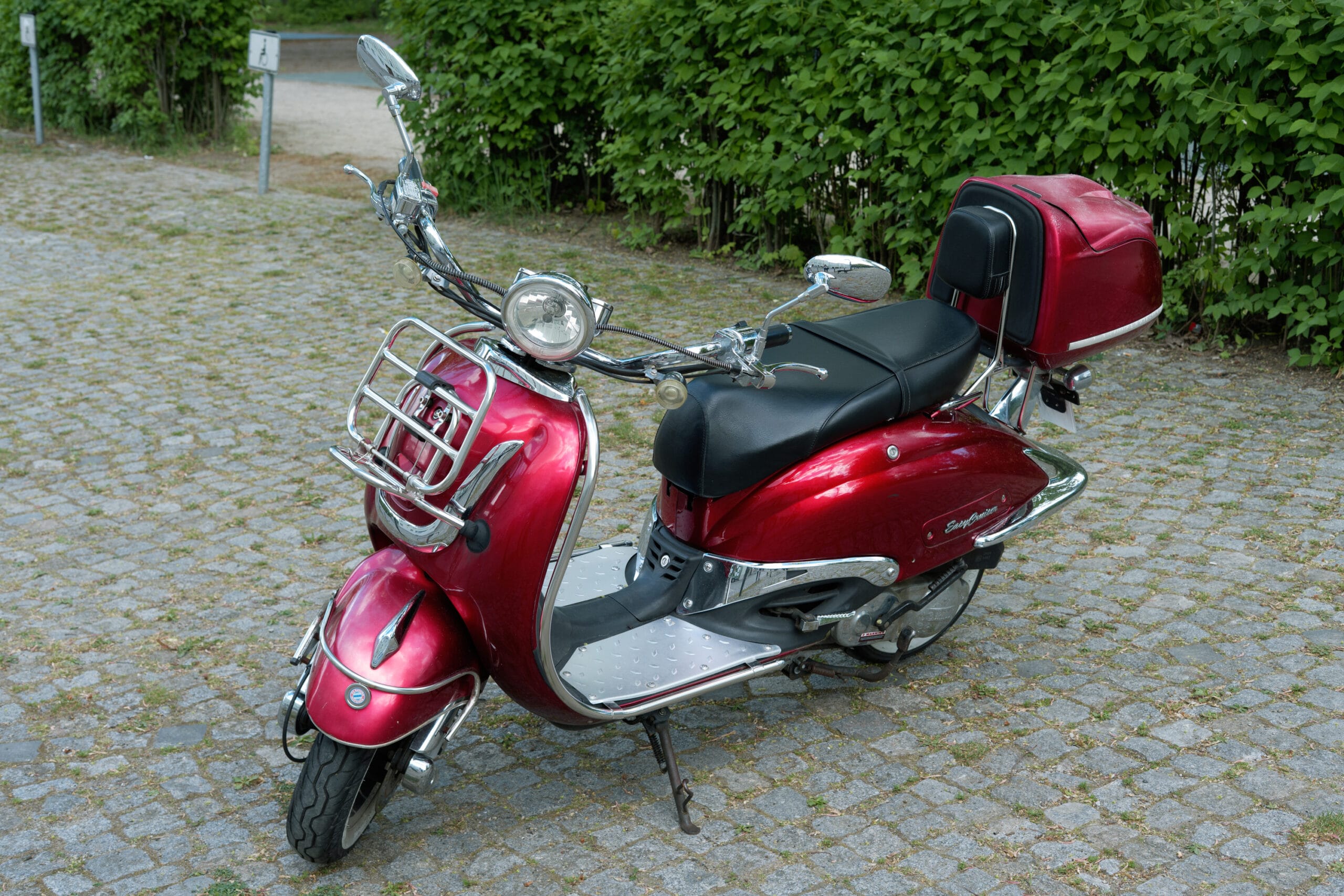
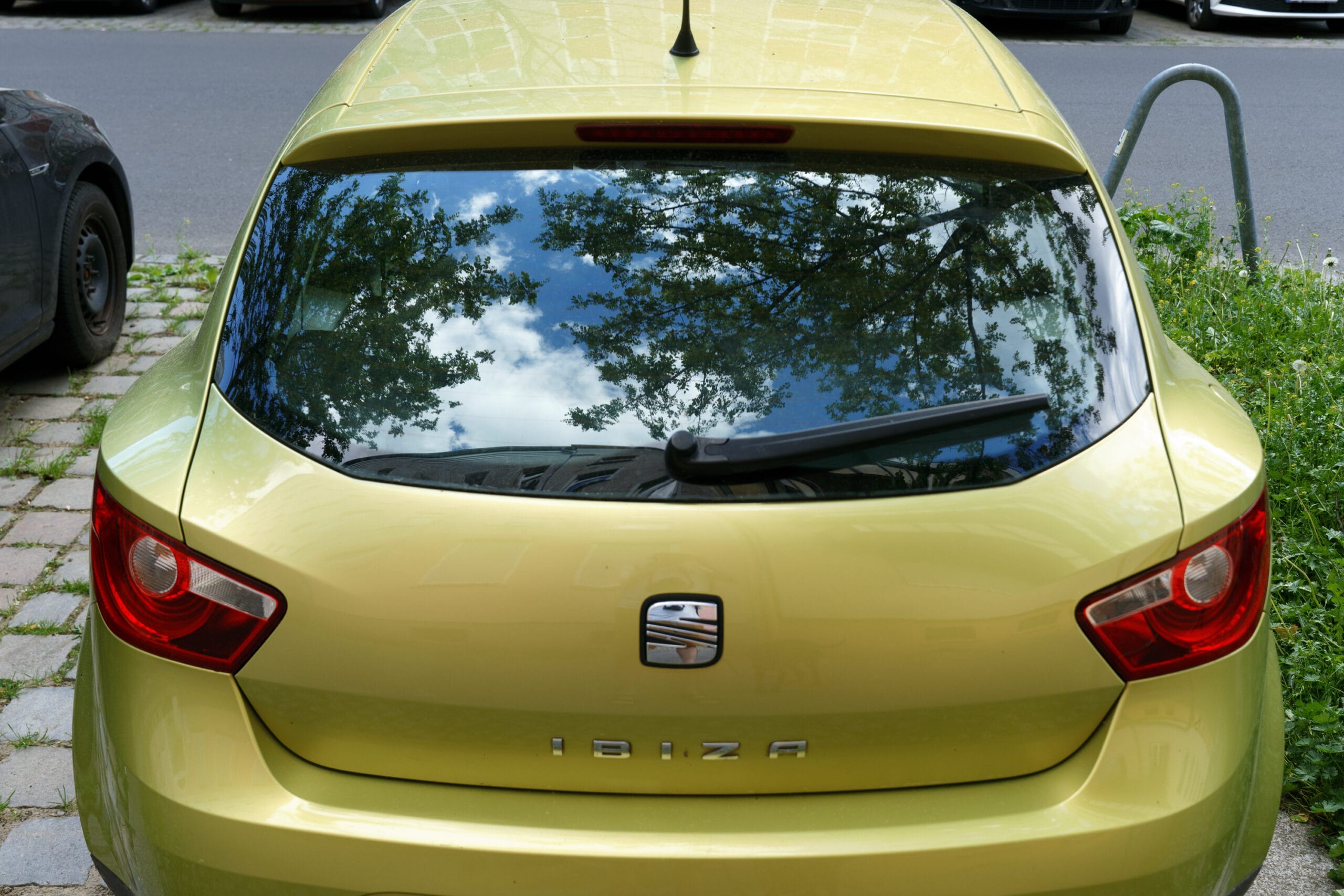
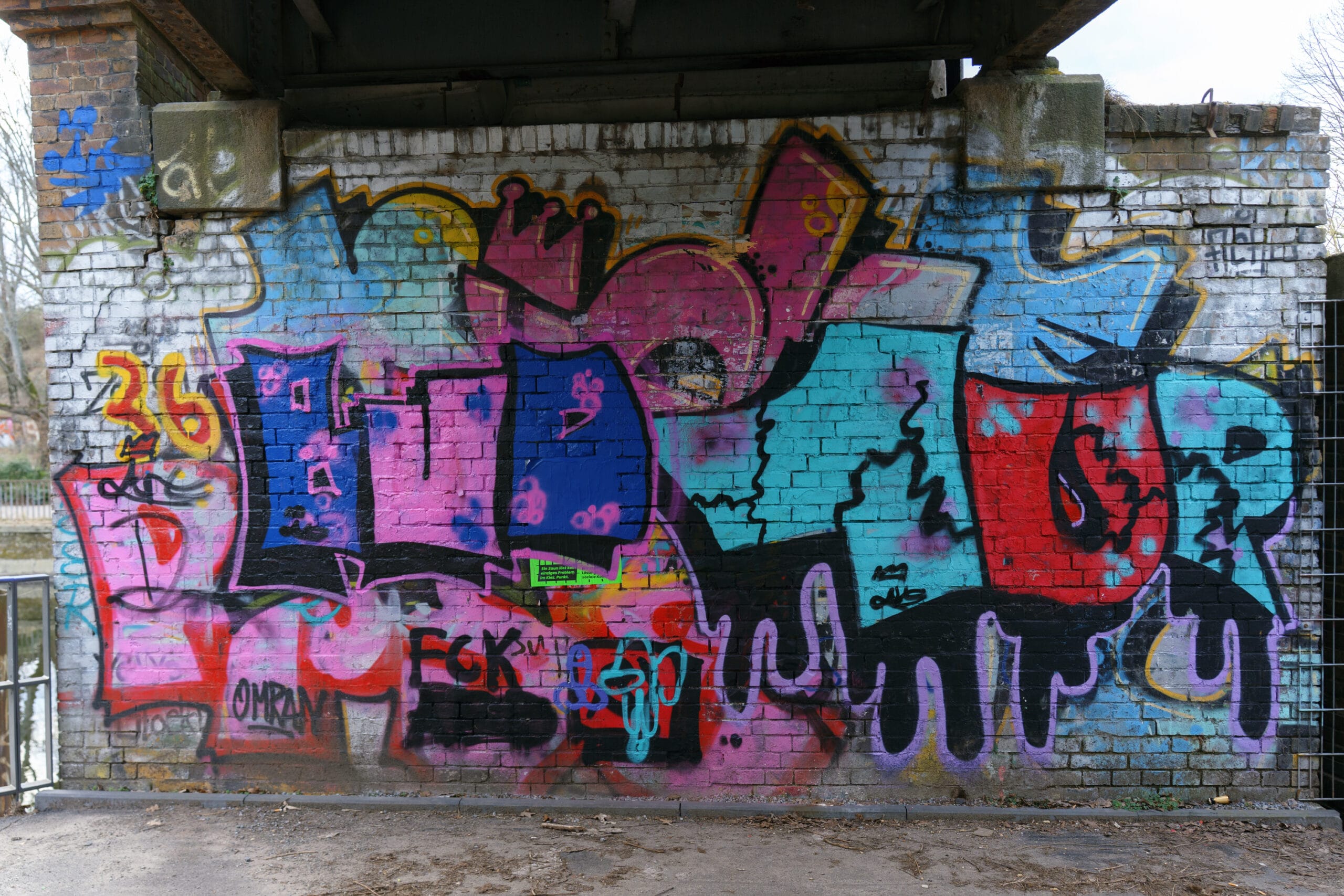
Gallery - Raw images from a Sony a7IV with various emulations applied












FAQs
If you want to see Alchemy Color Emulations applied to your images, send us a raw sample from a supported camera through any file delivery service and email us at info@alchemycolor.com. We’ll get back to you with edited samples in TIFF format for review.
Alchemy Color SOOC Emulations are compatible with Lightroom, Photoshop, DaVinci Resolve, and Canon Digital Photo Professional.